Shenzhen Kosintec Co., Ltd
Product Details
| Place of Origin: | Kiosk Manufacturer |
|---|---|
| Brand Name: | KosinTec |
| Certification: | FCC, CE, ROHS |
| Model Number: | K-8246 |
Payment & Shipping Terms
| Min Order: | 1 UNIT |
|---|---|
| Price: | $ |
| Packaging: | Strong Case |
| Delivery Time: | 5-6 weeks |
| Payment Terms: | TT |
| Supply Ability: | 5000 units per month |
Detailed Product Description
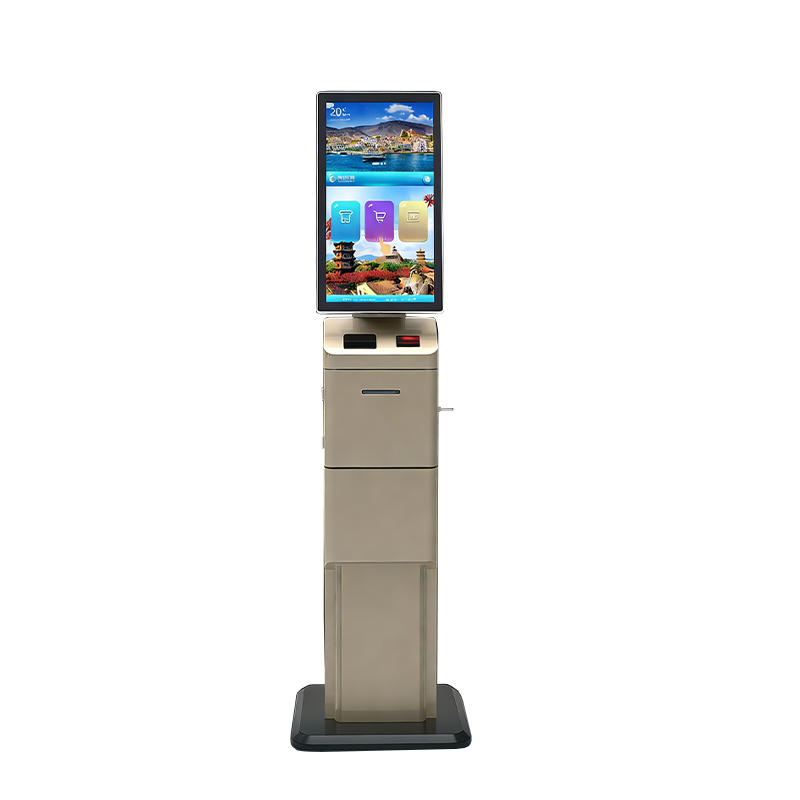
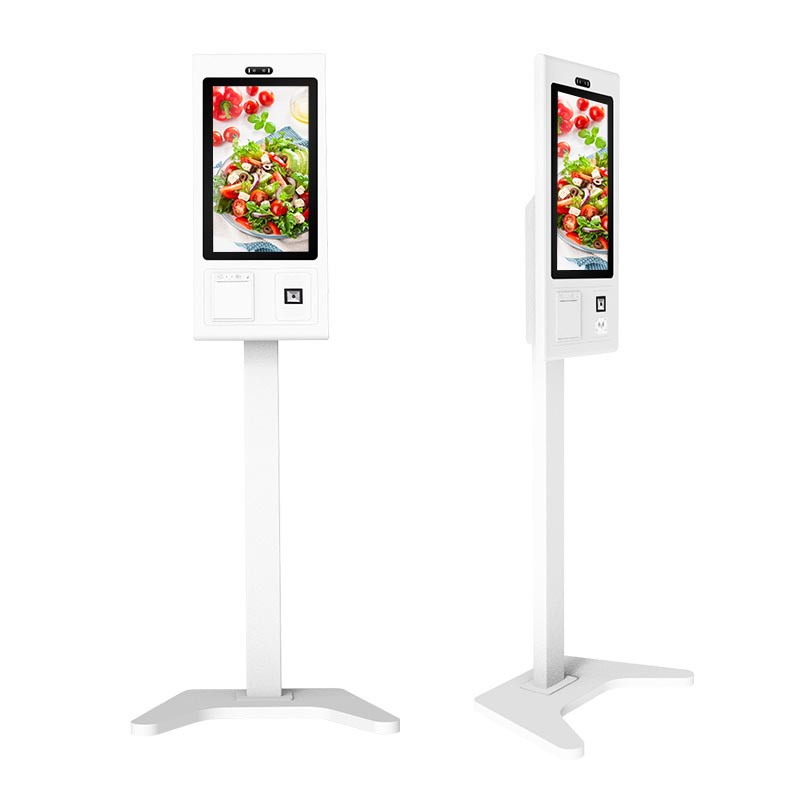
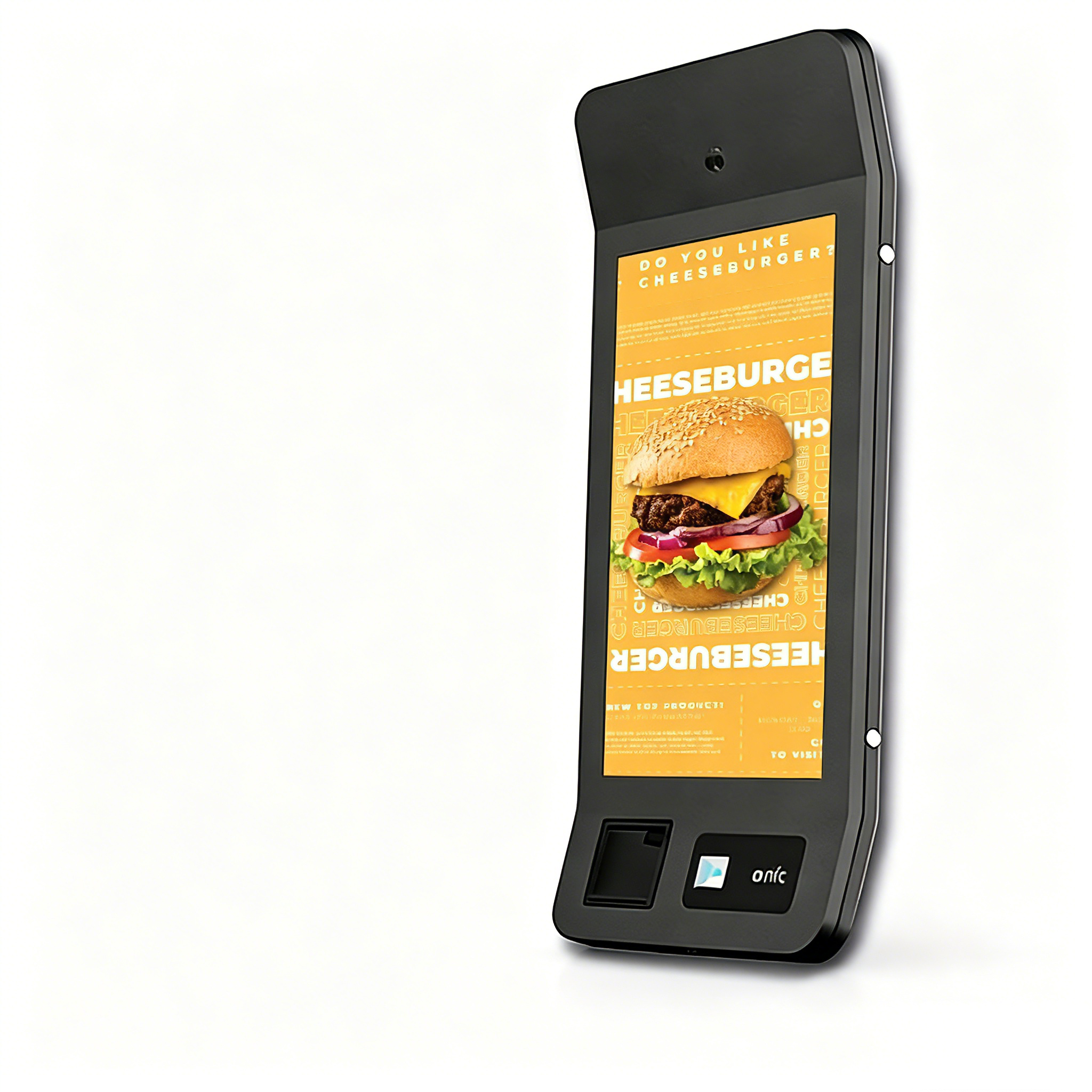
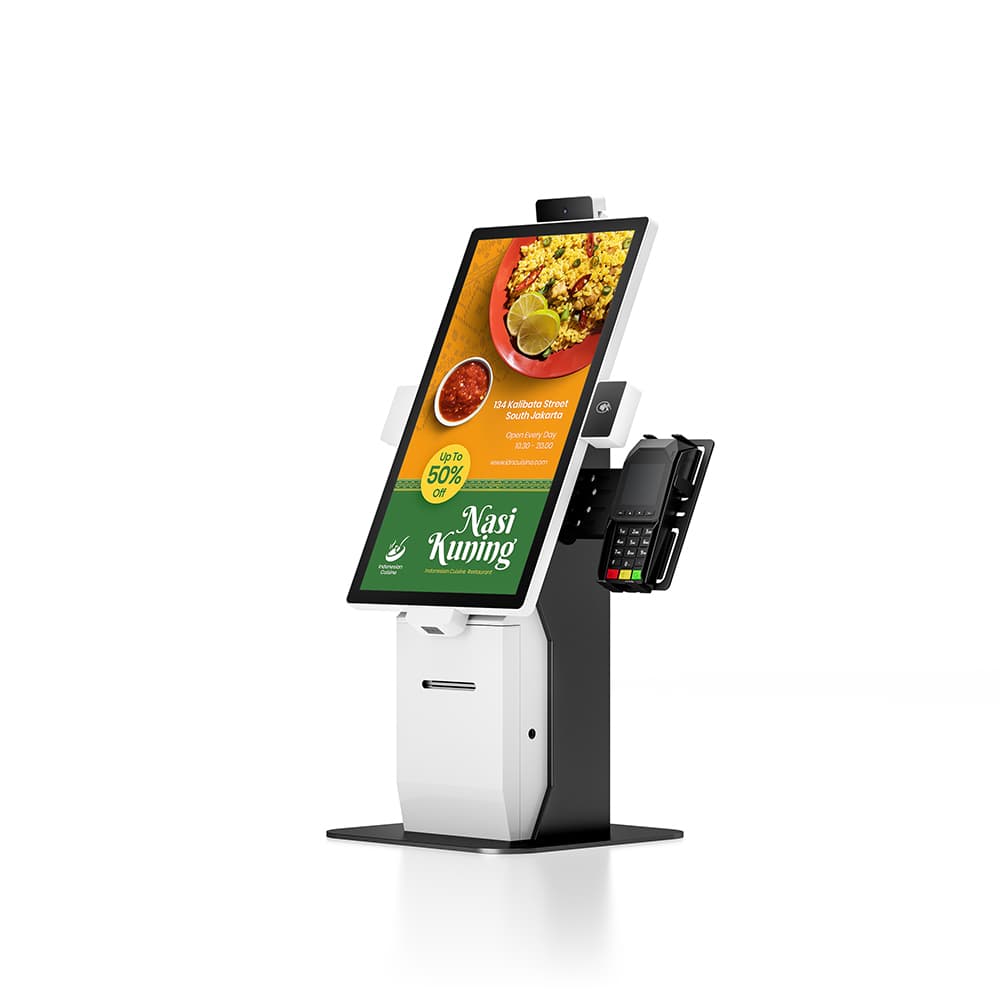
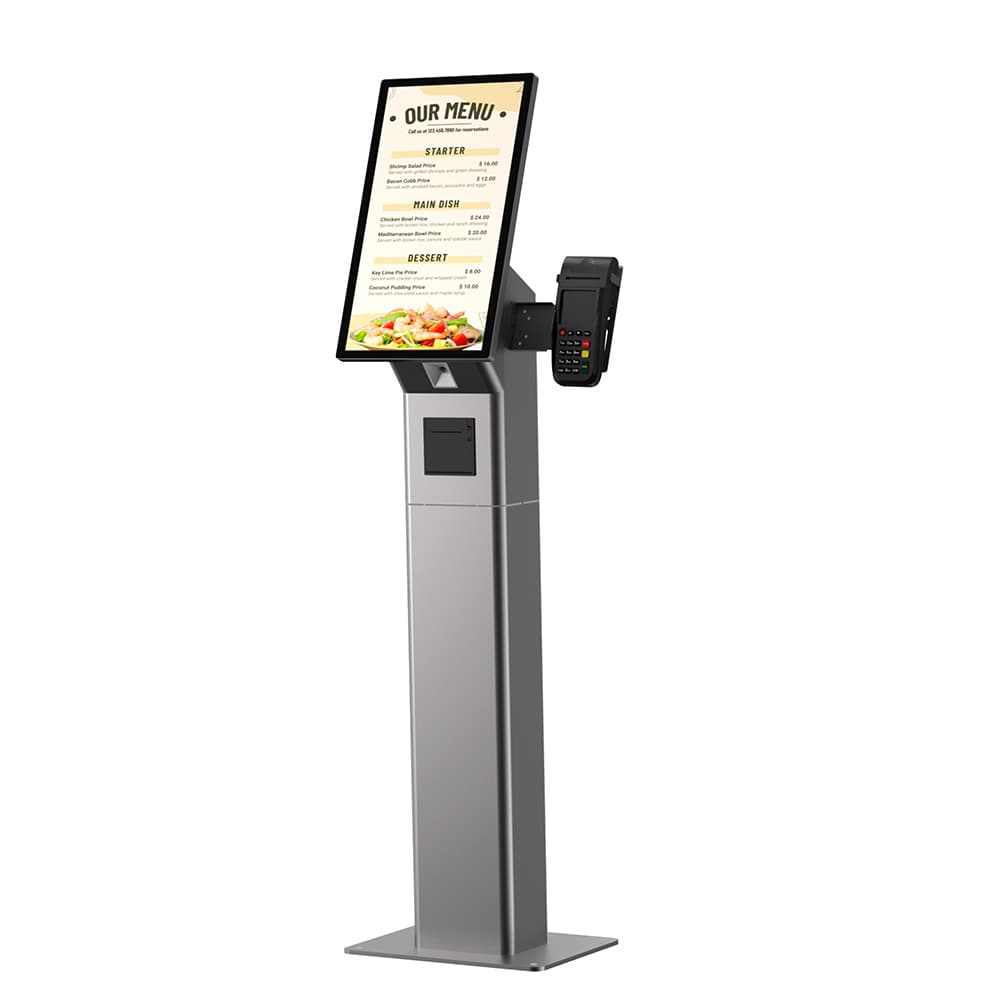
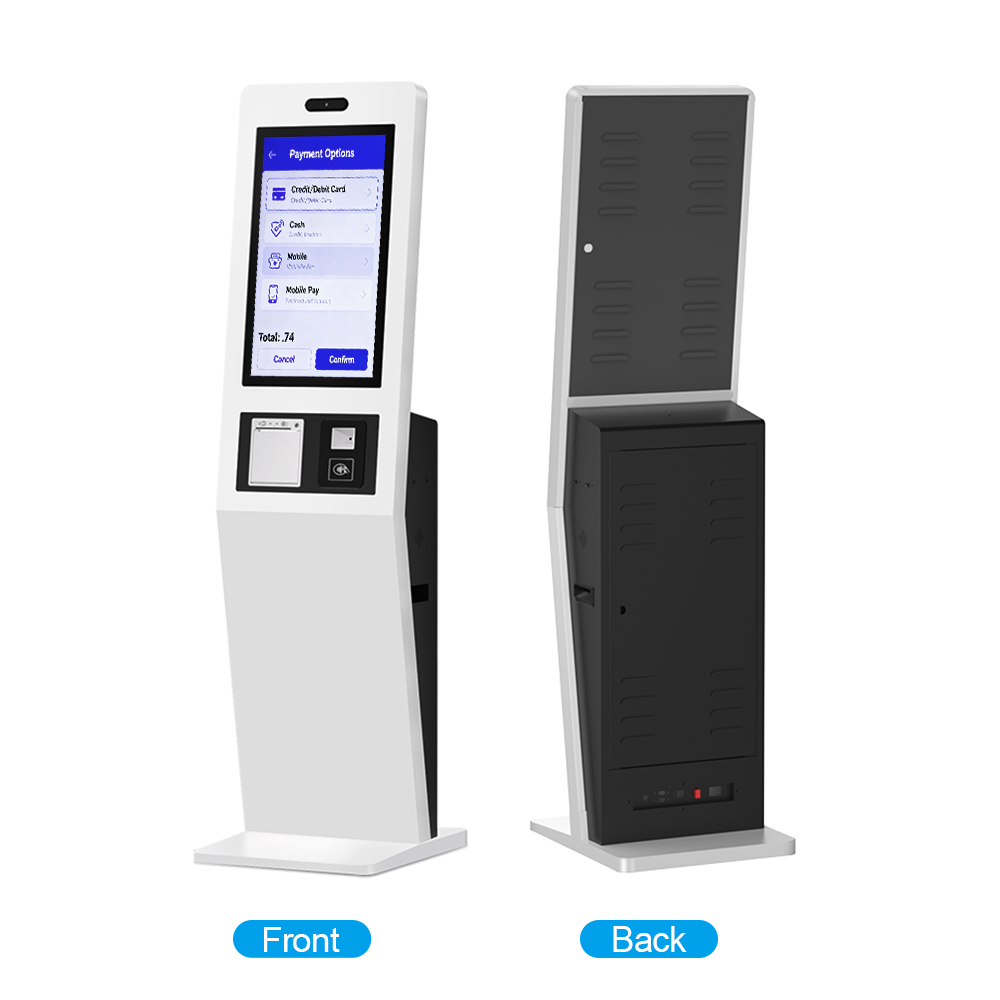
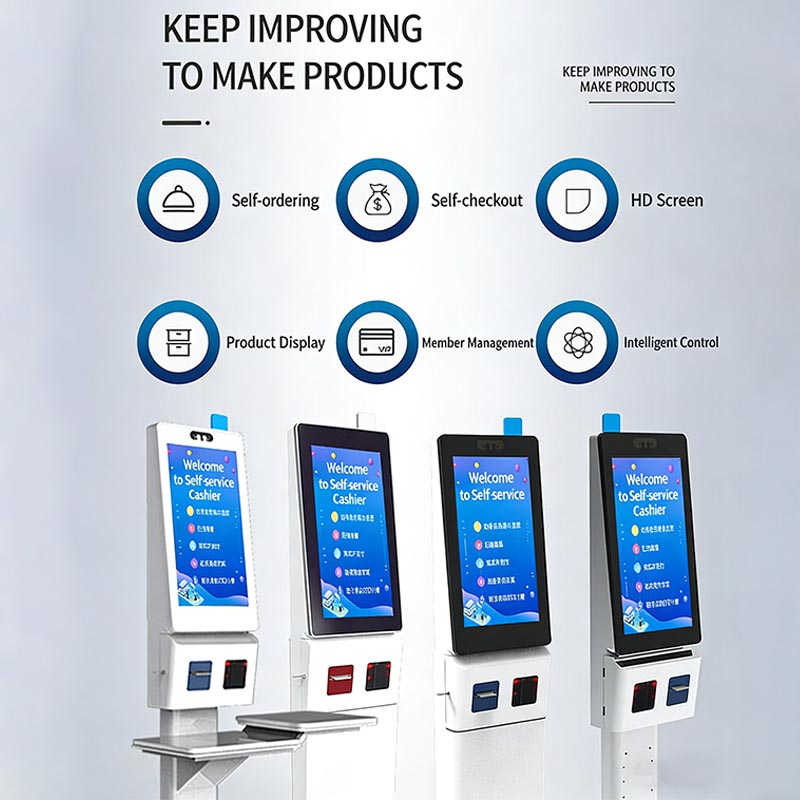
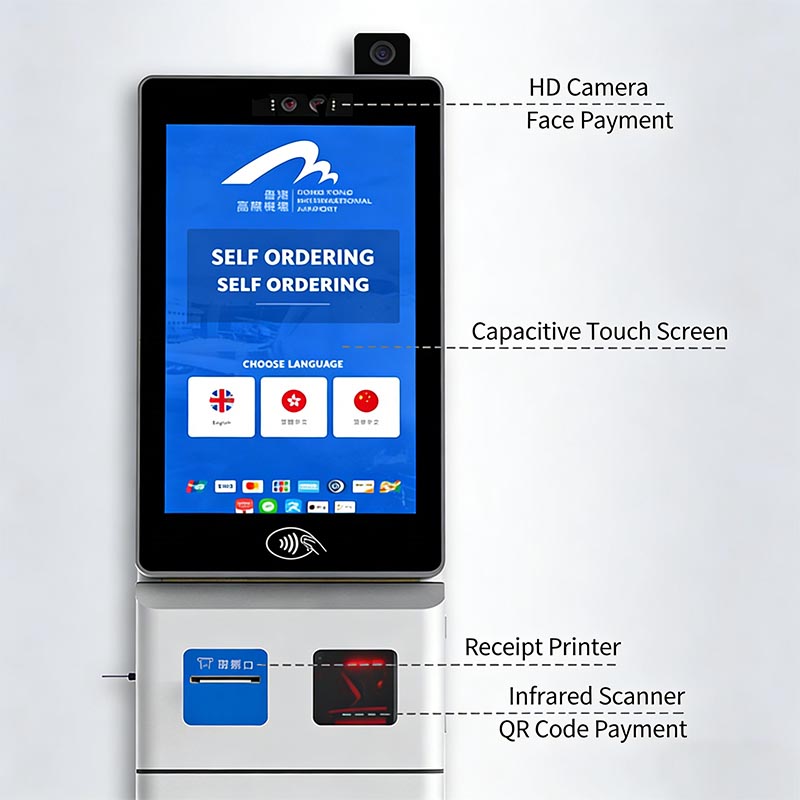
This self-service checkout kiosk features an HD capacitive touch screen, integrated face/QR payment, and cloud data sharing. It supports self-ordering, product display, and membership management, with flexible designs (e.g., with item trays) to fit diverse retail/F&B scenarios.
Specifications | Details |
Screen | HD capacitive touch screen (multi-language support) |
Peripherals | Infrared scanner (for barcode/QR code); built-in receipt printer |
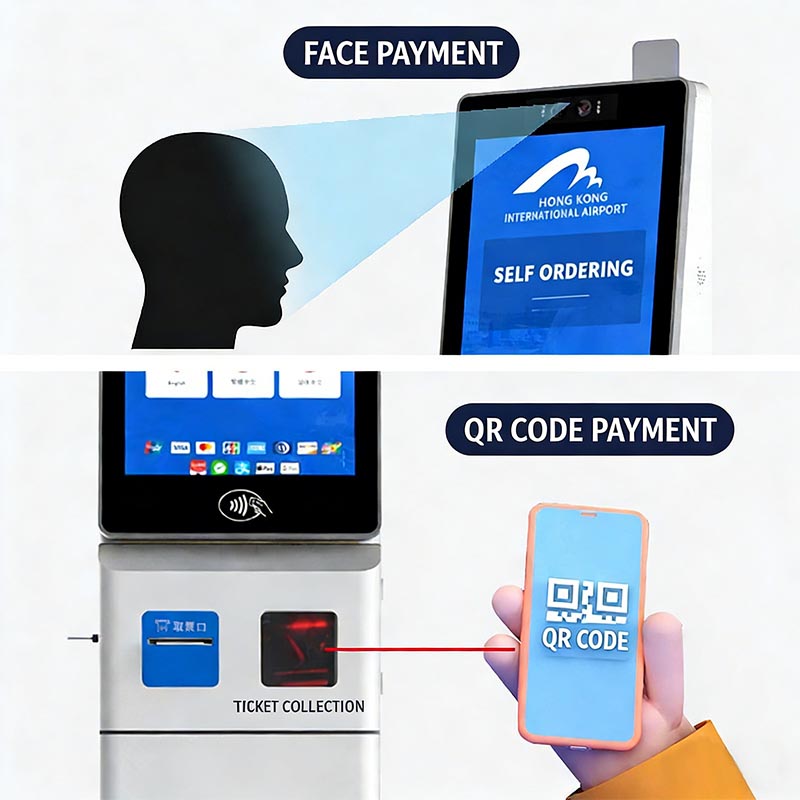
Payment Methods | Face payment (HD camera); QR code payment |
System Capabilities | Cloud data sharing (multi-kiosk sync); membership management |
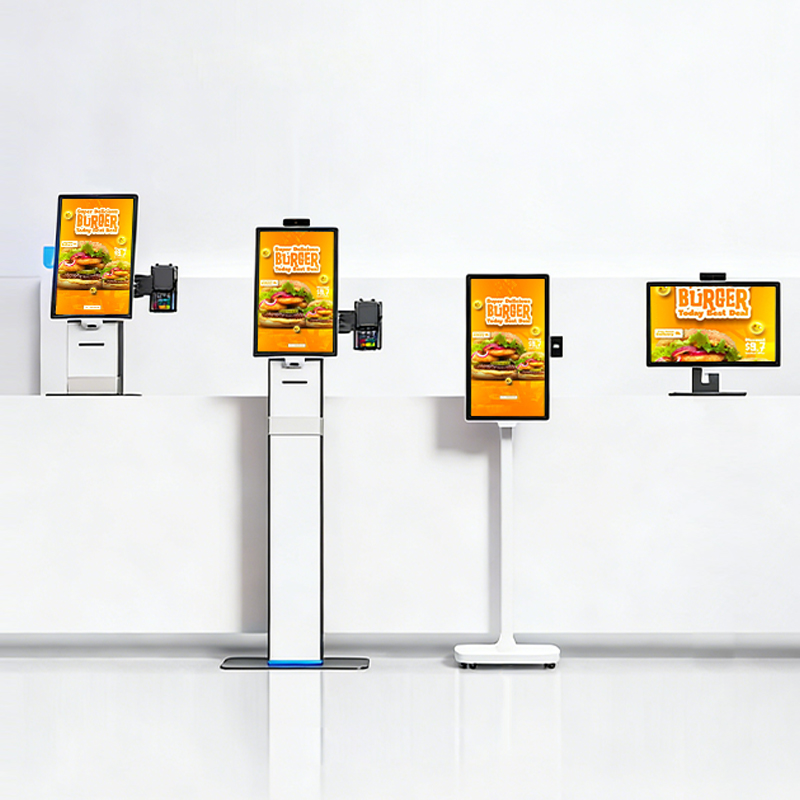
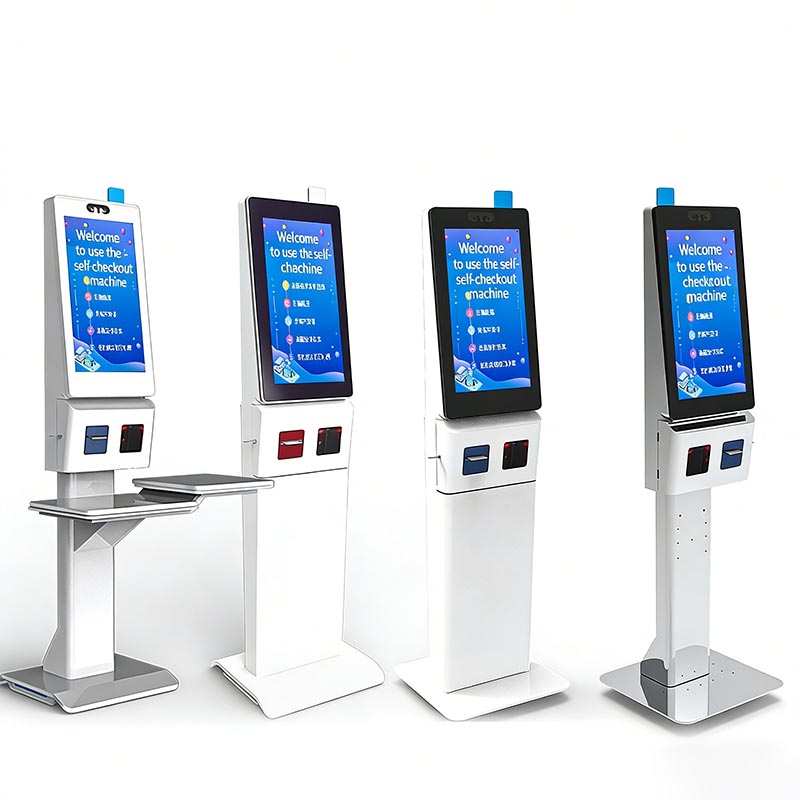
Design Options | Varied stand designs (including models with item placement trays) |
Features and Functions1. End-to-End Self-Service: Enables self-ordering, barcode scanning, and checkout to reduce queues and labor costs. 2. Intuitive Interaction: HD capacitive touch screen (multi-language) ensures clear product display and easy operation for all users. 3. Flexible Payment: Supports face and QR code payment for fast, convenient transactions. 4. Smart Data Management: Cloud sync across multiple kiosks simplifies inventory and sales tracking. 5. Adaptable Design: Multiple stand options (e.g., with item trays) fit different venue layouts and needs. | |
| Applications1. Retail Stores: Self-checkout in supermarkets, convenience stores, and boutiques. 2. Food & Beverage Venues: Self-ordering and payment in fast-food chains, cafes, and airport restaurants. 3. Public Service Spots: Quick self-service transactions in transport hubs (e.g., airports) or shopping malls. |
1. Why is the HD capacitive touch screen suitable for this kiosk?
◦ It delivers sharp, vivid product displays (enhancing browsing) and responsive touch control, ensuring smooth self-service even during peak hours.
2. What’s the benefit of multi-language support on the screen?
◦ It caters to international users (e.g., in airports) or diverse customer bases, removing language barriers for seamless operation.
3. How does cloud data sharing help business owners?
◦ It syncs sales/inventory data across multiple kiosks in real time, letting owners monitor operations centrally without manual data entry.
4. Why include item trays in some kiosk designs?
◦ Trays provide a convenient space for users to place items while scanning, improving operational comfort and efficiency in retail scenarios.