Shenzhen Kosintec Co., Ltd
Product Details
| Place of Origin: | Kiosk Manufacturer |
|---|---|
| Brand Name: | KosinTec |
| Certification: | FCC, CE, ROHS |
| Model Number: | k-8439 |
Payment & Shipping Terms
| Min Order: | 1 UNIT |
|---|---|
| Price: | $ |
| Packaging: | Strong Case |
| Delivery Time: | 5-6 weeks |
| Payment Terms: | TT |
| Supply Ability: | 5000 units per month |
Detailed Product Description
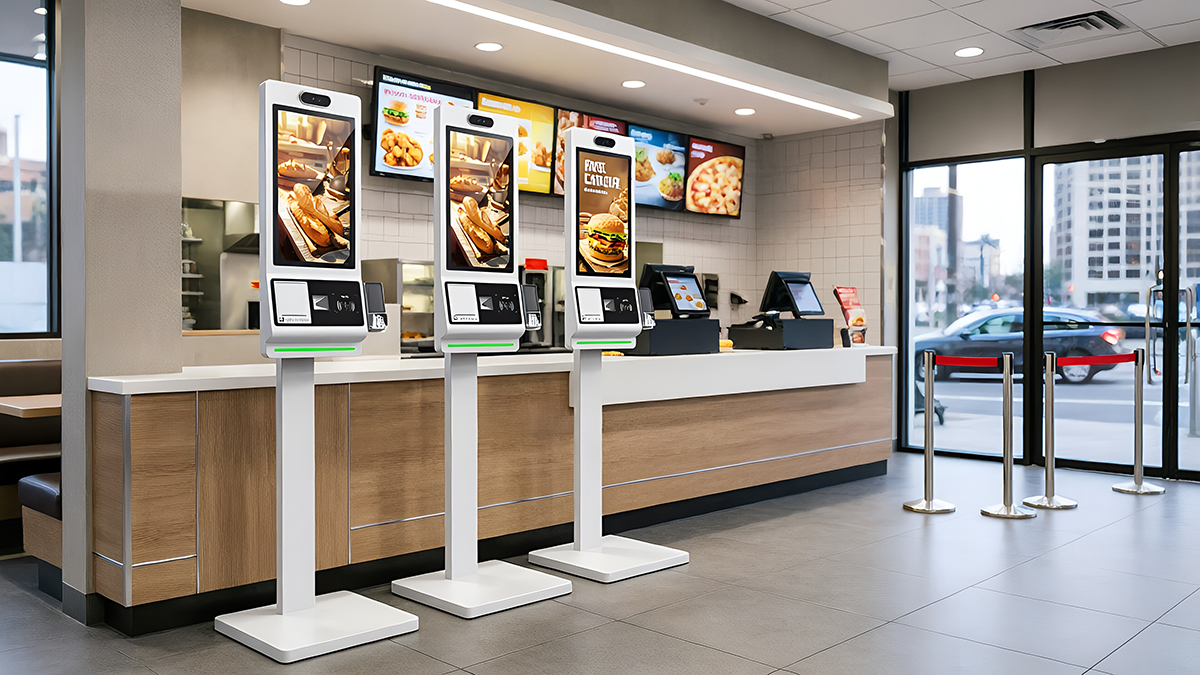 |
Welcome to kosinTec touch screen kiosk display homepage, we are a top touch screen kiosk display manufacturer with modern factory, below is the detailed introduction to our high quality touch screen kiosk display. According to this guide you can learn all informations about the touch screen kiosk display, such as the types, sizes, manufacturing process, components, work principle, and applications. |
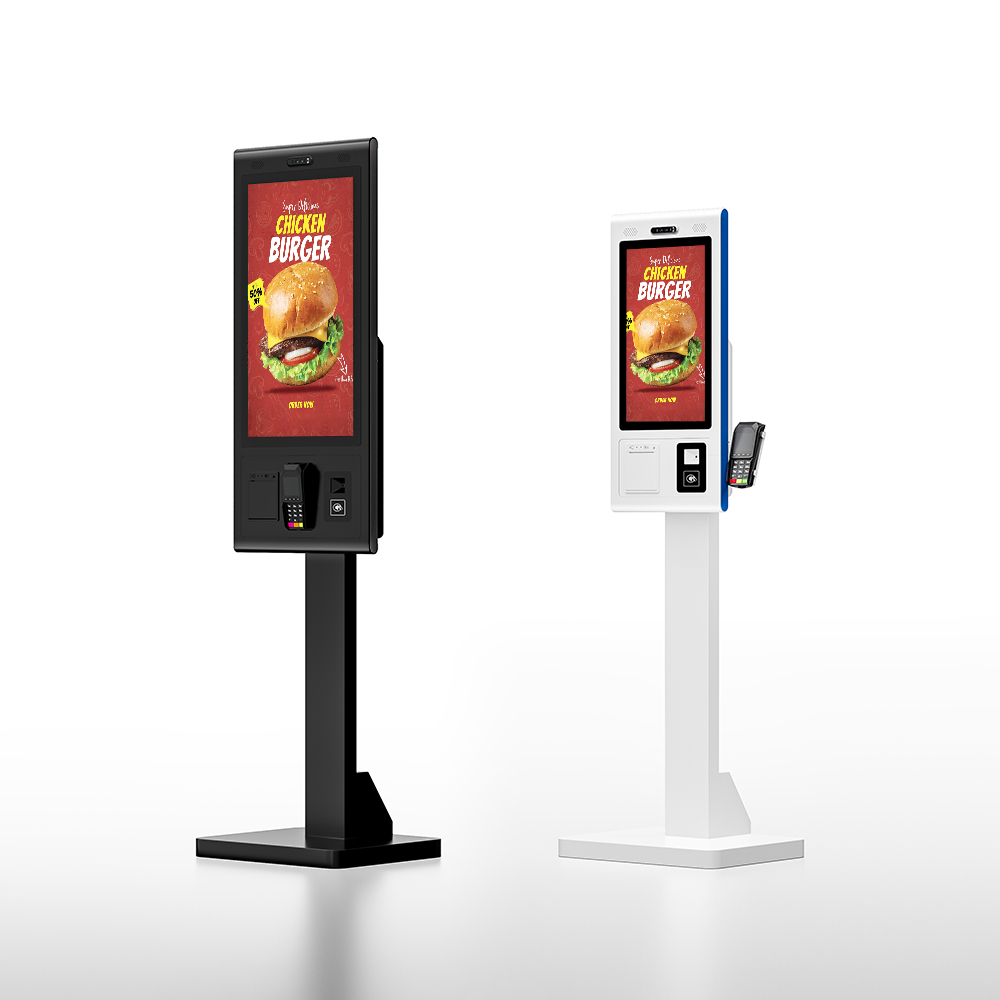
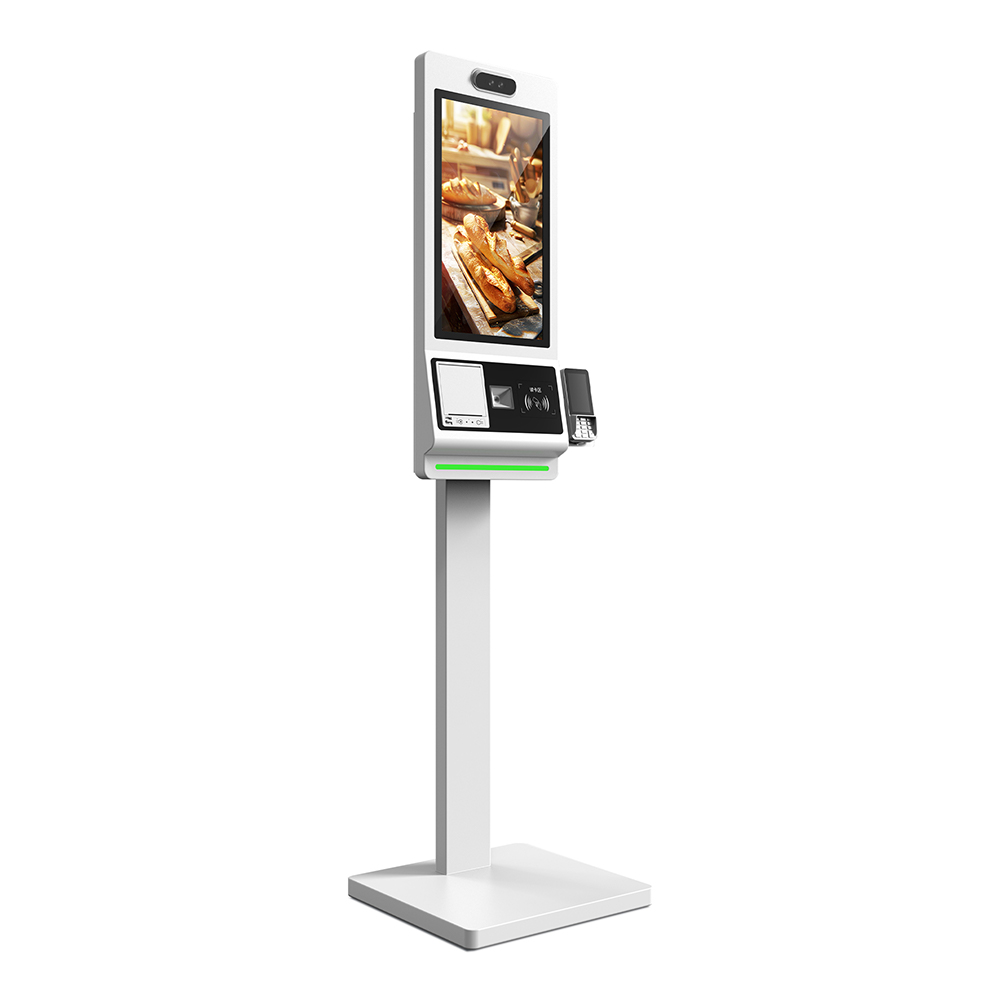
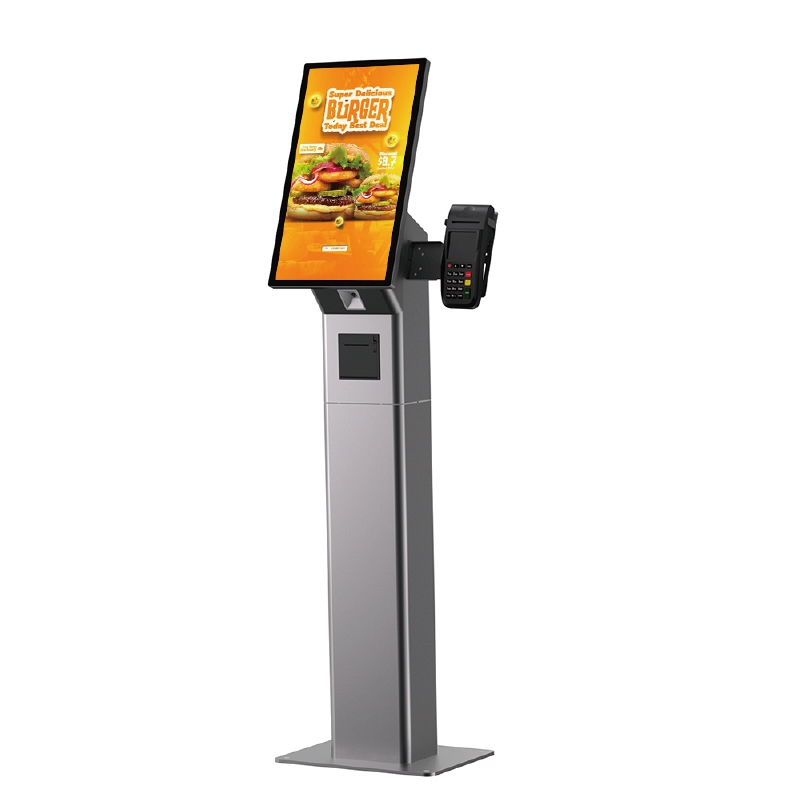
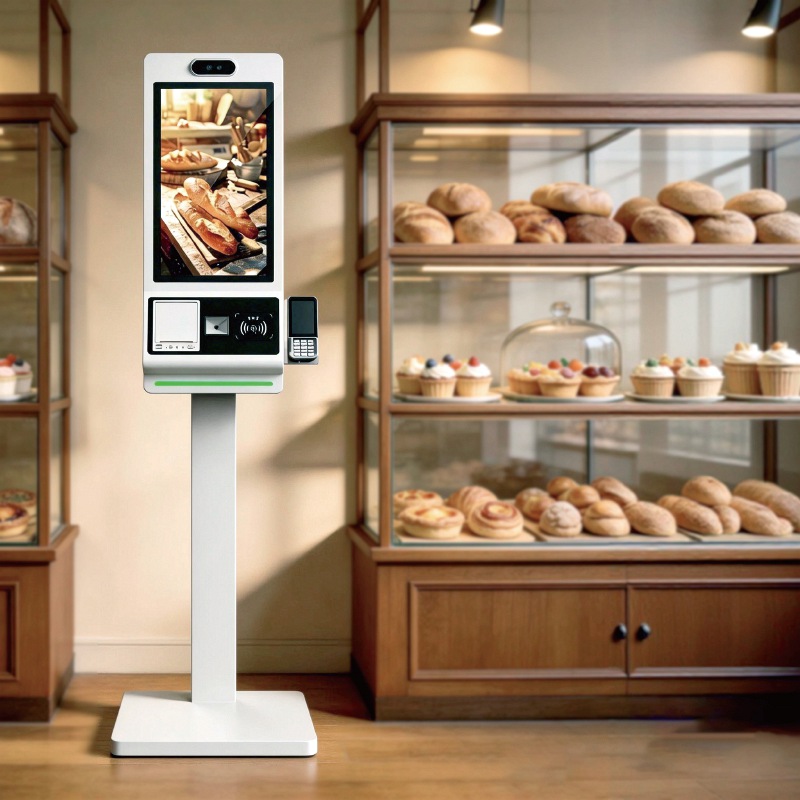
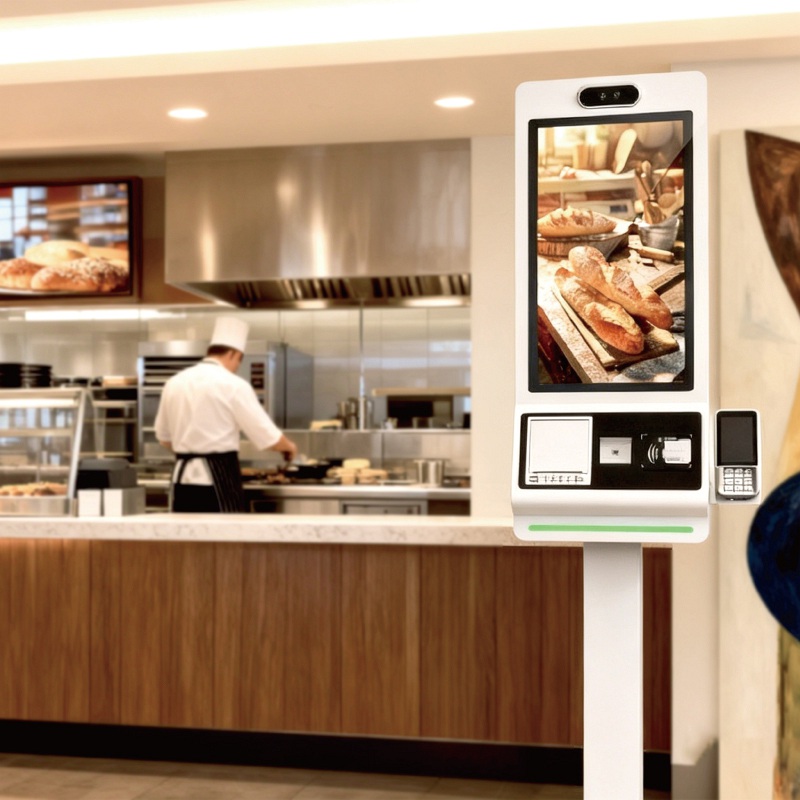
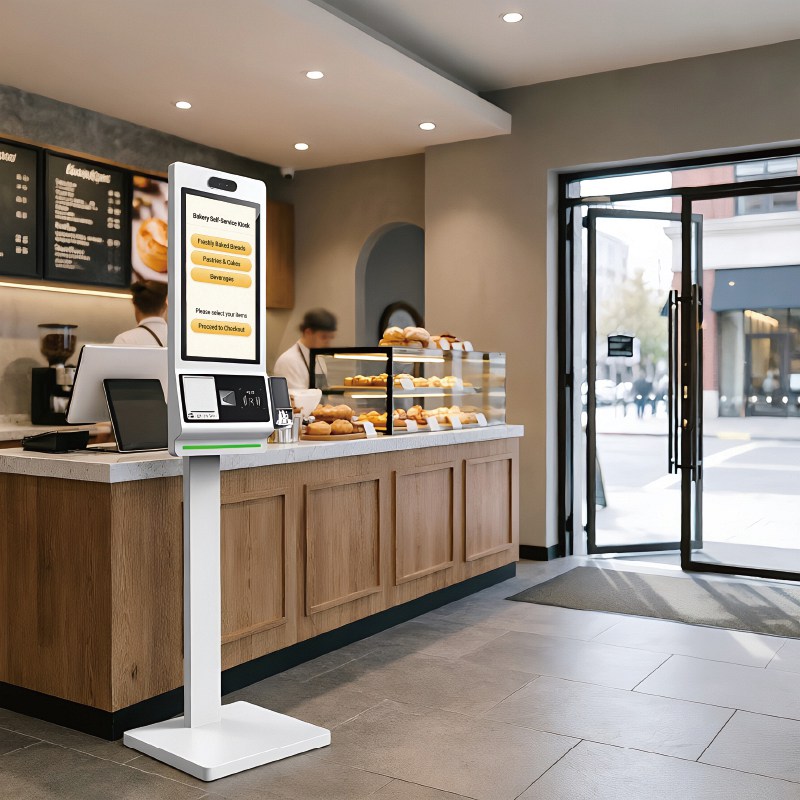
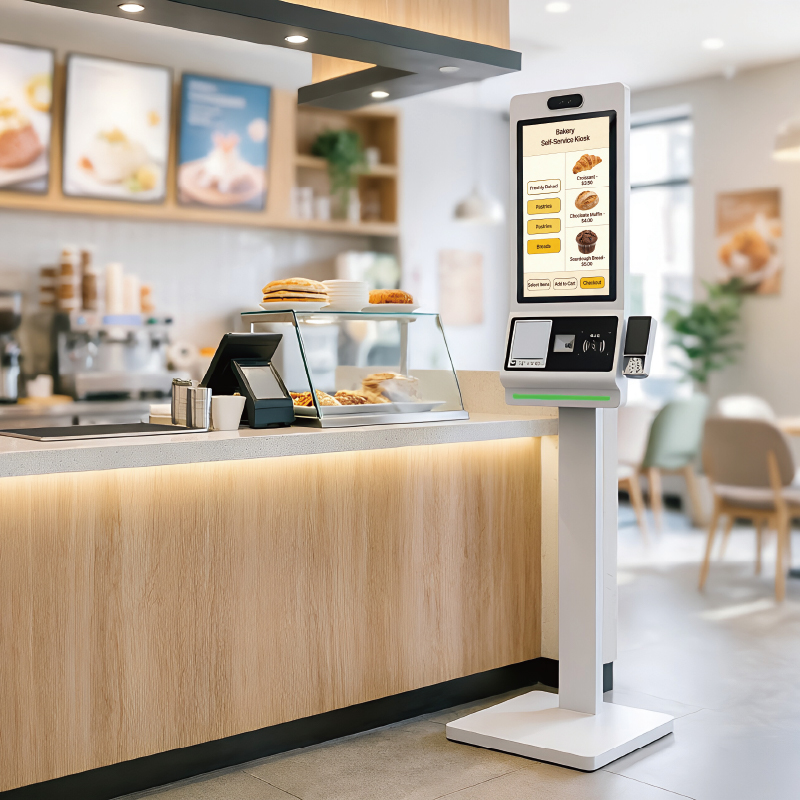
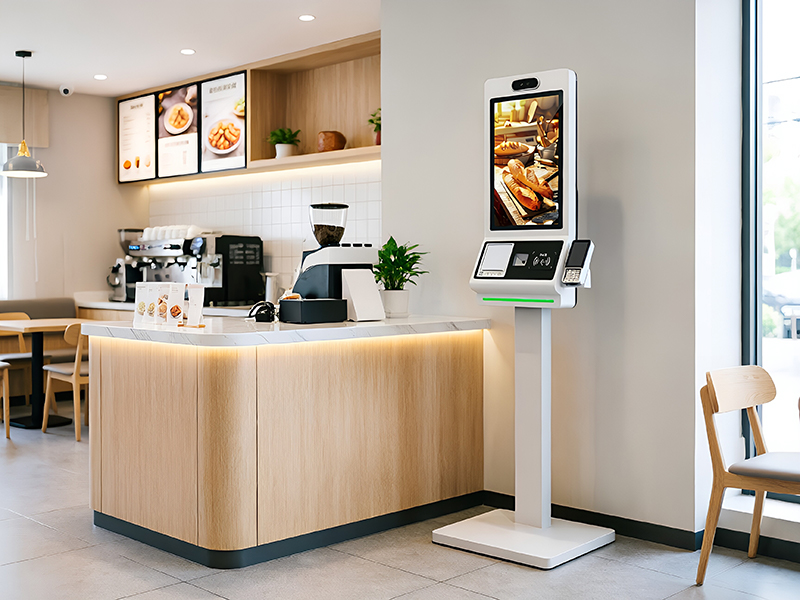
A Touch Screen Kiosk Display is an interactive, all-in-one terminal that integrates a high-resolution display, a touch-sensitive panel, and an embedded computer (PC) into a secure, public-facing enclosure. It serves as a specialized, self-service device, enabling users to interact directly with software via touch for purposes such as wayfinding, ordering, check-in, or accessing information, thereby providing functionality that static or non-touch screens cannot.
|
|
Hardware
| Software
|
 | What Does the Touch Screen Kiosk Display Do for Us
|
Key Technology of Touch Screen Kiosk Display
|
|
Design & CAD: Finalize the aesthetic and ergonomic design of the metal enclosure and ventilation system.
Integration: Integrate the LCD panel, Multi-Touch sensor, and pre-configured embedded PC/CPU onto the internal chassis mounting points.
Peripherals: Wire and connect specialized components (e.g., scanners, printers) within the secure enclosure.
Software Imaging: Install the chosen OS and secure Kiosk software application template.
Calibration & Testing: Rigorously test touch accuracy, system stability, thermal performance, and compliance (CE/FCC).
| Usage Guide to Touch Screen kiosk DisplayThe kiosk operates like an oversized tablet. Users:
|
Positioning: Place the unit on a level, stable surface, optimizing viewing angle for users.
Securing: Secure the floor-standing base to the ground using bolts to prevent tipping and theft (highly recommended for public spaces).
Power & Network: Connect the power and establish network connectivity via RJ45 Ethernet or high-strength Wi-Fi.
Final Test: Verify the application loads correctly and the touch responsiveness is accurate.
Feature | Touch Screen Kiosk Display (KOSINTEC Product) | Touch Screen Monitor |
Integration | All-in-One PC with embedded CPU, OS, and storage. | Display panel only; requires external PC/media player. |
Durability | Industrial/Commercial Grade, secured enclosure, 4 mm tempered glass, designed for 24/7 public use. | Consumer/Prosumer grade, less protection, designed for desktop use. |
Software | Pre-loaded with Kiosk Shell software to lock down the system. | Runs the full OS of the external PC; no built-in security layer. |
Purpose | Self-Service, Autonomous Transactions, and secure interactive applications. | Simple data input, second screen for a dedicated operator. |
Buyer Pain Point | KOSINTEC Technical Solution |
Fear of Damage and Vandalism | 4 mm Tempered Glass & Industrial Chassis: The robust screen protection and secure metal enclosure guarantee resistance to public use and physical wear, ensuring unit integrity and continuous uptime. |
System Inflexibility/Lock-in | Dual OS (Windows/Android) Support: Offers the choice of running Windows for high-demand business software or Android for streamlined apps, preventing software lock-in and maximizing application compatibility. |
High TCO due to Obsolescence | Modular Design & Future-Proof PC Specs: The embedded PC (e.g., i3/i5) can be customized and the modular construction allows for easy component upgrades, extending the useful life well beyond typical digital signage. |
Inaccurate/Lagging Touch Input | 10-Point Multi-Touch with Fast Response: Utilizes high-quality PCAP or IR technology to deliver highly accurate, low-latency touch response, ensuring a smooth, frustration-free customer interaction even with complex applications. |
Deployment & Management Complexity | CMS Ready & RJ45/WiFi Connectivity: Fully supports remote management via industry-standard CMS platforms using both reliable Ethernet (RJ45) and Wi-Fi, streamlining content deployment and remote diagnostics for large networks. |
KOSINTEC is a professional Touch Screen Kiosk Display manufacturer, providing high-performance self-service solutions. Our products integrate 10-Point Multi-Touch, Full HD/UHD display, and Dual OS (Windows/Android) capabilities, featuring industrial-grade reliability (>60,000 hour lifespan, tempered glass protection). This effectively addresses B2B client pain points regarding system integration, high TCO, and public environment durability.
Contact us now to customize your next-generation interactive Kiosk Display, optimize customer experience, and boost operational efficiency!