Shenzhen Kosintec Co., Ltd
Product Details
| Place of Origin: | Kiosk Manufacturer |
|---|---|
| Brand Name: | KosinTec |
| Certification: | FCC, CE, ROHS |
| Model Number: | k-8439 |
Payment & Shipping Terms
| Min Order: | 1 UNIT |
|---|---|
| Price: | $ |
| Packaging: | Strong Case |
| Delivery Time: | 5-6 weeks |
| Payment Terms: | TT |
| Supply Ability: | 5000 units per month |
Detailed Product Description
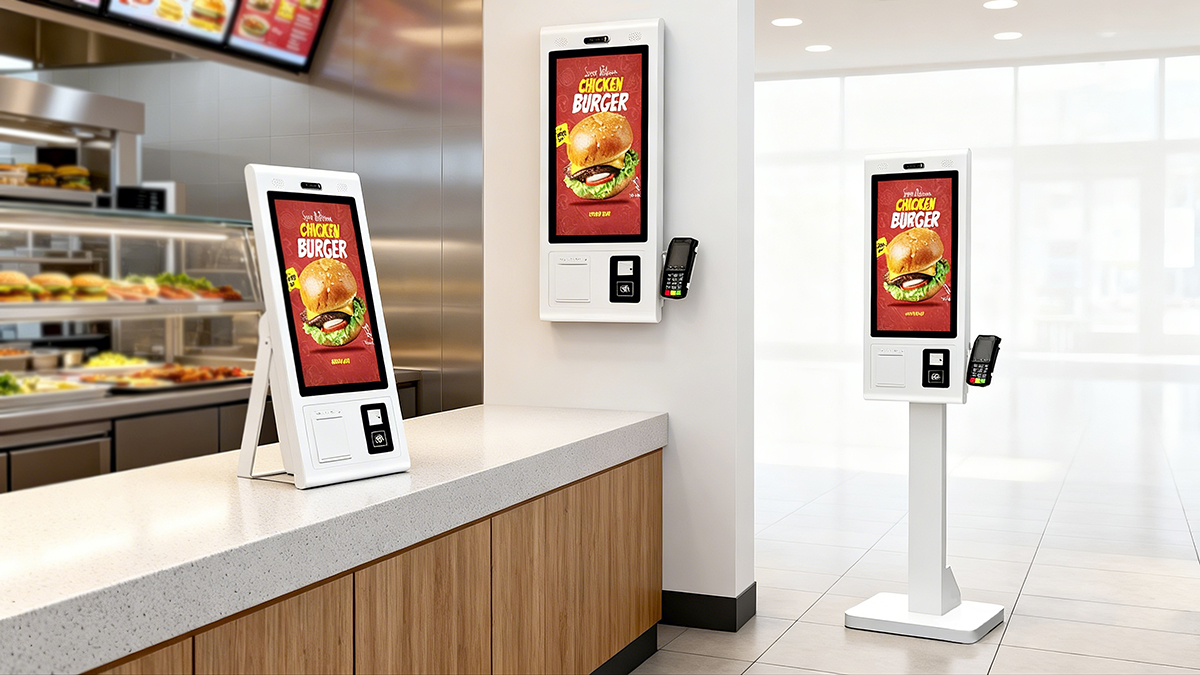 |
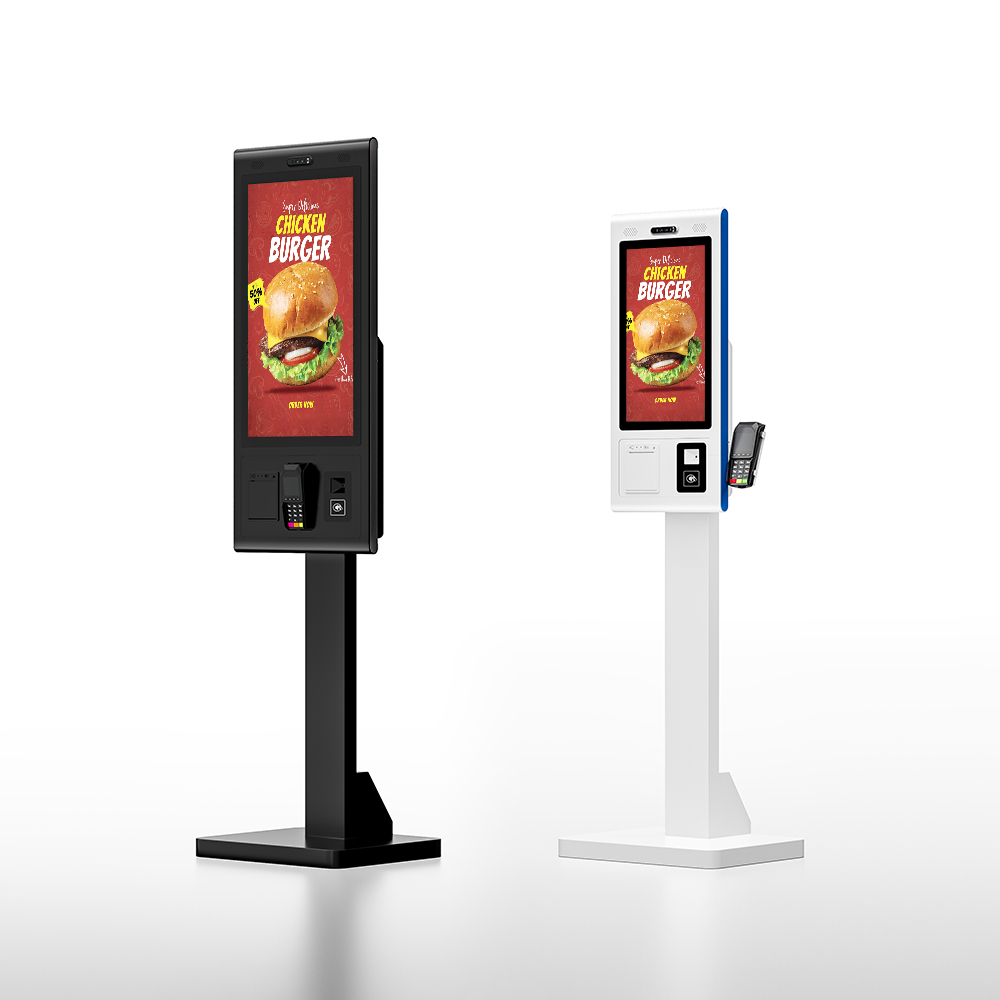
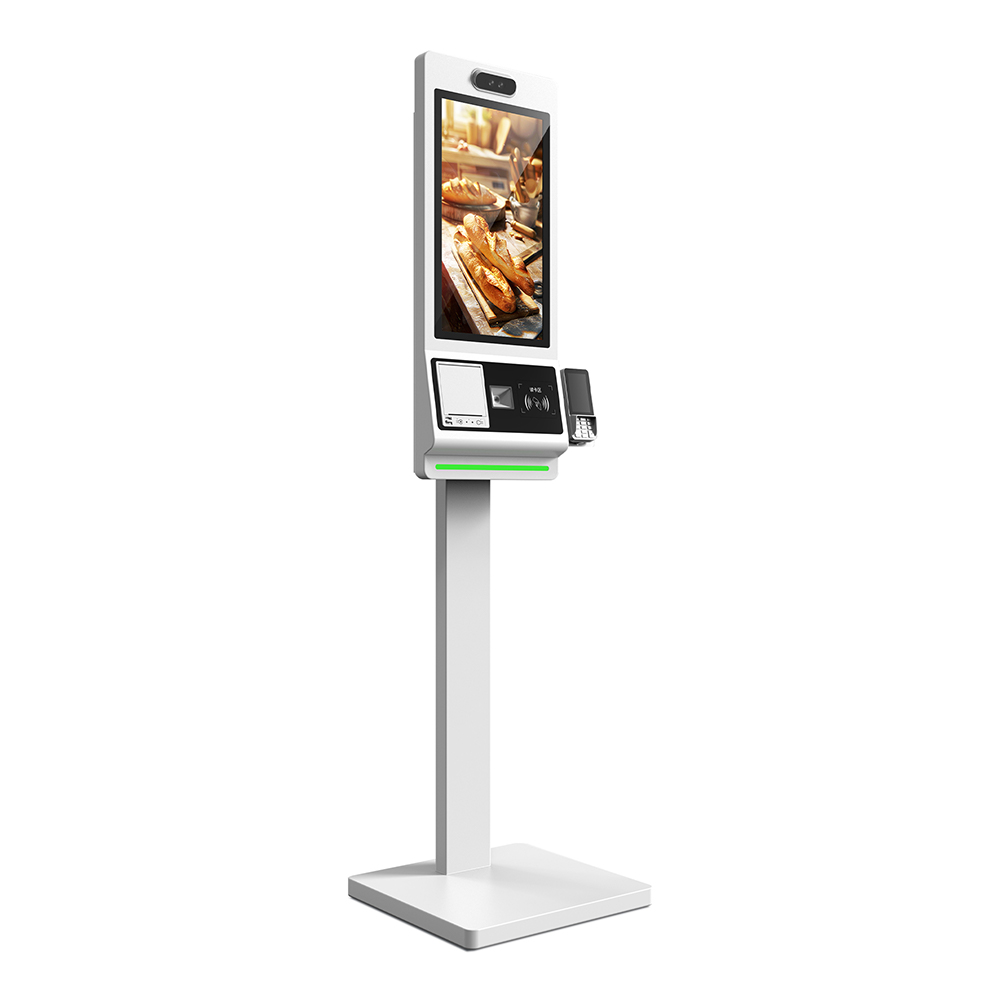
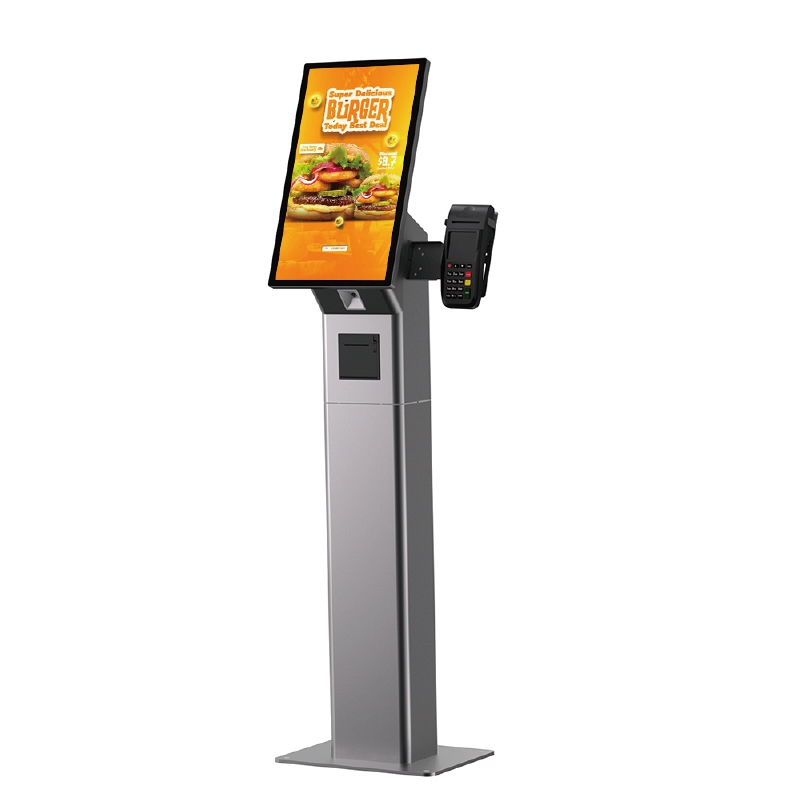
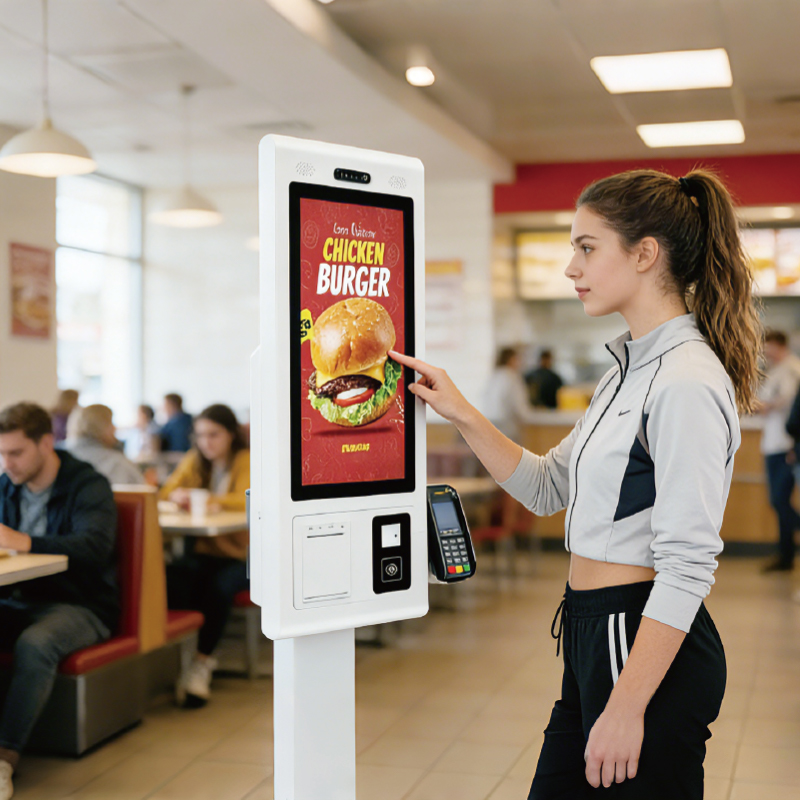
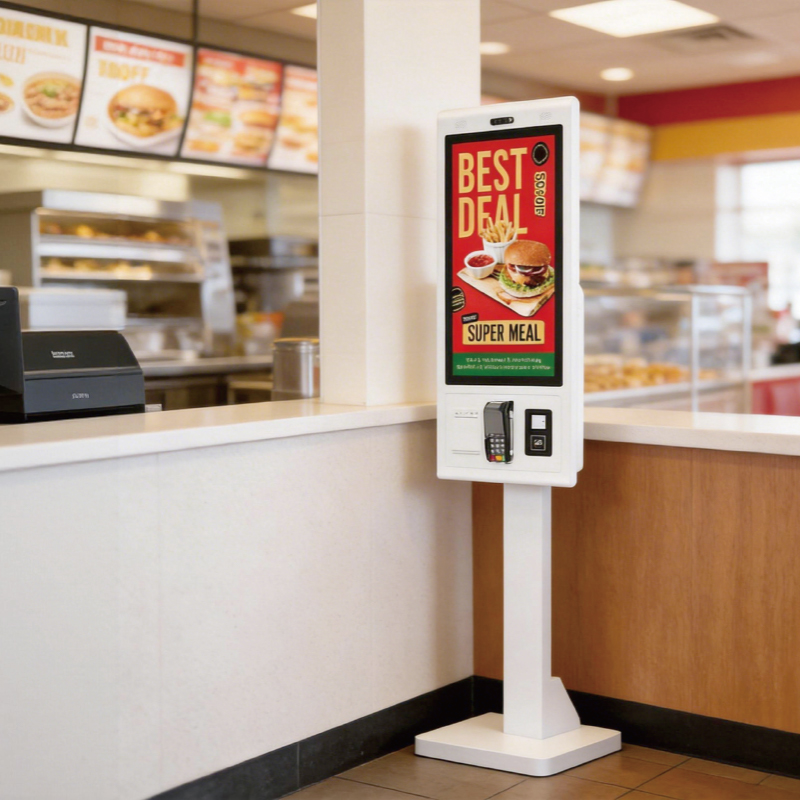
What is A Floor Standing Touch Screen KioskA Floor Standing Touch Screen Kiosk is a robust, self-contained interactive digital terminal mounted on a permanent base or stand, designed to be placed directly on the floor in high-traffic public areas. It integrates a commercial-grade, multi-touch display, an embedded computer (PC), and a durable metal enclosure. Its purpose is to provide users with an accessible, autonomous station for complex interactions, transactions, self-service ordering, and detailed information retrieval without requiring external tables or mounting hardware. |
Welcome to kosintec, we are a top touch screen kiosk manufacturer from China. With over 12 years of industrity experience, we can provide all different floor standing touch screen kiosk customizations and design, below is the detailed introduction to our high quality floor standing touch screen kiosk. Here you can learn its key technology, applications, work pruciple, intsallation and usage steps.
Feature | Specification | Detail / Benefit |
Model Type | Touch Kiosk PC (Floor Stand) | Secure, all-in-one interactive solution. |
Panel Size | 55 inch | High-impact size for visibility and comfortable interaction. |
Resolution | 1920 x 1080 | Ensures clear, high-definition graphical content. |
Brightness | 450 cd/㎡ | Suitable for bright indoor commercial environments. |
Contrast Ratio | 4000:1 | High contrast ensures text and images are sharp and vivid. |
Touch Technology | 10-Point Multi-Touch (IR/PCAP Optional) | Fast response (e.g., <5 ms) for fluid interaction. |
System | Dual OS Optional (Android 4.2.2 / Windows 7/8/10) | Flexibility to run specialized apps or full Windows enterprise software. |
Windows PC | Intel Core i3 1.8GHz, 4G RAM, 128G SSD | Powerful computing capacity for complex applications. |
Durability | 4 mm Tempered Glass | Screen protection against heavy public use and scratches. |
Lifespan | >60,000 hours | Long operational life, minimizing replacement costs. |
What a Floor Standing Touch Screen Kiosk Can Do for CustomersFloor Standing Touch Screen Kiosks are essential for automating and enhancing customer interactions:
| |
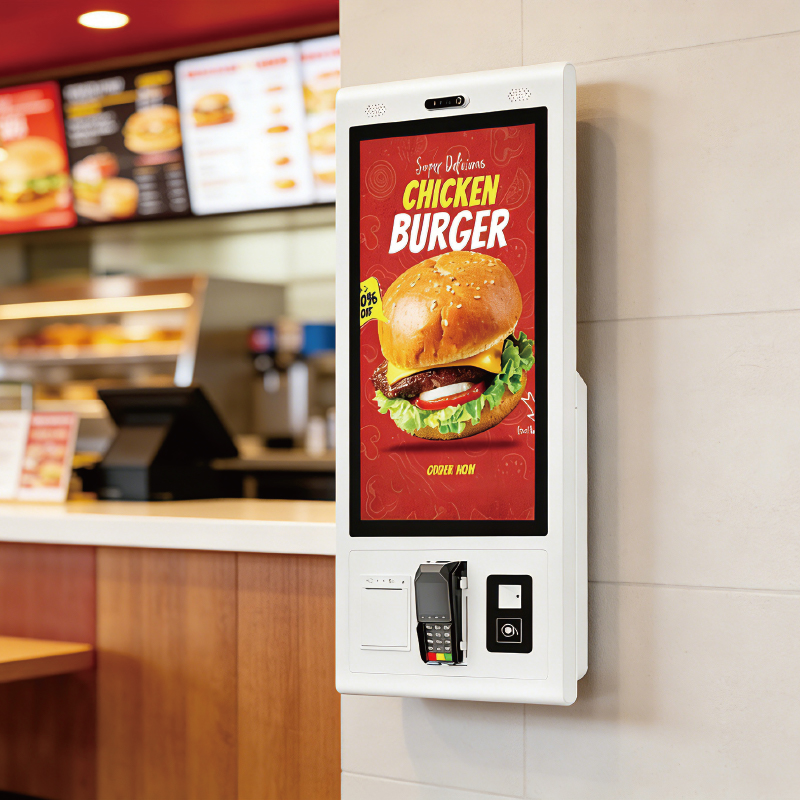
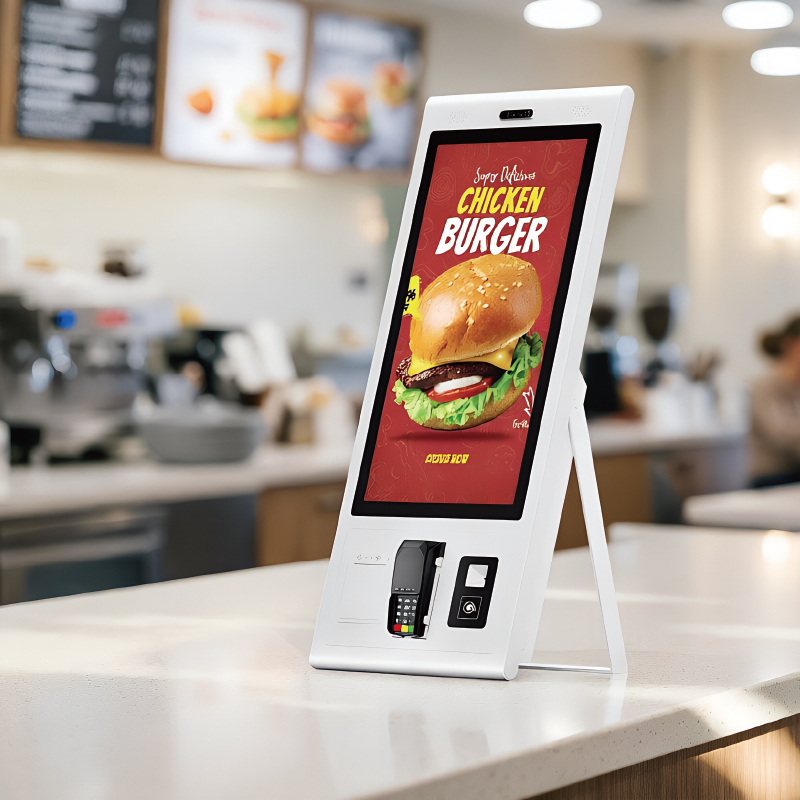
KosinTec as a professional floor standing touch screen kiosk manufacturer, we provide all different free standing touch kiosks for cusotoers need.
Kiosk Type / Style | KOSINTEC Focus Sizes |
Standard Floor Stand kiosk | 21.5 inch, 23.8 inch, 27 inch, 32 inch |
Slimline / Ultra-Thin Stand kiosk | 21.5 inch, 23.8 inch, 27 inch, 32 inch |
K-Shape / Ergonomic Stand kiosk | 15.6 inch,21.5 inch, 23.8 inch, 27 inch, 32 inch |
Dual-Sided / Double-Screen kiosk | 21.5 inch, 23.8 inch, 27 inch, 32 inch |
Tablet Style Stand kiosk | 10.1 inch, 15.6 inch |
| Application Scenarios of Floor Standing Touch Screen KioskFloor Standing Kiosks should be used in environments that require continuous public interaction and high visibility:
|
Installation Stpes
| How to use
|
Technical SupportRemote Access: KOSINTEC supports remote access tools, allowing technicians to remotely troubleshoot software and system issues via the network connection.
Documentation: Providing detailed SDKs and hardware manuals for client IT teams to integrate custom software.
Warranty: Offering multi-year warranties covering commercial-grade components.
Maintenance Tips for Floor Standing Touch Screen Kiosk
| |
Below are the most common pain points B2B buyers face when purchasing floor-standing touch screen kiosks, along with the technical solutions provided by KOSINTEC.
Pain Point | Solution Provided by KOSINTEC Product Features |
High Installation Cost & Cable Management | Slimline Design & Integrated I/O: Our slim floor stands feature internal cable routing and a minimal footprint. All power and network ports are hidden and secured within the base, simplifying installation and providing a clean, professional aesthetic. |
Durability Against Public Misuse | 4 mm Tempered Glass & Industrial Enclosure: The heavy-duty metal enclosure is secured against tampering, and the screen is protected by durable 4 mm tempered glass, ensuring the unit withstands continuous public use better than standard displays. |
System Integration with Legacy Software | Dual OS (Windows/Android) PC Flexibility: We offer dedicated Windows PC systems (i3/i5) specifically to ensure compatibility with traditional or specialized legacy enterprise software (e.g., specific POS software or database access). |
Troublesome Content Updates in Large Networks | Centralized Remote CMS Capability: The unit is fully compatible with network-based Content Management Systems (CMS), allowing staff to push one-click content updates and run diagnostics remotely from the corporate office. |
Poor Visibility in Bright Lobbies | Optimized Brightness & Contrast: With 450 cd/㎡ Brightness and a 4000:1 Contrast Ratio, the screen delivers excellent clarity and color vibrancy, ensuring content is highly visible and impactful even in well-lit indoor environments. |
Long-Term Total Cost of Ownership (TCO) | Commercial-Grade Components (>60,000 Hr Lifespan): By using panels and components rated for 24/7 use, the Kiosk guarantees a significantly longer operational lifespan than consumer electronics, dramatically reducing replacement frequency and long-term TCO. |
KOSINTEC's Floor Standing Touch Screen Kiosks are professional, all-in-one interactive solutions, ideal for high-traffic environments. Key features include 10-Point Multi-Touch, Full HD display (up to 55 inches), Dual OS (Windows/Android) flexibility, and industrial durability (protected by 4 mm Tempered Glass and backed by a >60,000 hour lifespan). We specialize in custom solutions for self-service ordering, wayfinding, and virtual reception.
Stop losing customers to long queues! Partner with KOSINTEC, a top manufacturer, to deploy reliable, high-impact kiosks. Contact us today for factory pricing!