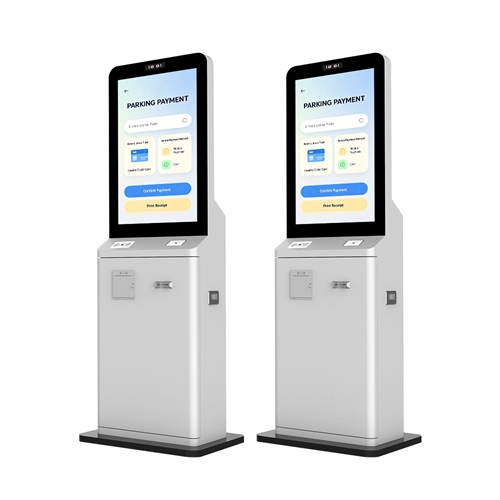
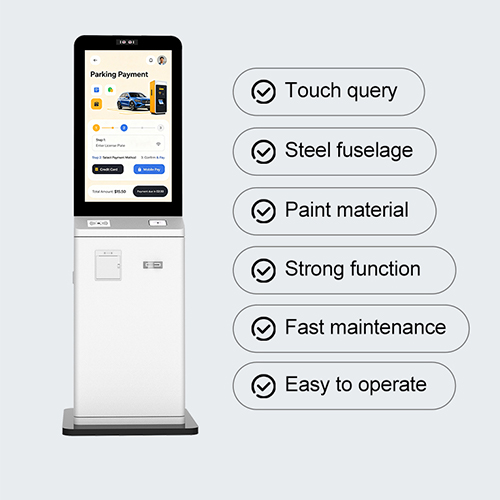
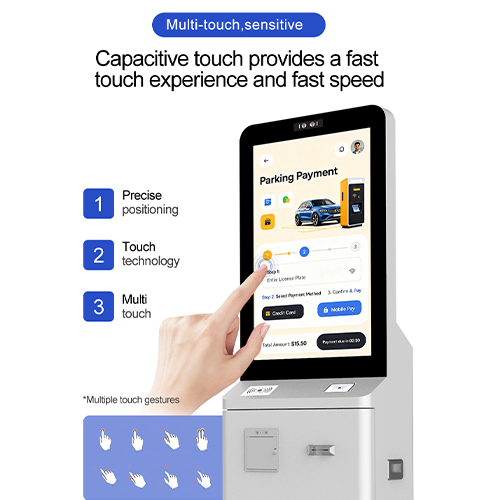
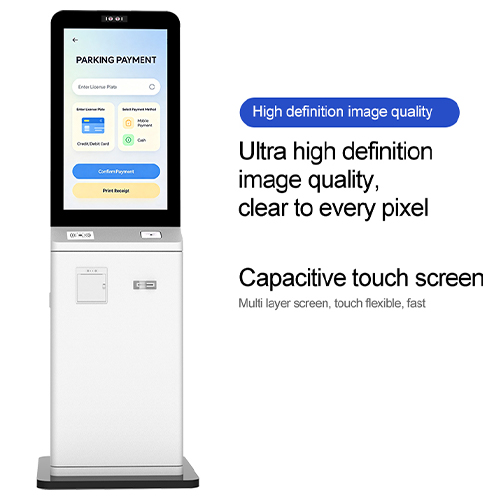
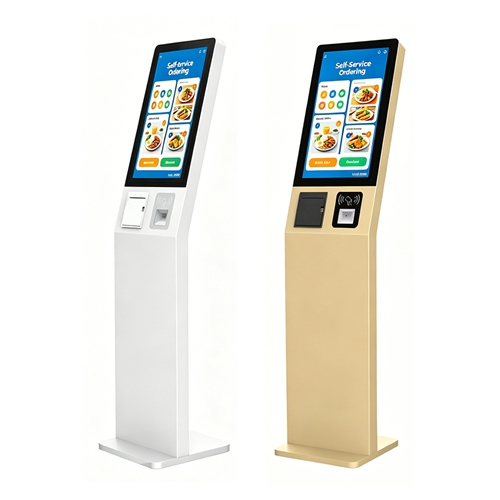
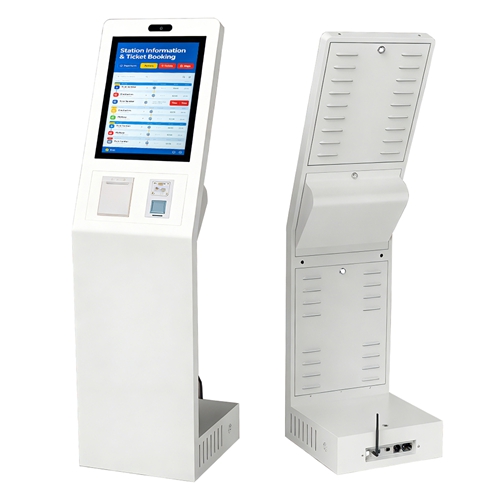
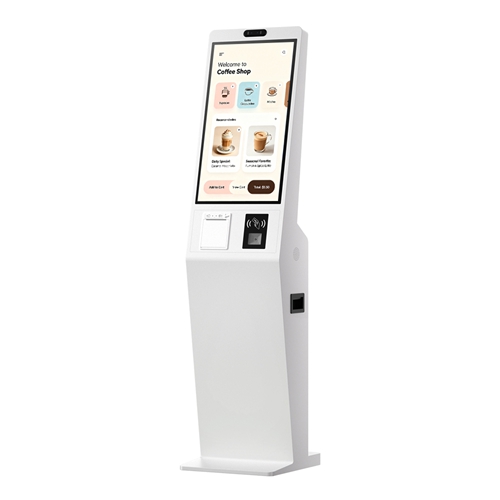
Community Neighborhood Information Self Service Kiosk, Utility & Property Bill Payment Terminal, Community Activity Registration, Social Service Inquiry, Modular Expandable Resident Service Digital Kiosk
Component | Technical Specification |
Brightness | 200 nits |
Display Panel | Industrial-grade LG/BOE IPS with 50,000-hour lifespan |
Operating Temp | -20°C to 50°C (Internal fan-cooling system) |
Enclosure Material | Full Aluminum Alloy (Lightweight, anti-rust, superior heat dissipation) |
Glass Protection | 3mm - 5mm Tempered Glass |
Resolution | 1080P |
OS / Player | Android 11.0 / Windows 10 i5 / Linux |
Connectivity | WiFi, LAN, 4G/5G LTE Optional |
Neighborhood Information Hub:
Provides residents with instant access to community notices, local event schedules, garbage collection dates, and emergency contact information, serving as a central digital bulletin board for the neighborhood.
Convenient Utility & Bill Payment:
Allows residents to pay utility bills, property management fees, and other common charges directly at the kiosk using cashless methods or integrated card readers, reducing trips to payment offices.
Community Activity Registration:
Enables residents to browse and register for community classes, sports leagues, club meetings, and volunteer opportunities through an easy-to-use touch interface with on-screen calendar integration.
Social Service & Assistance Inquiry:
Provides a private interface for residents to look up application information for public assistance programs, senior services, or disability support, helping them navigate available resources with dignity.
Multi-Purpose Modular Design:
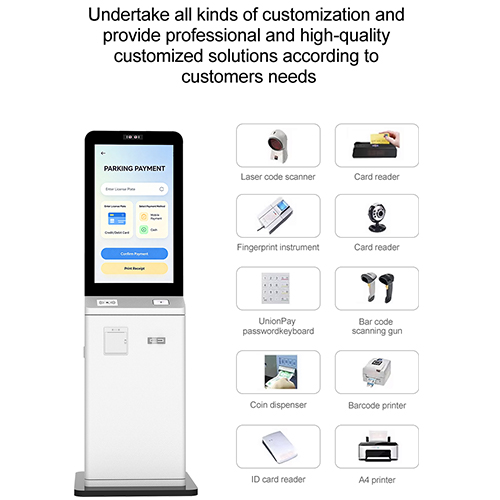
Engineered with modular internal mounting points, allowing community centers to easily add or swap modules such as barcode scanners for donation drives or card readers for library book checkout as needs evolve.
FAQs
Q1: What daily community information can residents check on this self-service kiosk?
A: It works as a centralized digital notice board for the whole neighborhood. Residents can instantly view community announcements, upcoming local event plans, scheduled garbage pickup dates and essential emergency contact information anytime.
Q2: Can residents settle recurring property and utility fees directly on this machine?
A: Yes. The kiosk supports cashless transaction methods and built-in card readers to process utility bills, property management charges and other regular payments, so residents do not need to travel to dedicated payment offices manually.
Q3: How do local people sign up for community group activities through the kiosk?
A: The touchscreen is equipped with integrated calendar layout. Residents can view detailed information of community courses, sports teams, club gatherings and volunteer projects, then complete registration submissions directly on the interface with simple operations.
Q4: Is the social assistance inquiry function designed to protect users’ privacy?
A: This service adopts an independent private browsing interface. Residents can confidentially check application guidelines for public aid, senior care programs and disability support resources without exposing personal needs in public view.
Q5: Is it possible to upgrade the kiosk functions as community management requirements change later?
A: The kiosk adopts reserved modular internal mounting structure. Administrators can freely install or replace peripheral modules such as barcode scanners for donation campaigns or card readers for library borrowing services to expand functions flexibly.
Q6: Will activity registration data and payment records be synchronized to community backend management system?
A: All payment receipts, activity sign-up forms and resident inquiry records will be automatically synced to the community management backend database, enabling administrators to track statistics and manage resident affairs systematically.