Shenzhen Kosintec Co., Ltd
Product Details
| Place of Origin: | Digital Signage manufacturer |
|---|---|
| Brand Name: | KosinTec |
| Certification: | CE/ROHS/ISO9001 |
| Model Number: | K-8568 |
Payment & Shipping Terms
| Min Order: | 1 Unit |
|---|---|
| Price: | $ |
| Packaging: | Film Wrap,Foam and Wooden Box |
| Delivery Time: | 4-6weeks upon payment |
| Payment Terms: | T/T in Advance |
| Supply Ability: | 1000-2000 units per month |
Detailed Product Description
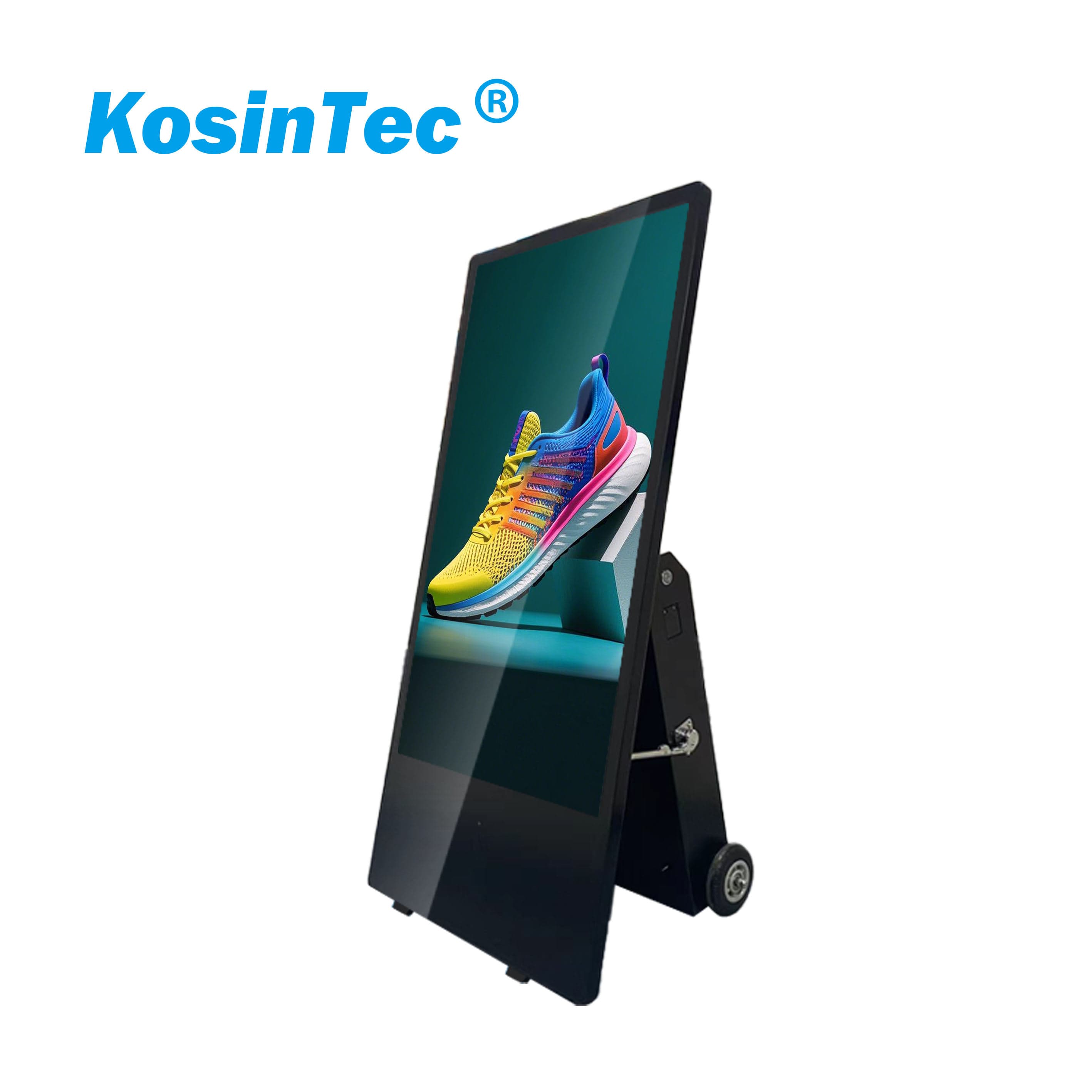
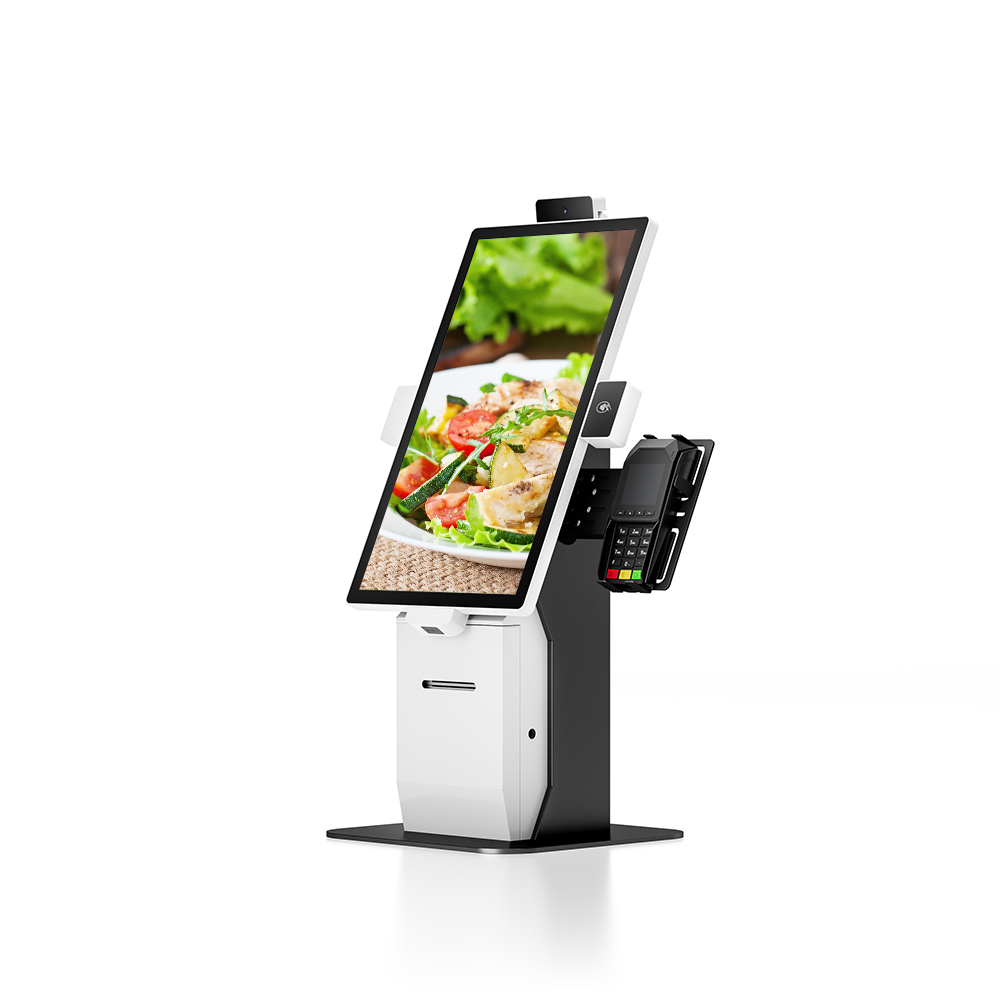
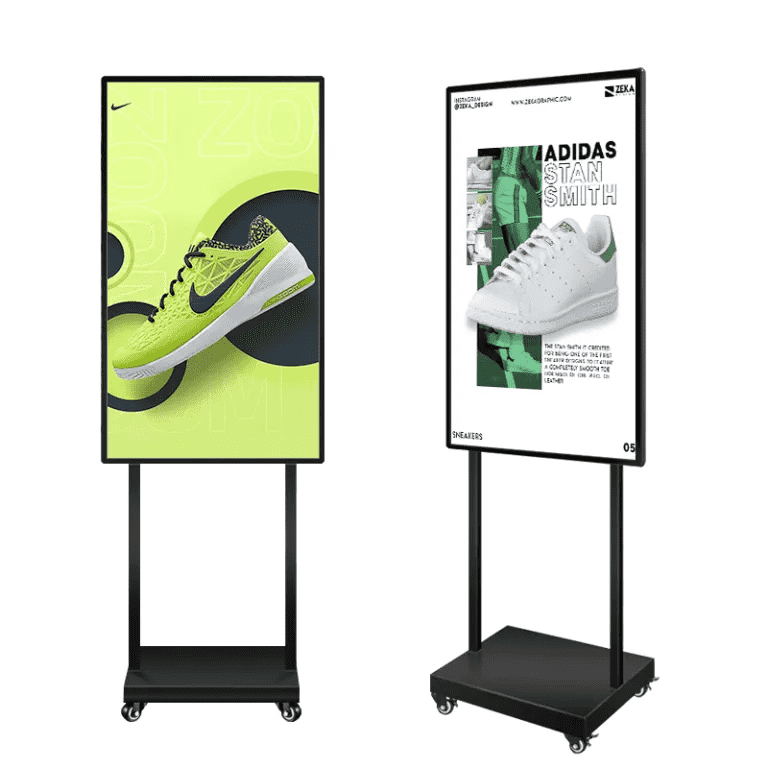
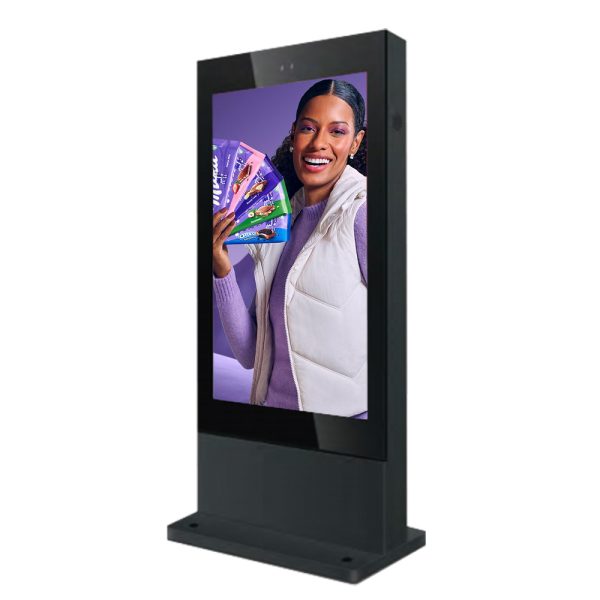
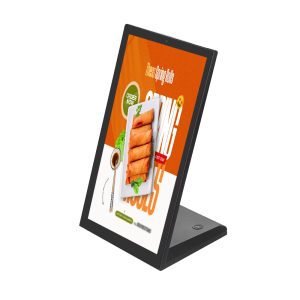
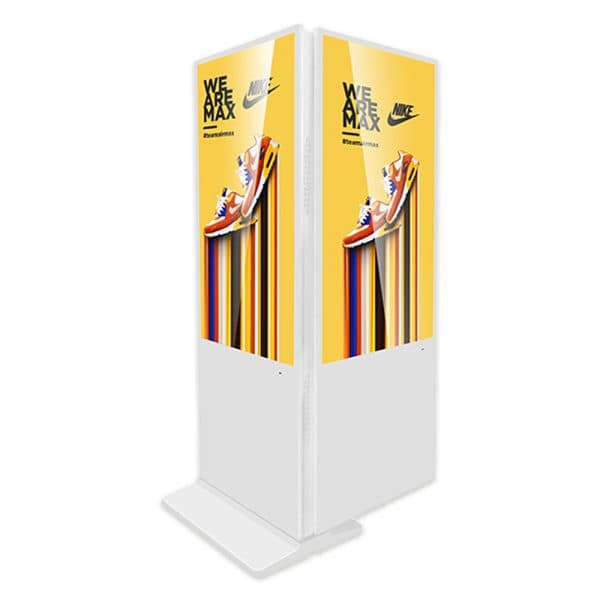
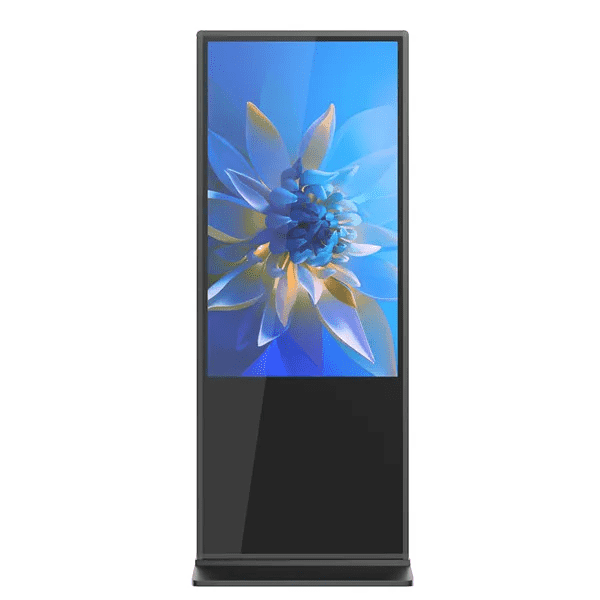
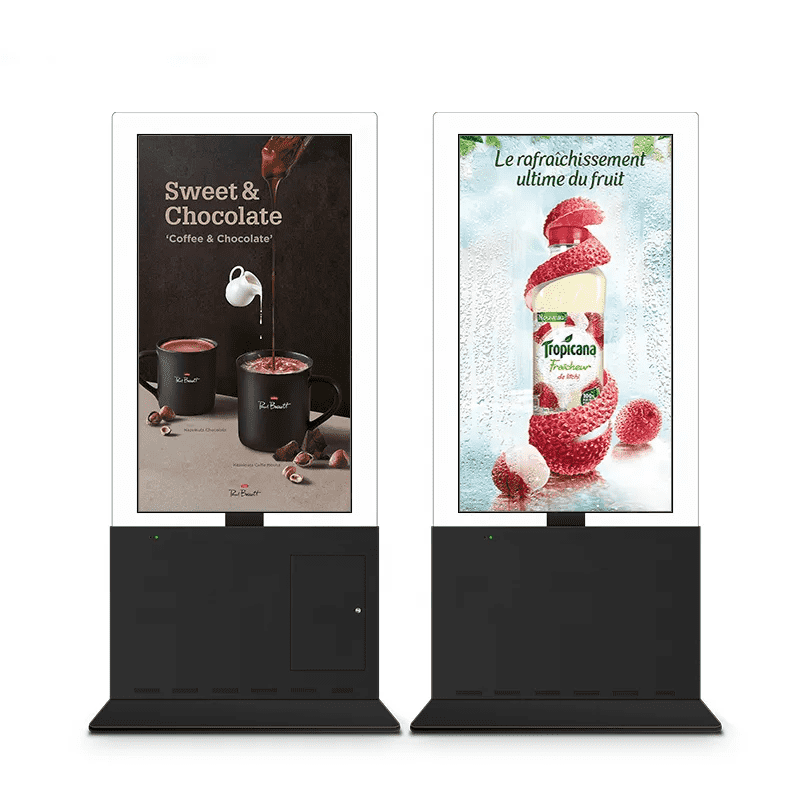
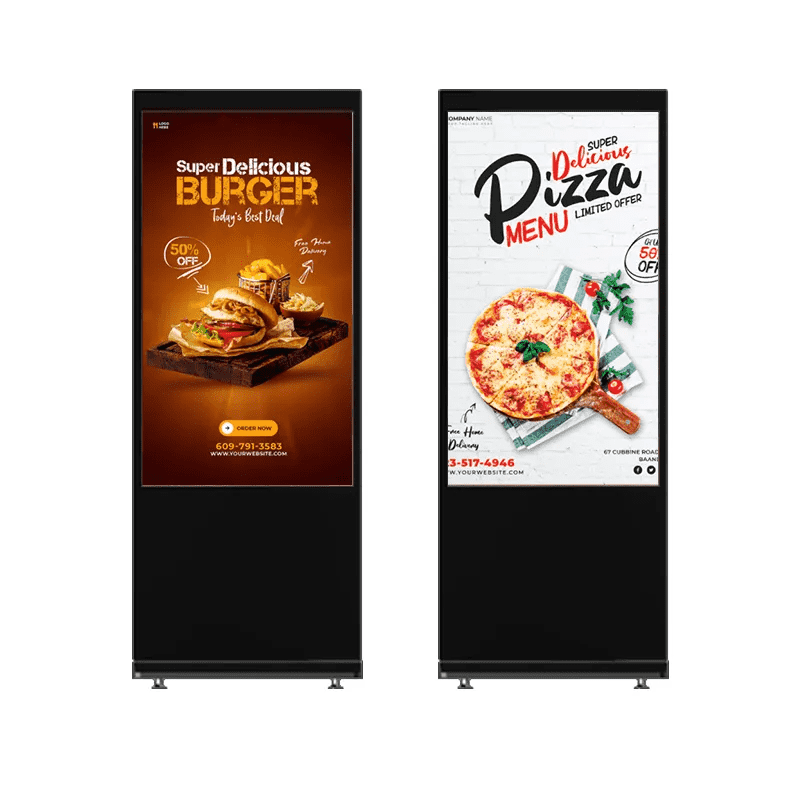
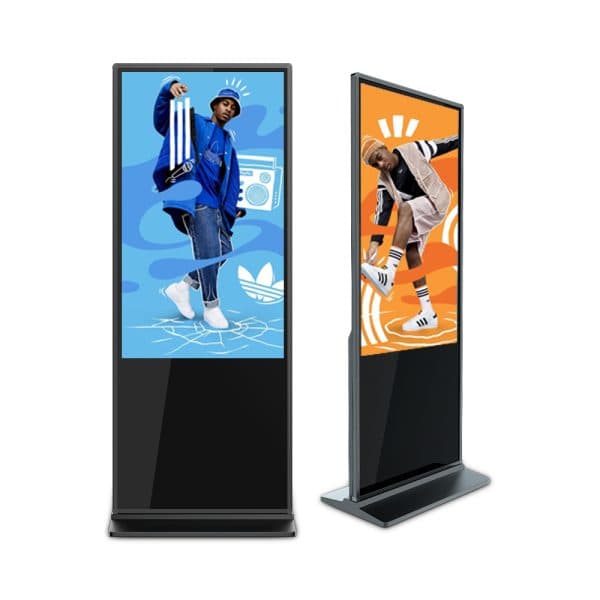
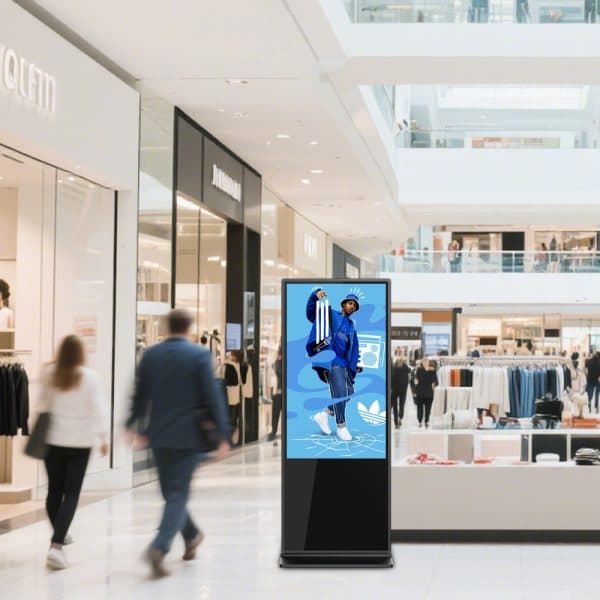
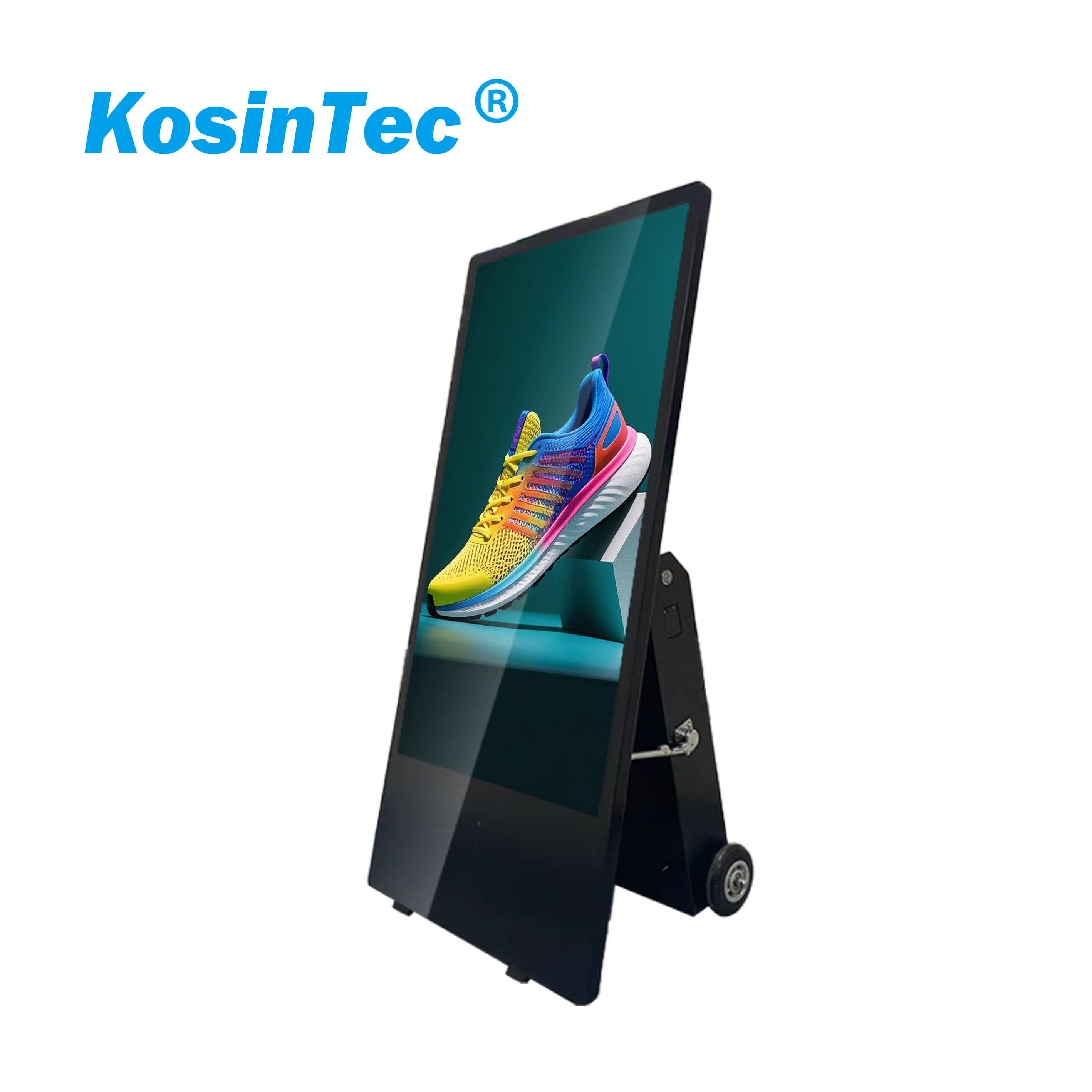
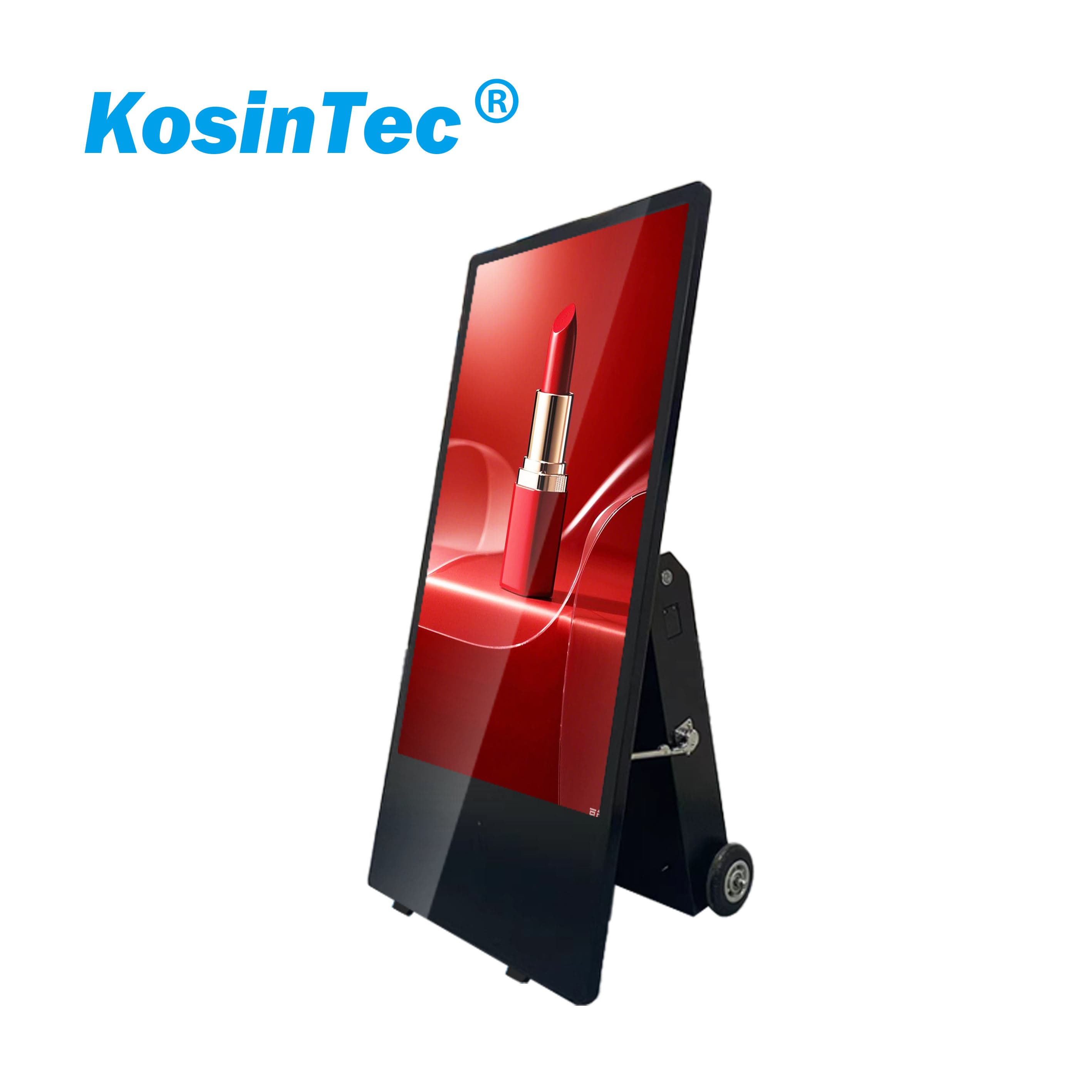
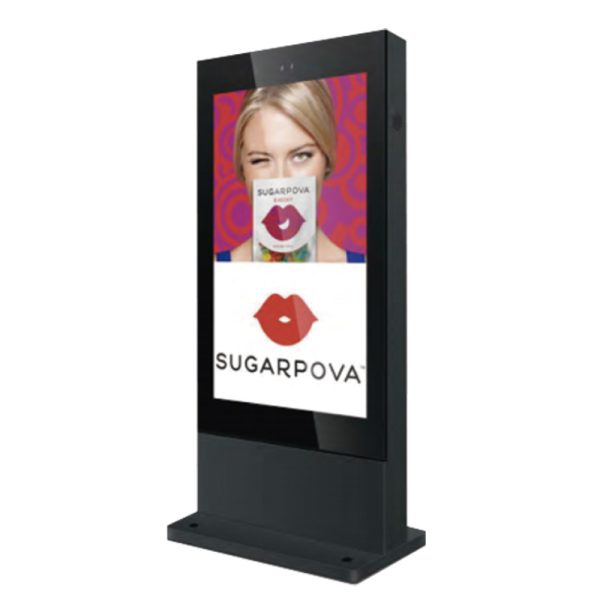
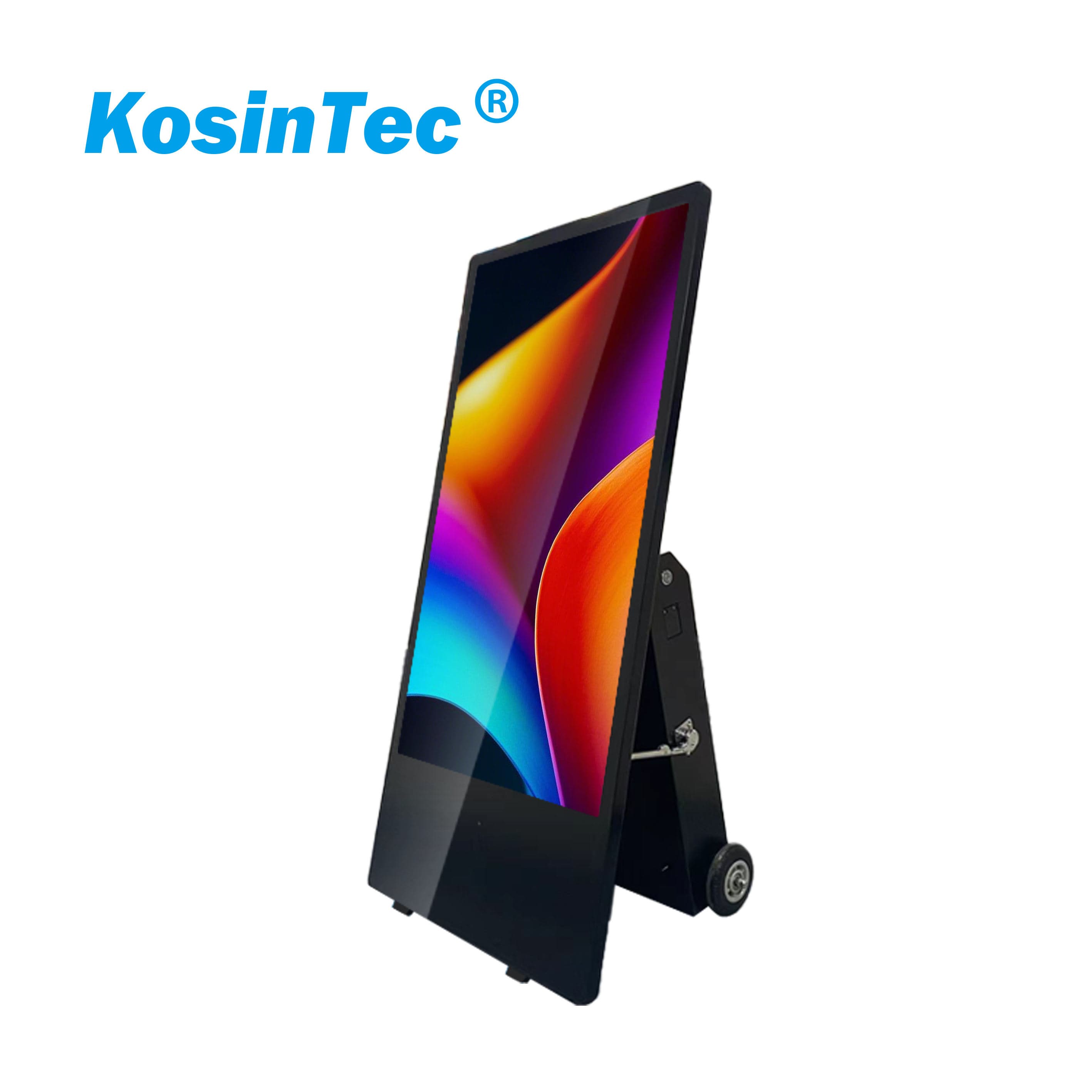
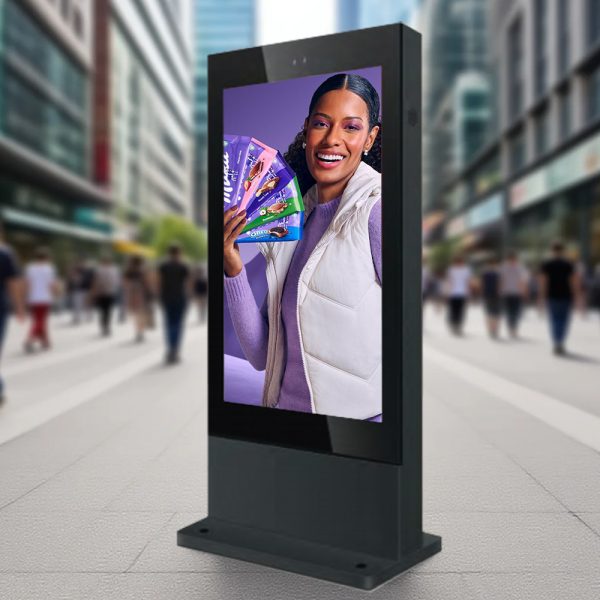 | What is A Indoor Free Standing Digital SignageAn Indoor Free Standing Digital Signage is an all-in-one vertical display unit, often referred to as a kiosk or totem, designed for dynamic visual communication within sheltered public spaces. Unlike wall-mounted displays, it is self-supported, featuring a durable enclosure and a large commercial-grade screen (LCD/LED). Its core function is to leverage digital content—including video, graphics, and interactive elements—to engage audiences, replace static posters, and provide real-time information, advertising, or self-service features. |
| Component | Description |
| Display Panel | Commercial-grade LCD/LED screen (e.g., A+ Grade), built for extended hours (16/7 or 24/7) and high-brightness indoor use. |
| Media Player (SoC/External) | The computing engine (often a System-on-Chip/SoC or mini PC) that stores, decodes, and renders content. Processor power (e.g., Quad-core, Core i5) is crucial for complex content. |
| Enclosure | Robust, secure metal chassis that protects components and acts as the floor stand (totem/kiosk). Often includes heat management systems. |
| Interactivity | Integrated Touch Screen functionality (Multi-Touch) for interactive applications like wayfinding or self-service. |
| Connectivity | RJ45 (Ethernet), Wi-Fi, USB ports, and sometimes AV inputs for network content management and peripheral connections. |
| Component | Description |
| Operating System (OS) | The foundational platform, typically Android (cost-effective) or Windows (high-power, easy corporate integration). |
| Content Management System (CMS) | The 'brain' that allows users to create, schedule, remotely distribute, and update content across the entire network of displays from a centralized dashboard. |
| SDK | Software Development Kits, provided by manufacturers, to enable custom application integration and hardware control. |
Functions of Indoor Free Standing Digital Signage
|  |
Chassis Fabrication: Designing and fabricating the metal enclosure (totem) using specialized CNC machinery, followed by powder coating for color and protection.
Component Sourcing: Sourcing commercial-grade LCD panels, industrial media players, and touch sensor overlays from verified suppliers.
Core Integration: Integrating the media player (PCB board/SoC) into the display panel, ensuring proper cable management and heat dissipation systems.
Touch System Calibration: Installing and precisely calibrating the multi-touch layer to ensure accurate and responsive interaction with the operating system.
Quality Control (QC) & Burn-in Testing: Conducting electrical, thermal, and visual tests, often including a multi-hour 'burn-in' test to confirm component stability under continuous use.
Final Assembly & Packaging: Securing the display into the free-standing chassis and preparing it for shipping with protective packaging and necessary accessories.
|  |
A: Safety Requirements: Ensure the floor surface is level and stable to prevent the unit from tipping over. Power and network cables must be neatly managed post-installation to eliminate tripping hazards. Environmental Requirements: The unit must be placed within the manufacturer's specified working temperature and humidity range (typically $0^circ C sim 50^circ C$), ensuring all enclosure ventilation ports remain unobstructed for proper heat dissipation.
A: First, ensure the device has a stable network connection via the RJ45 port or Wi-Fi. Second, install and configure the CMS client software within the built-in OS (e.g., Android or Windows). You will need to enter the server address and device key to register it on the CMS platform. Finally, verify the connection by remotely pushing a test content item via the CMS.
Check Power: Confirm the power cable is securely connected and the power indicator light is illuminated.
Check Signal Source: If an external player is used, verify that the HDMI/DP cable is correctly connected.
Restart System: Perform a full power cycle (unplug the power cord, wait 10 seconds, and plug it back in).
CMS Status: Log into the CMS to check if the device is online and if content is properly scheduled and published.
A: The touchscreen should be regularly cleaned using a soft, non-abrasive microfiber cloth. When cleaning, use a neutral, non-corrosive cleaning solution (such as diluted glass cleaner) applied directly to the cloth, not sprayed onto the screen. Avoid using solutions containing alcohol or ammonia directly on the screen, as this may damage the touch layer.
A: Commercial-grade kiosks often feature industrial fans or ventilation slots. It is recommended that the ventilation openings on the back or bottom of the chassis be checked every 3–6 months to ensure they are free from dust or debris buildup. If the device runs abnormally hot, power it down immediately and contact technical support to inspect internal fans and heat sinks.
A: Most commercial-grade Digital Signage supports remote OTA (Over-The-Air) firmware updates, which should be performed via the CMS or a dedicated manufacturer tool. Before updating, always back up critical settings and schedule the update during low-traffic hours to prevent failure due to network interruption and minimize disruption to the customer experience.