Shenzhen Kosintec Co., Ltd
Product Details
| Place of Origin: | Kiosk Manufacturer |
|---|---|
| Brand Name: | Kosintec |
| Certification: | FCC, CE, ROHS |
| Model Number: | K-8746 |
Payment & Shipping Terms
| Min Order: | 5 UNITS |
|---|---|
| Price: | $3000 |
| Packaging: | Strong Case |
| Delivery Time: | 5-6 weeks |
| Payment Terms: | TT |
| Supply Ability: | 5000 units per month |
Detailed Product Description
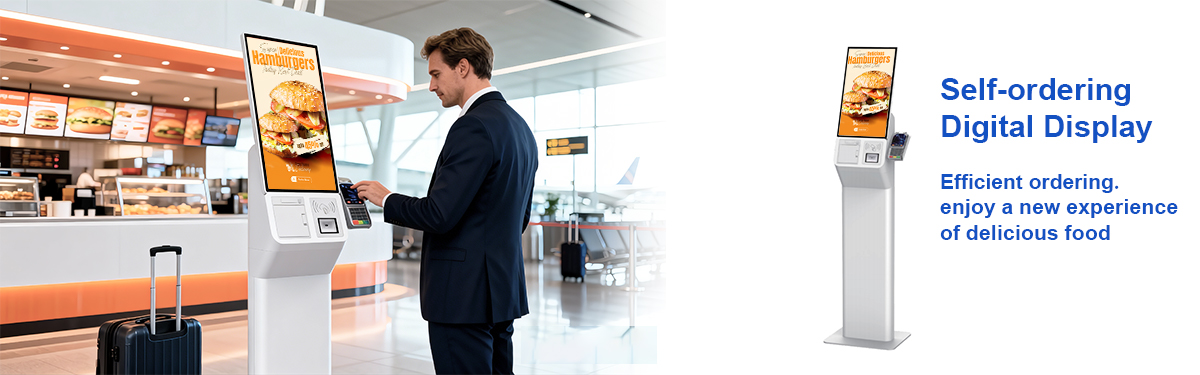
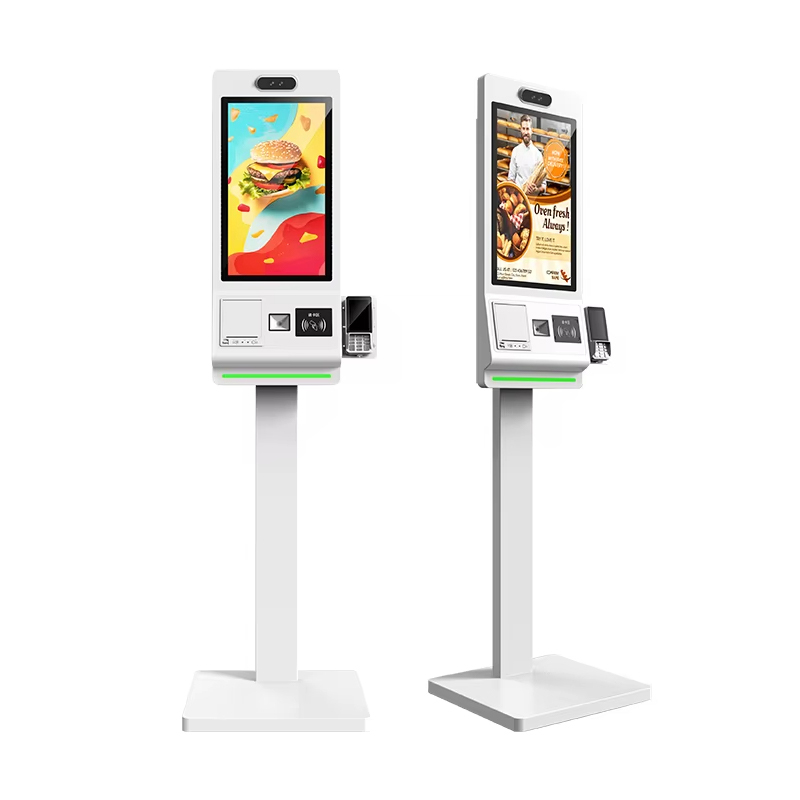
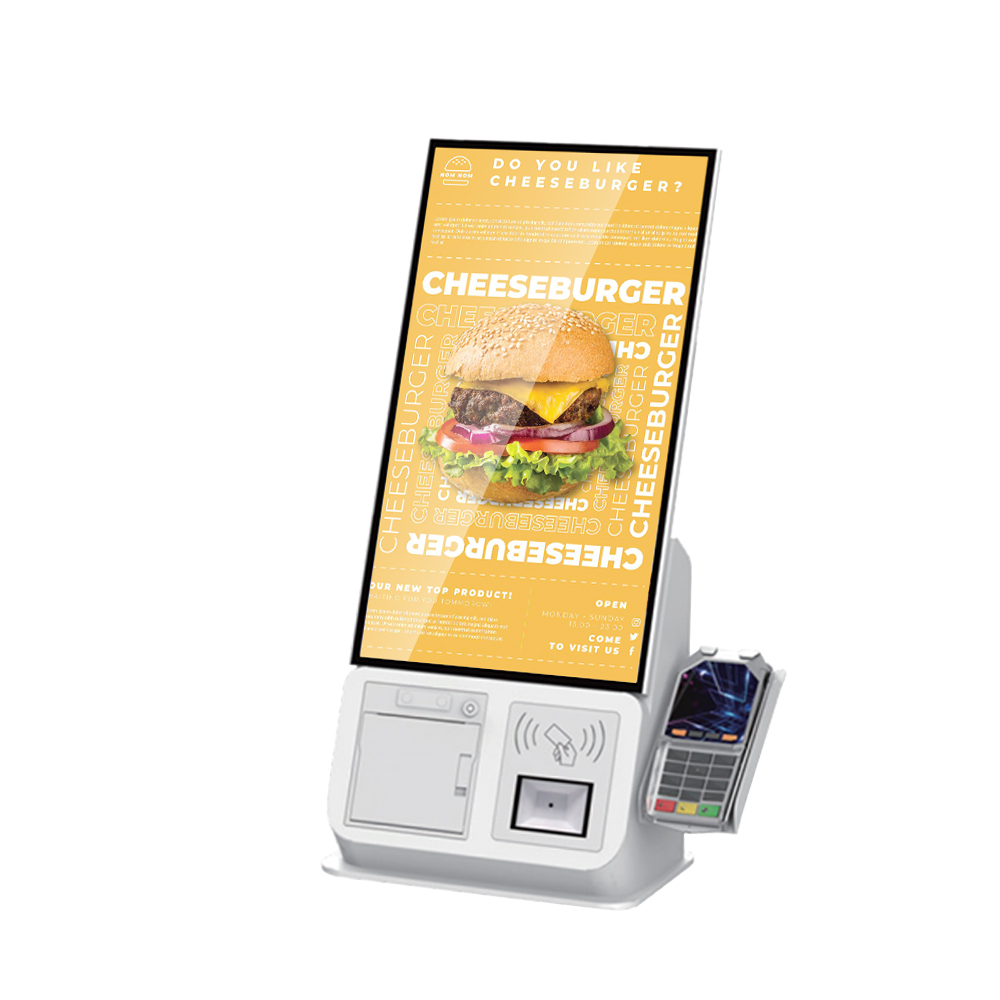
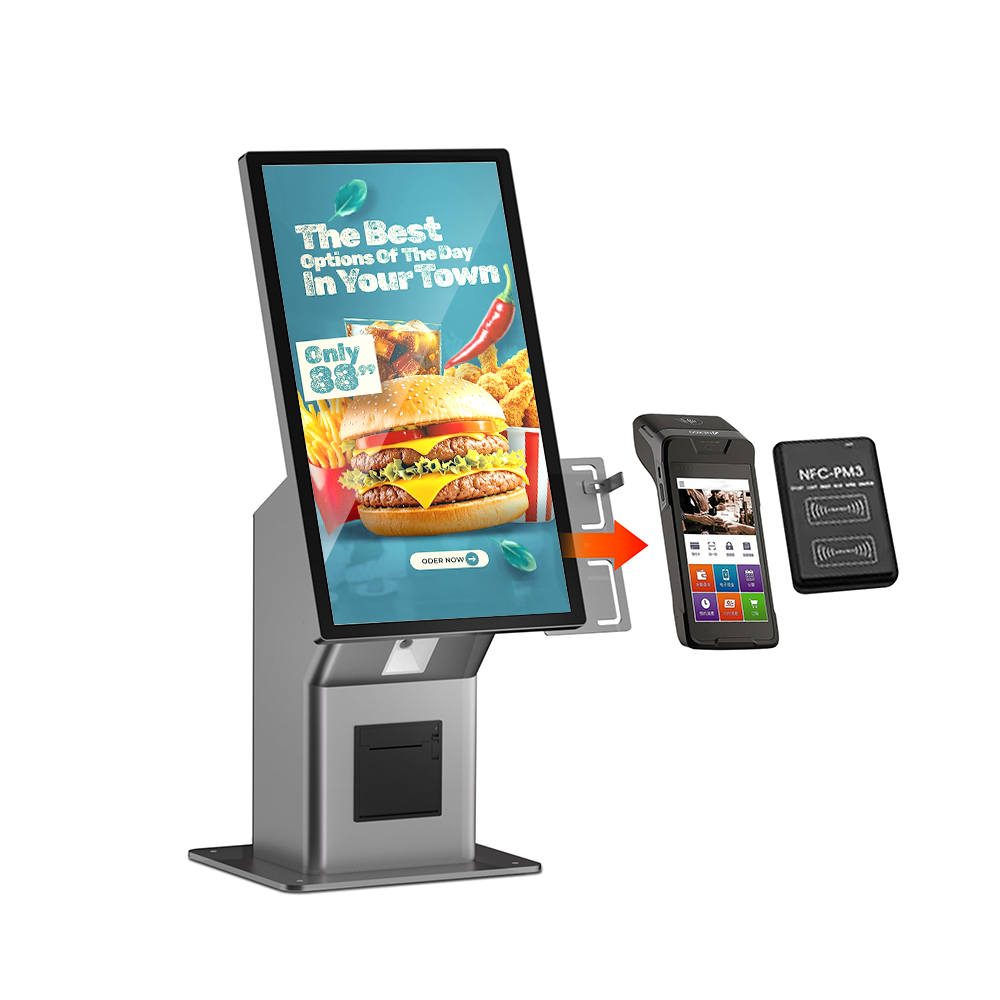
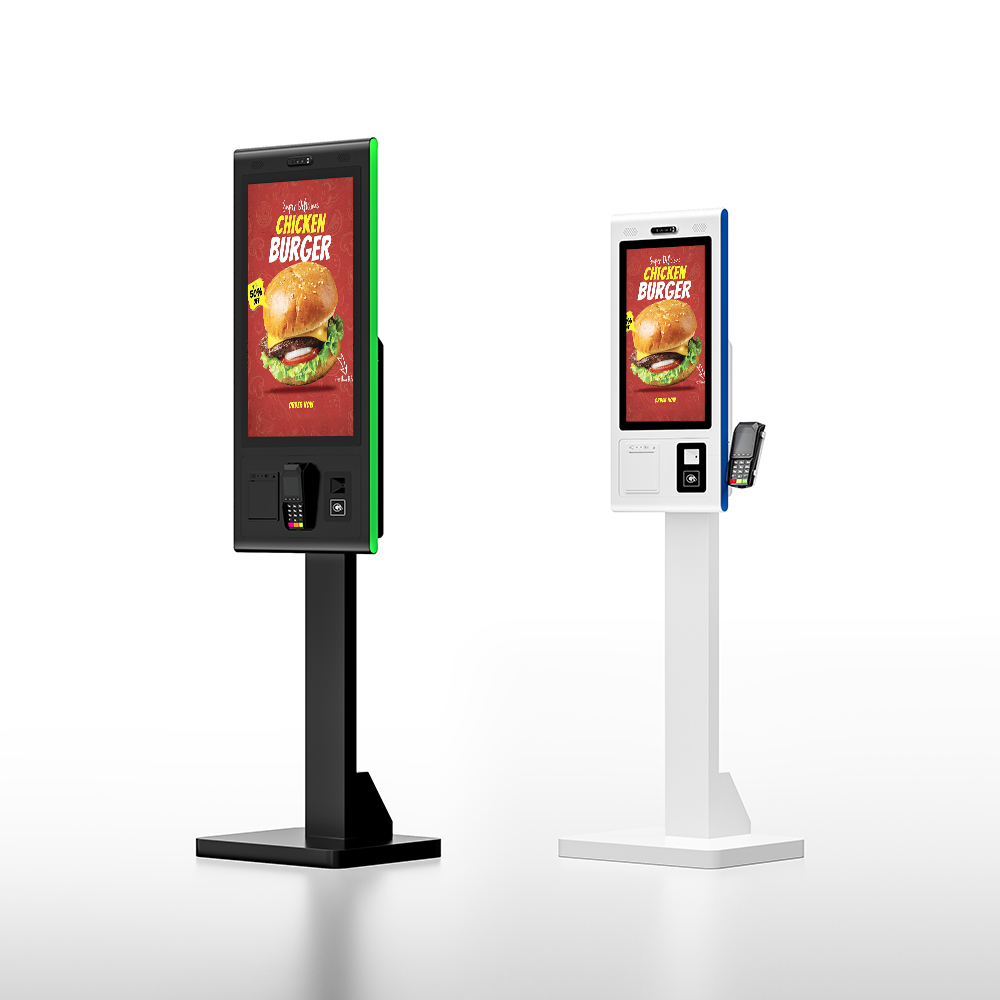
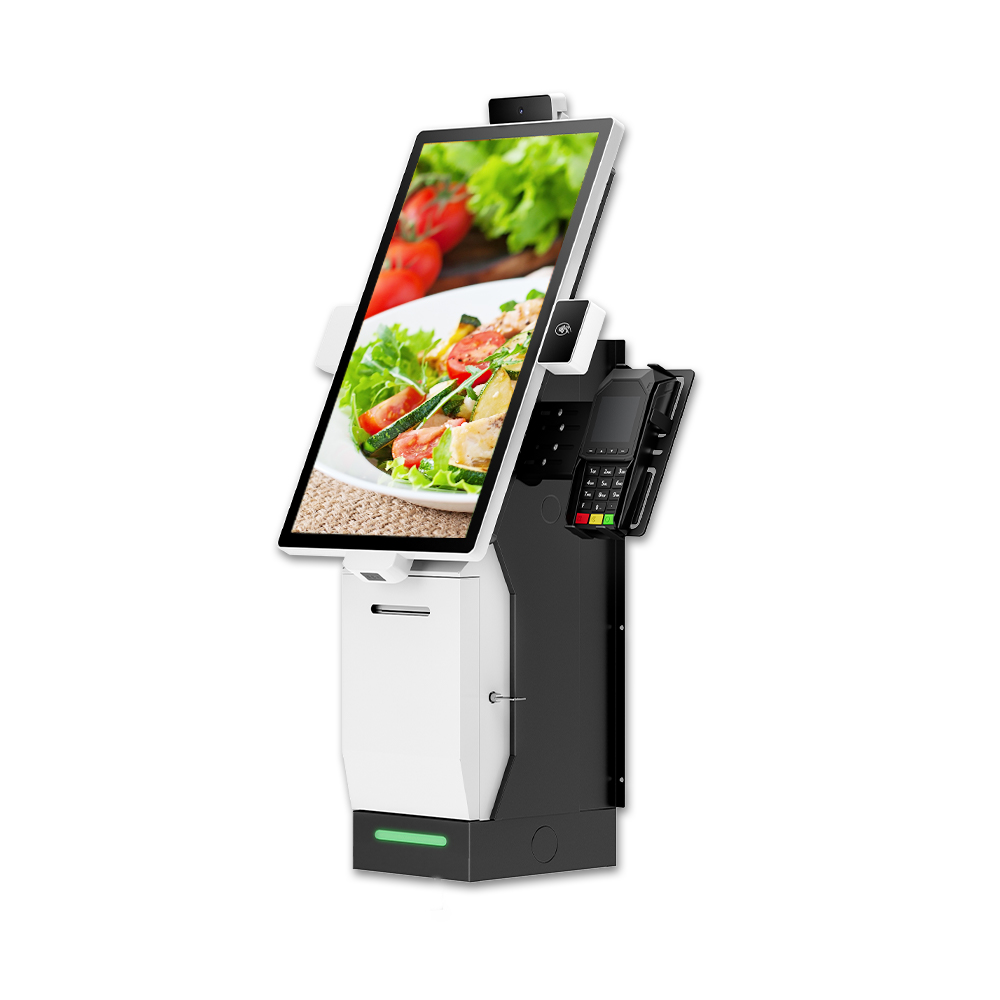
Self Service Food Kiosk is an integrated, industrial-grade interactive terminal designed to decentralize the ordering and payment process in the hospitality and retail sectors. It combines a high-definition P-Cap (Projected Capacitive) touchscreen, a built-in computing engine (Android or Windows), and transaction-ready peripherals (printer, scanner, and payment bracket) into a single, cohesive unit. It serves as an autonomous Point of Sale (POS) that empowers customers to manage their own dining journey from menu selection to final payment.
What is self service food kiosk used for?The Self-Service Food Kiosk is more than just a menu; it is a multipurpose business tool:
|  |
KosinTec kiosks are engineered for industrial durability and visual clarity:
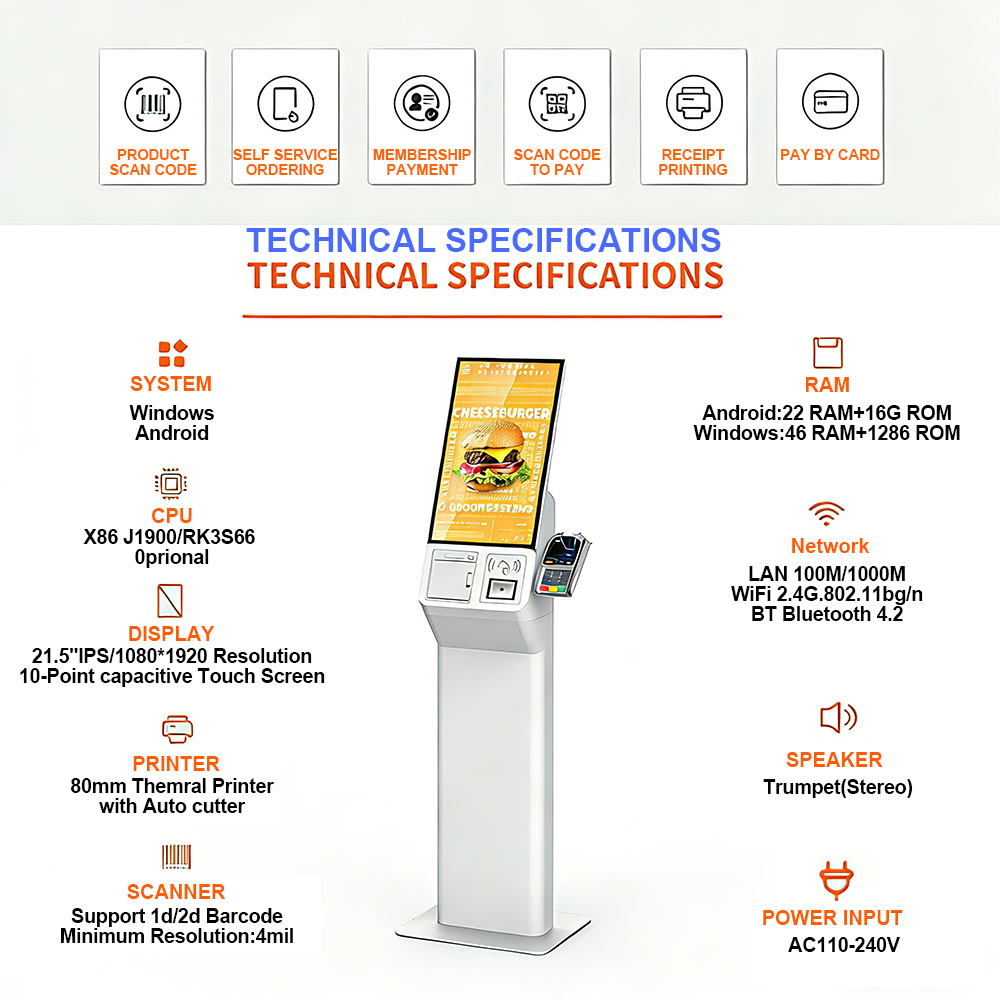
Feature | Specification Detail |
| Display Panel | IPS Commercial Hard Screen (A+ Grade) |
| Touch Technology | 10-Point P-Cap (Capacitive) Touch; 500 million touch rating |
| Response Time | ≤ 6 ms for instantaneous interaction |
| Resolution | 1920 x 1080 (Full HD) |
| Viewing Angle | 178° / 178° (Perfect visibility from all angles) |
| Processors | Android (RK3568 Quad-core) or Windows (Intel Core i3/i5/i7) |
| Memory/Storage | 2G/4G RAM + 32G ROM (Expandable) |
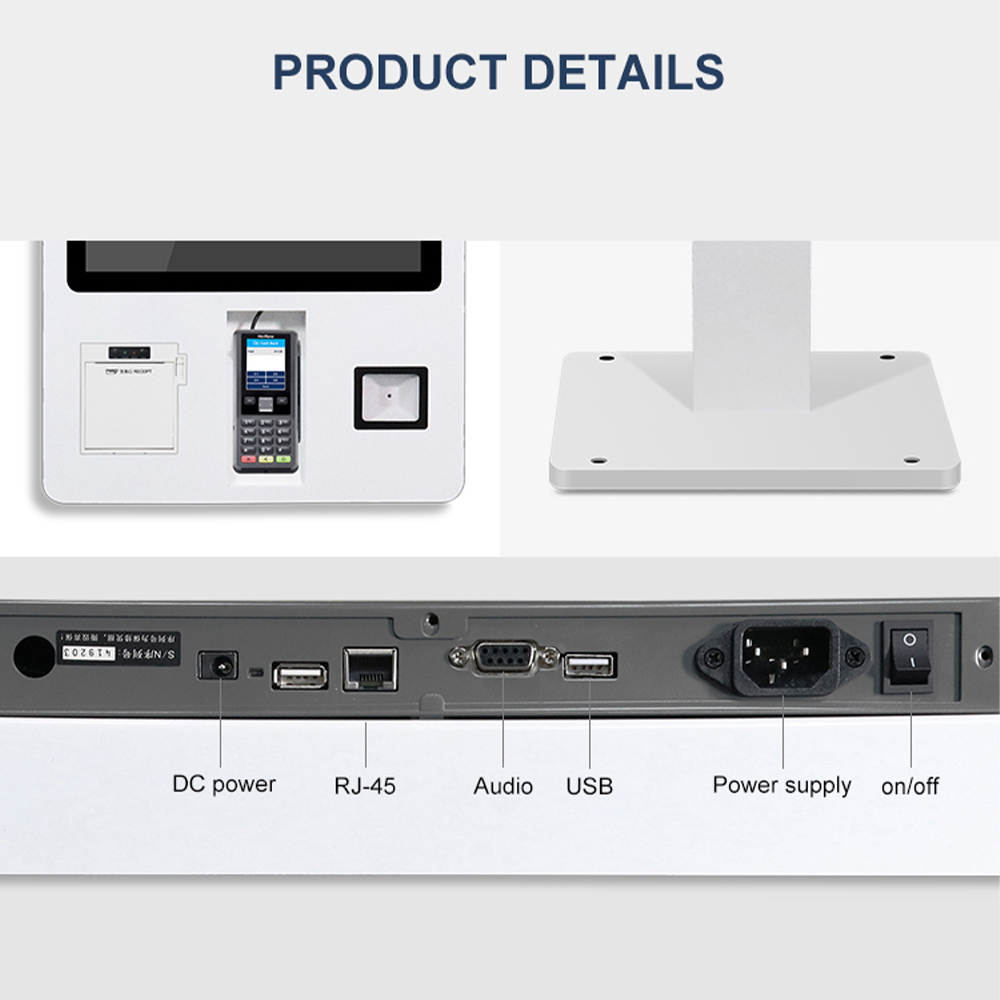
| Peripherals | Built-in 80mm Thermal Printer, 1D/2D QR Scanner, NFC/Mifare Reader |
| Connectivity | Dual-band Wi-Fi (2.4G/5G) + RJ45 Ethernet |
| Durability | Operating Temp: 0℃ to 45℃; Rated for 24/7 continuous use |
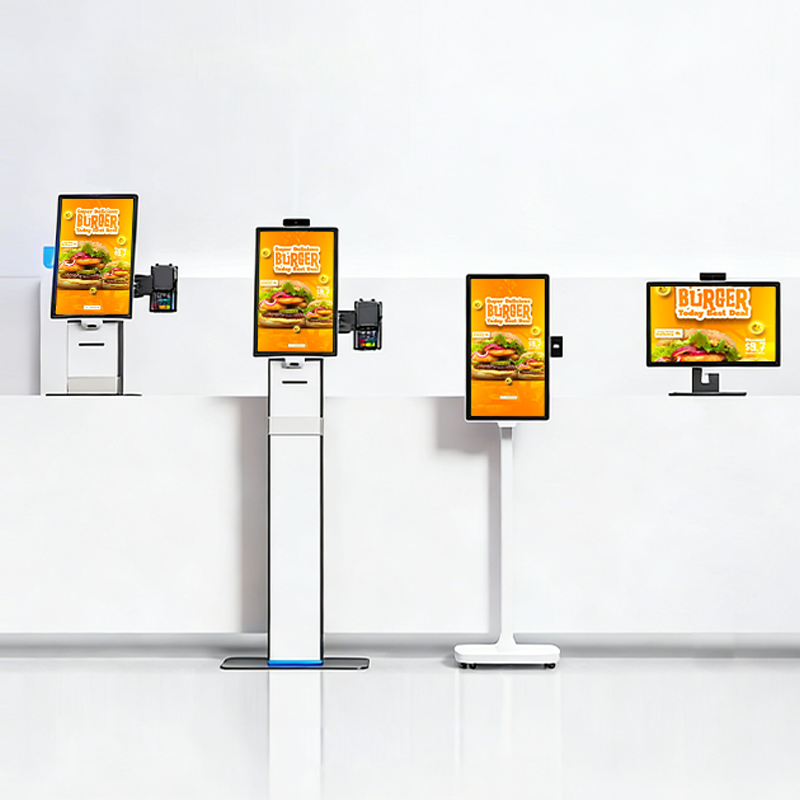
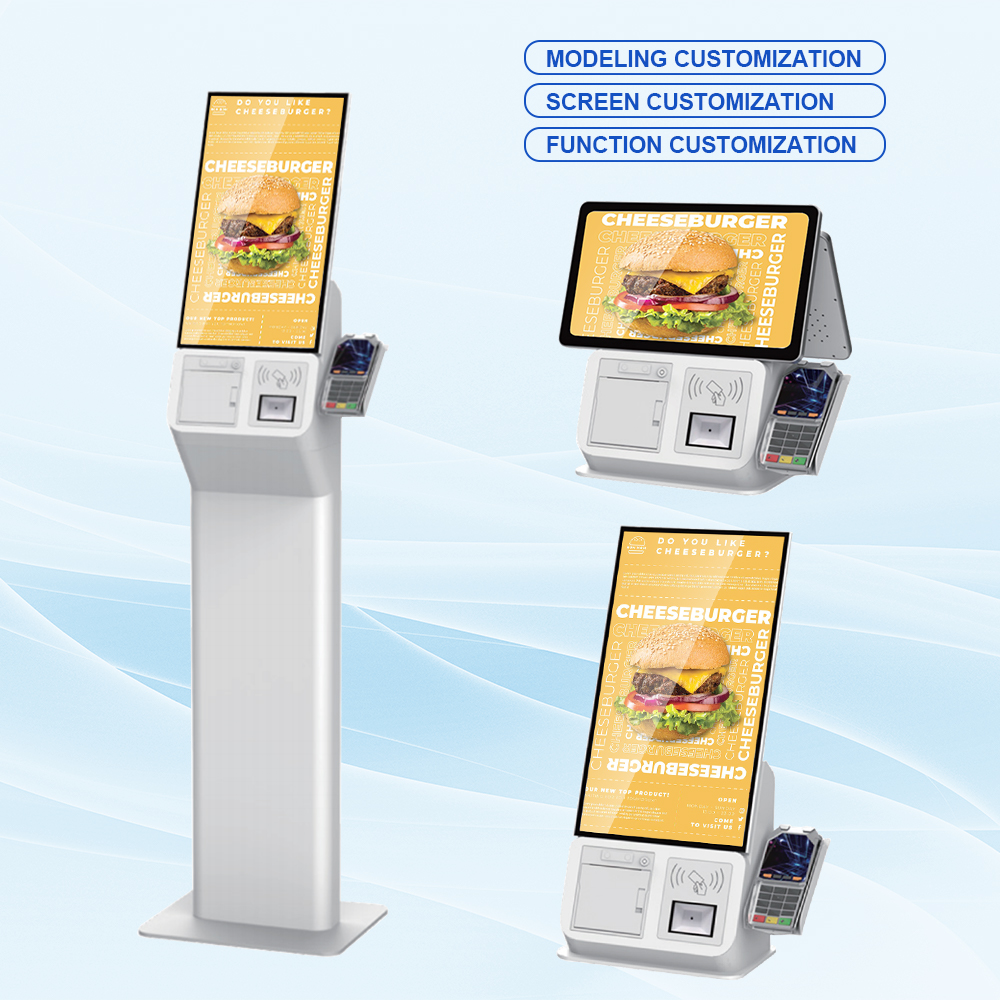
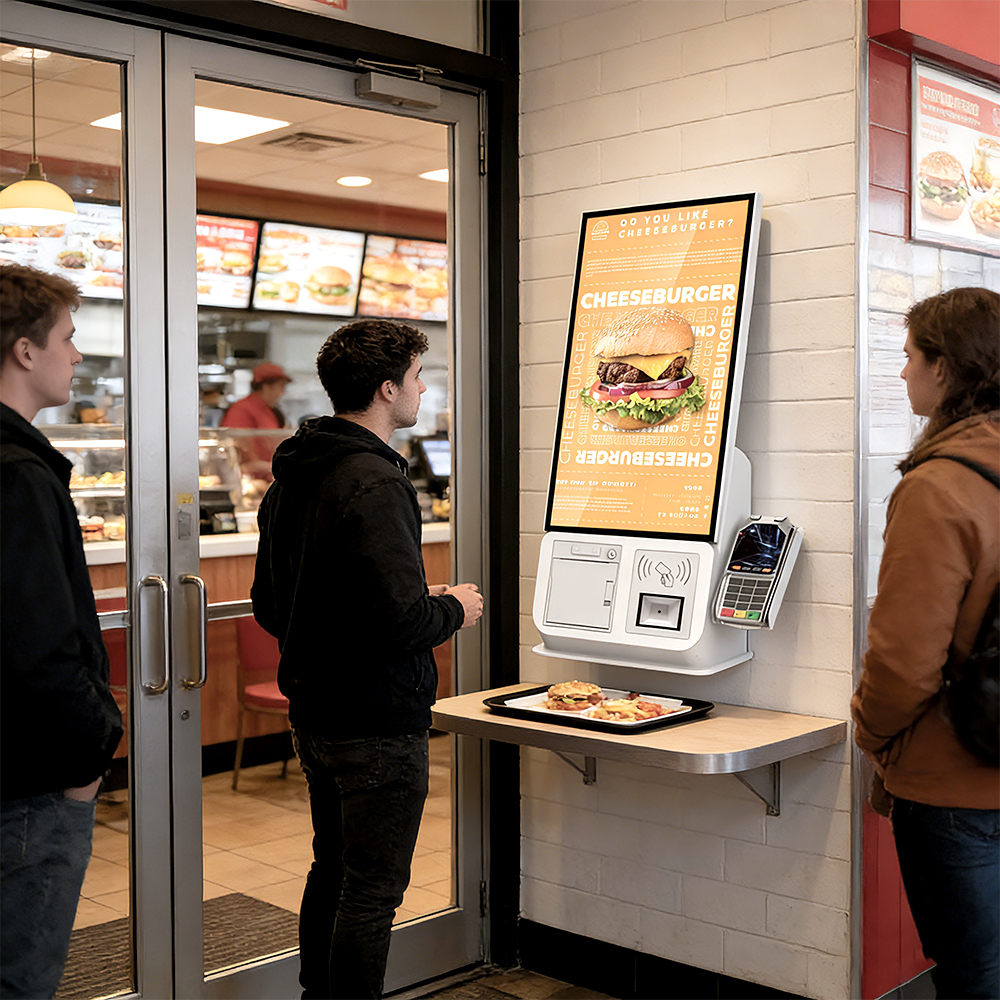
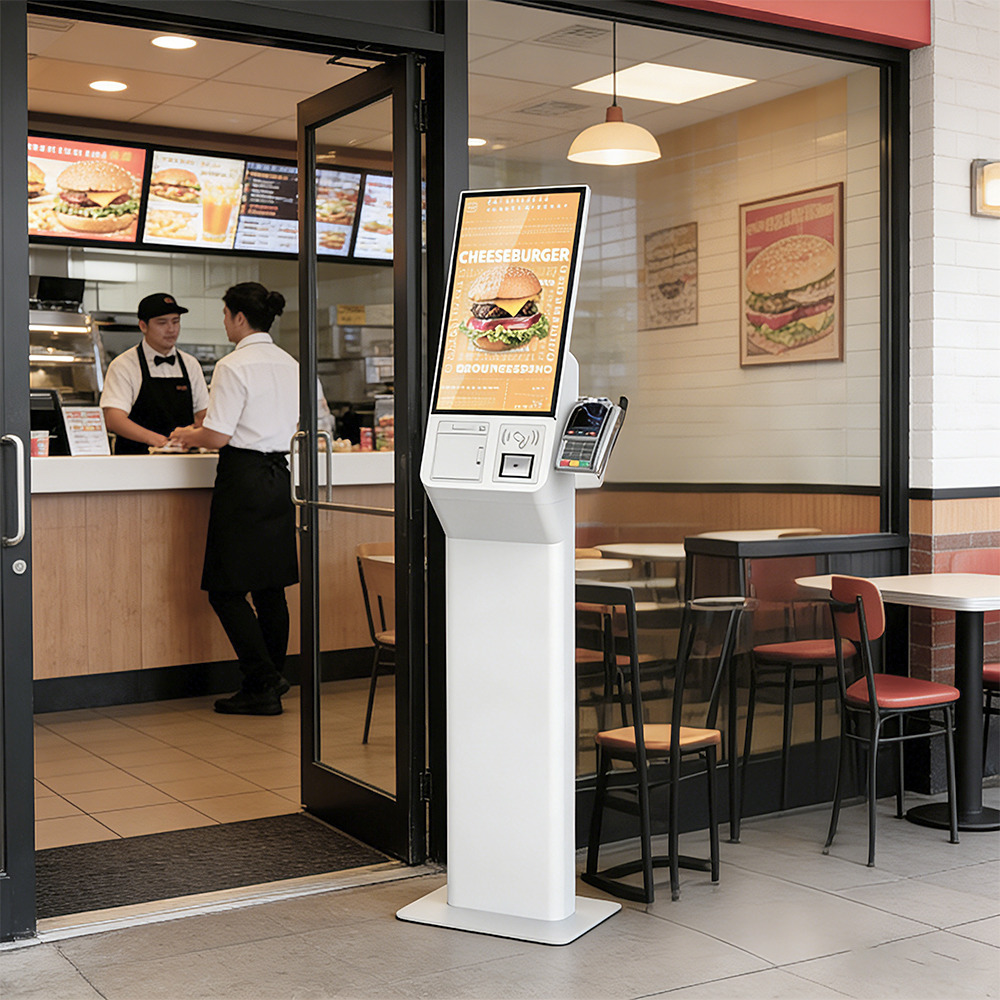
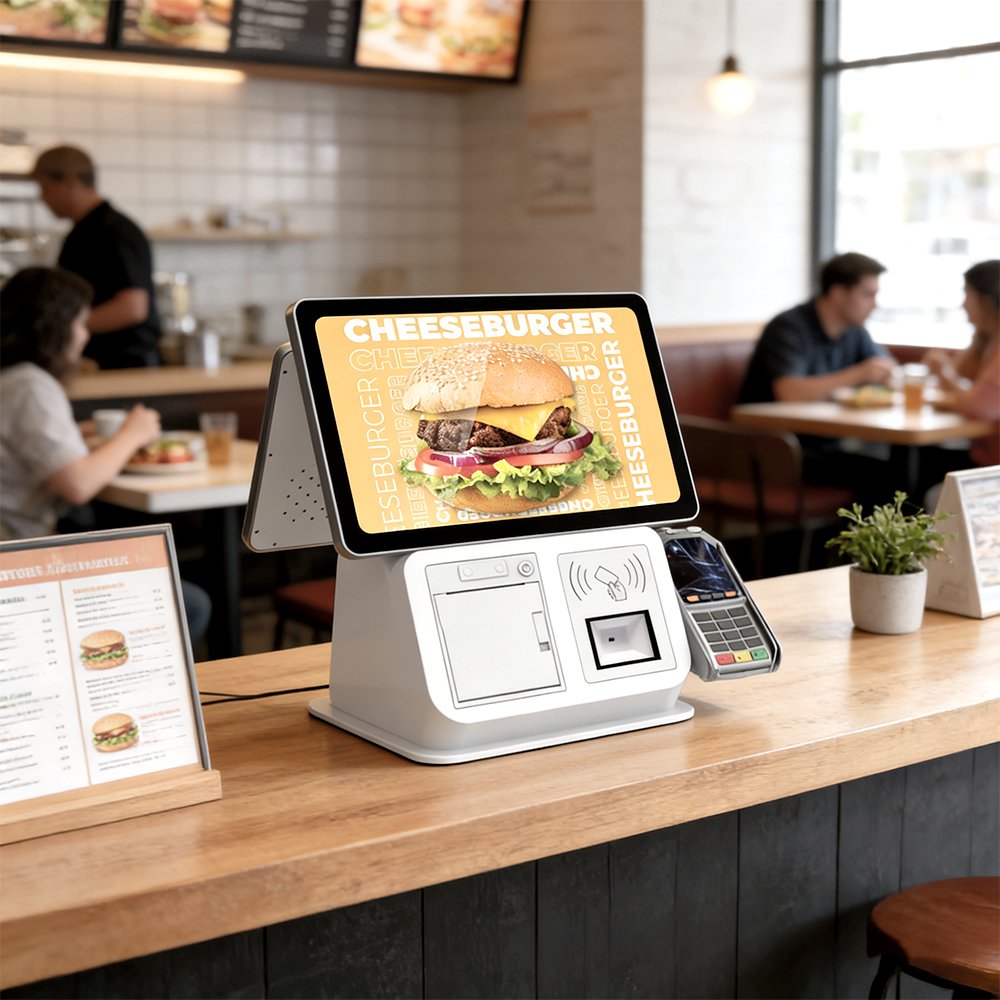 | Types and Sizes of Self Service Food Kiosk for Sale at KosinTecAt KosinTec, We offer versatile form factors to ensure an "architectural fit" for any restaurant layout: Sizes of Self Service Food Kiosk
Styles of Self Service Food Kiosk
|
Queue Management: Reduces perceived and actual waiting times by distributing the ordering load away from the main counter.
Average Order Value (AOV) Increase: The system uses automated "Up-selling" prompts (e.g., "Would you like to add a drink?") that never forget to ask, typically increasing revenue per order by 15-30%.
Labor Reallocation: Frees up front-of-house staff from routine order-taking, allowing them to focus on food quality, table service, and cleanliness.
Reduced Human Error: Eliminates communication mishaps between the cashier and the kitchen, significantly reducing food waste.
When and Who Needs to Invest Self Service Food Kiosk?Who Need a Self Service Food Kiosk
When to Use a Self Service Food Kiosk
| |
We use an Aluminum Alloy frame and Sheet Metal body with a protective powder coating. The screen is G+G Tempered Glass, which is resistant to scratches and can be easily wiped clean of grease and fingerprints without damaging the P-Cap sensors.
Lag is usually a result of memory overload or network instability. First, ensure you are using a wired RJ45 connection for the most stable data flow. If the software freezes, perform a "Soft Reboot" via the management portal. Our Intel I5 and RK3568 options are specifically designed to handle high-resolution assets without lagging.
90% of printer issues are caused by paper jams or the roll being empty. Open the printer service door, clear any paper scraps from the auto-cutter, and ensure the thermal paper is loaded with the glossy side facing the print head. If it persists, use the SDK to run a diagnostic test on the printer module.
Safety is a priority. Our floor-standing models are designed with a low center of gravity and must be bolted to the floor. The screen is made of impact-resistant tempered glass. Technically, our systems are CE/FCC/RoHS certified to meet international safety and environmental standards.
Yes. We provide the full SDK (Software Development Kit) and API documentation. Whether you run on Android 11 or Windows 10, our open platform allows your developers to map the touch points, printer, and scanner to your custom application seamlessly.
We recommend a weekly "Power Cycle" (restarting the machine) and a daily wipe-down of the screen with a microfiber cloth. Every month, use compressed air to clean the ventilation slots and the printer’s thermal head to prevent overheating and ensure print clarity.