Shenzhen Kosintec Co., Ltd

Product Details
| Place of Origin: | Kiosk Manufacturer |
|---|---|
| Brand Name: | KosinTec |
| Certification: | FCC, CE, ROHS |
| Model Number: | k-8532 |
Payment & Shipping Terms
| Min Order: | 1 UNIT |
|---|---|
| Price: | $2000 |
| Packaging: | Strong Case |
| Delivery Time: | 5-6 weeks |
| Payment Terms: | TT |
| Supply Ability: | 5000 units per month |
Detailed Product Description
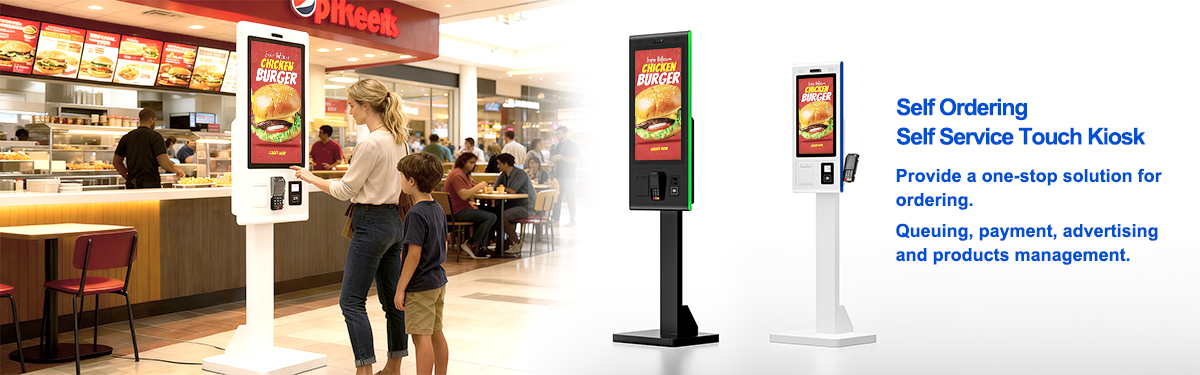
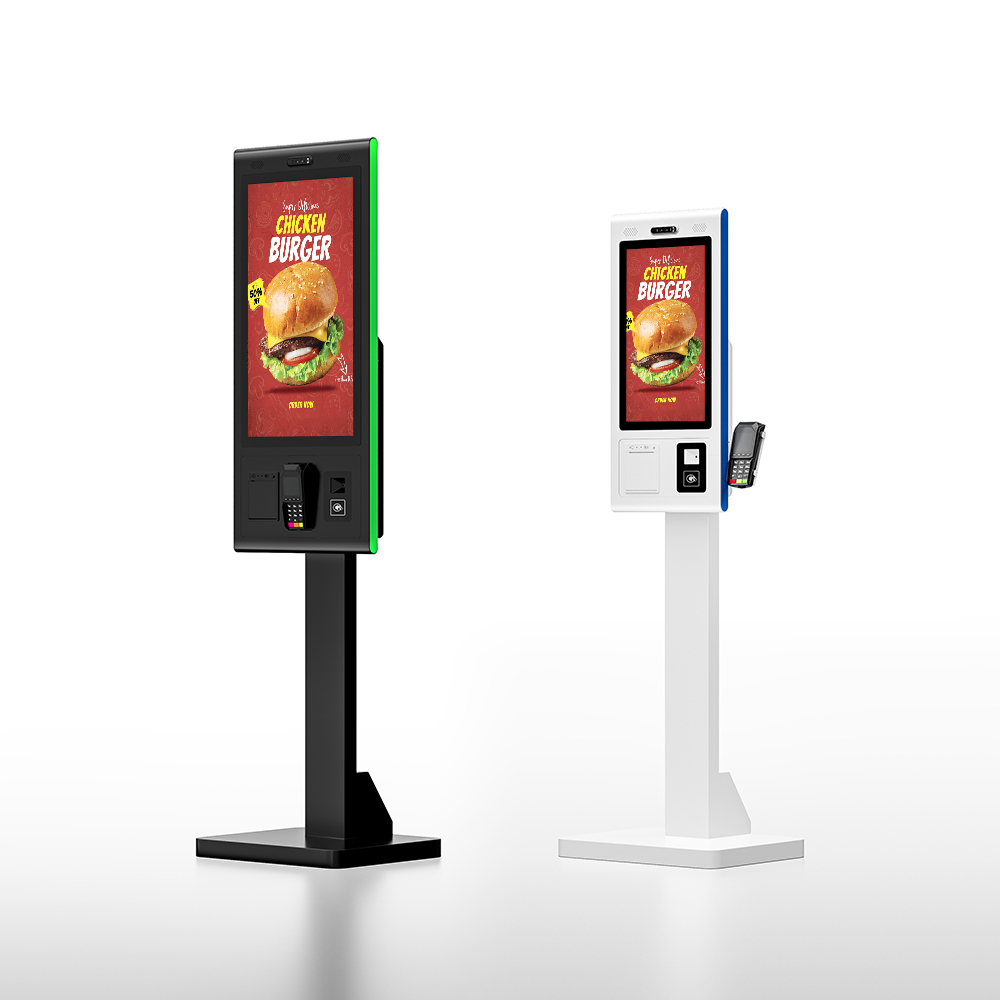
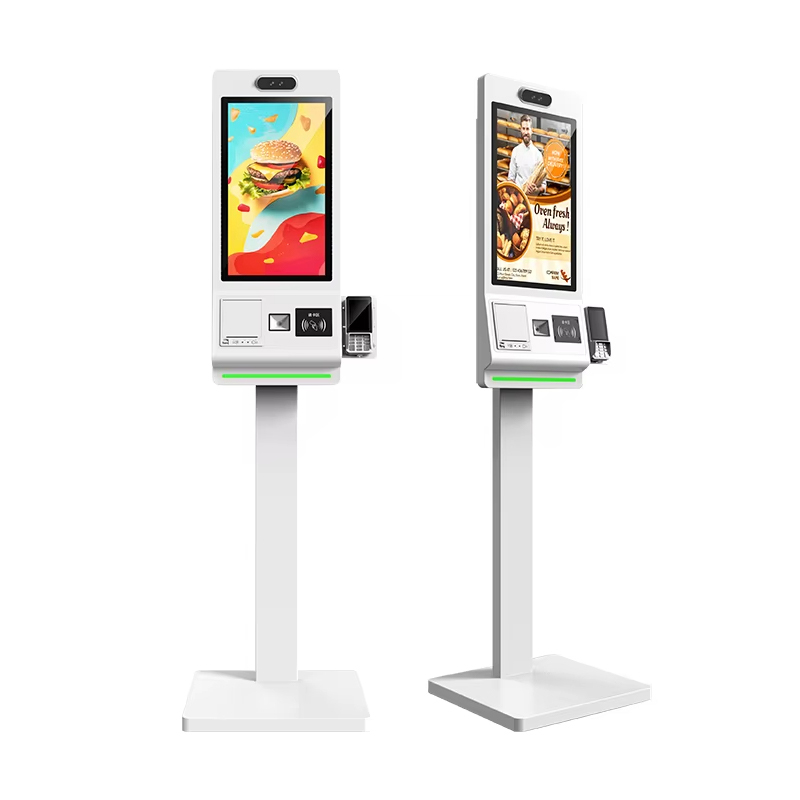
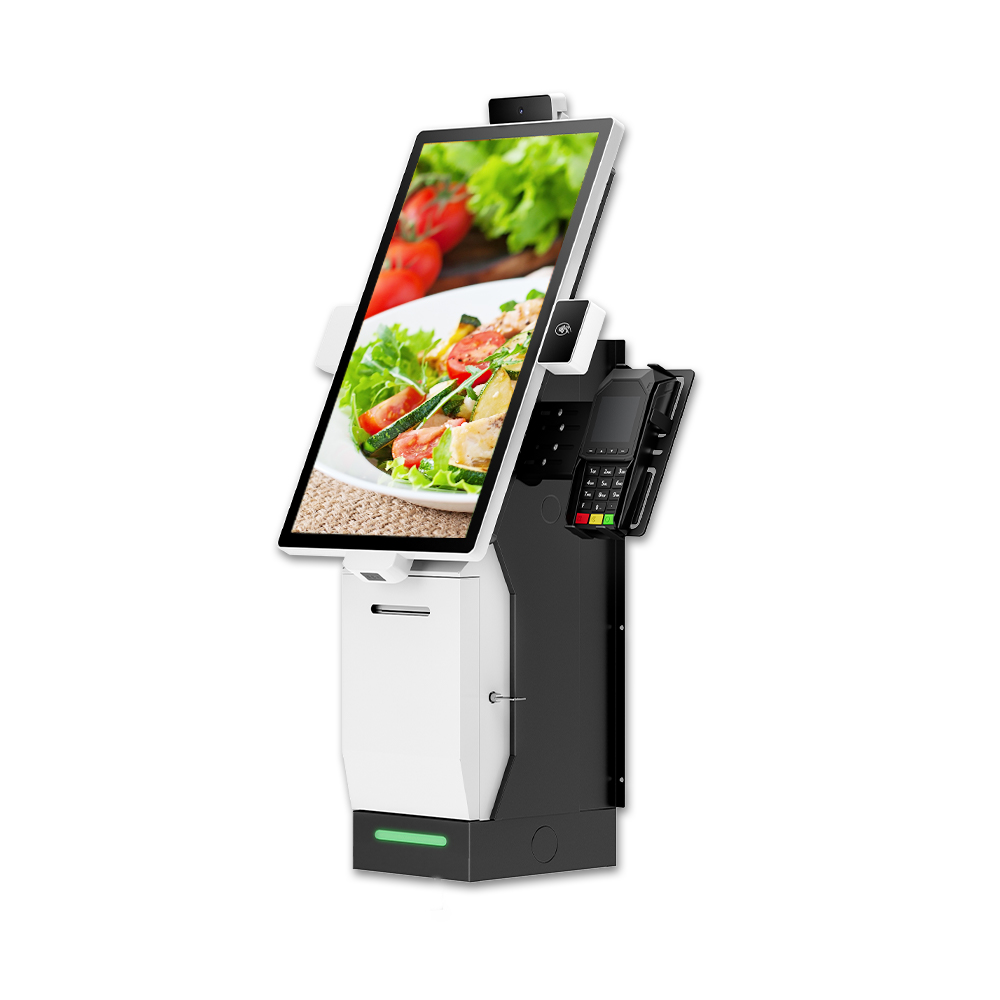
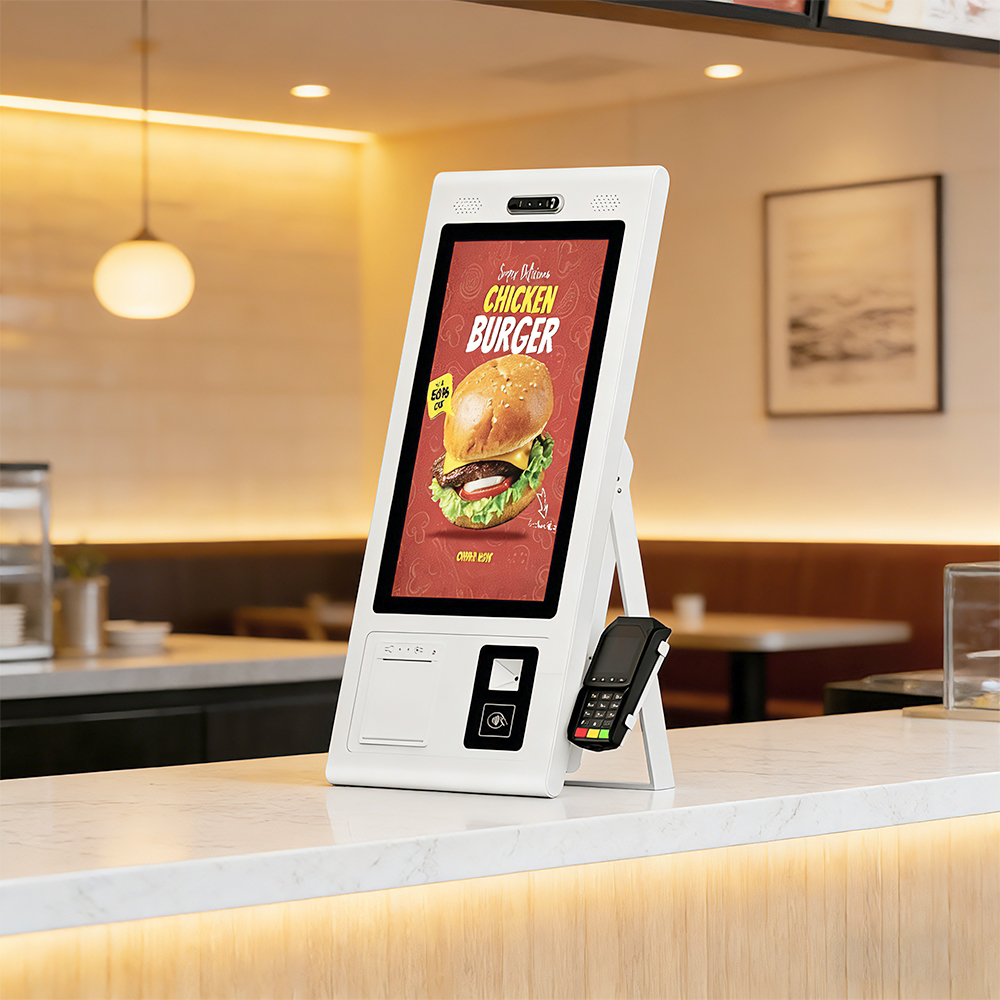
Food Ordering Kiosk Machine is a dedicated, interactive self-service terminal designed for Quick Service Restaurants (QSR), fast food outlets, and retail dining environments. It functions as an autonomous point-of-sale (POS) interface, allowing customers to browse digital menus, customize their meals, and complete secure payments without the need for staff intervention.
|
|
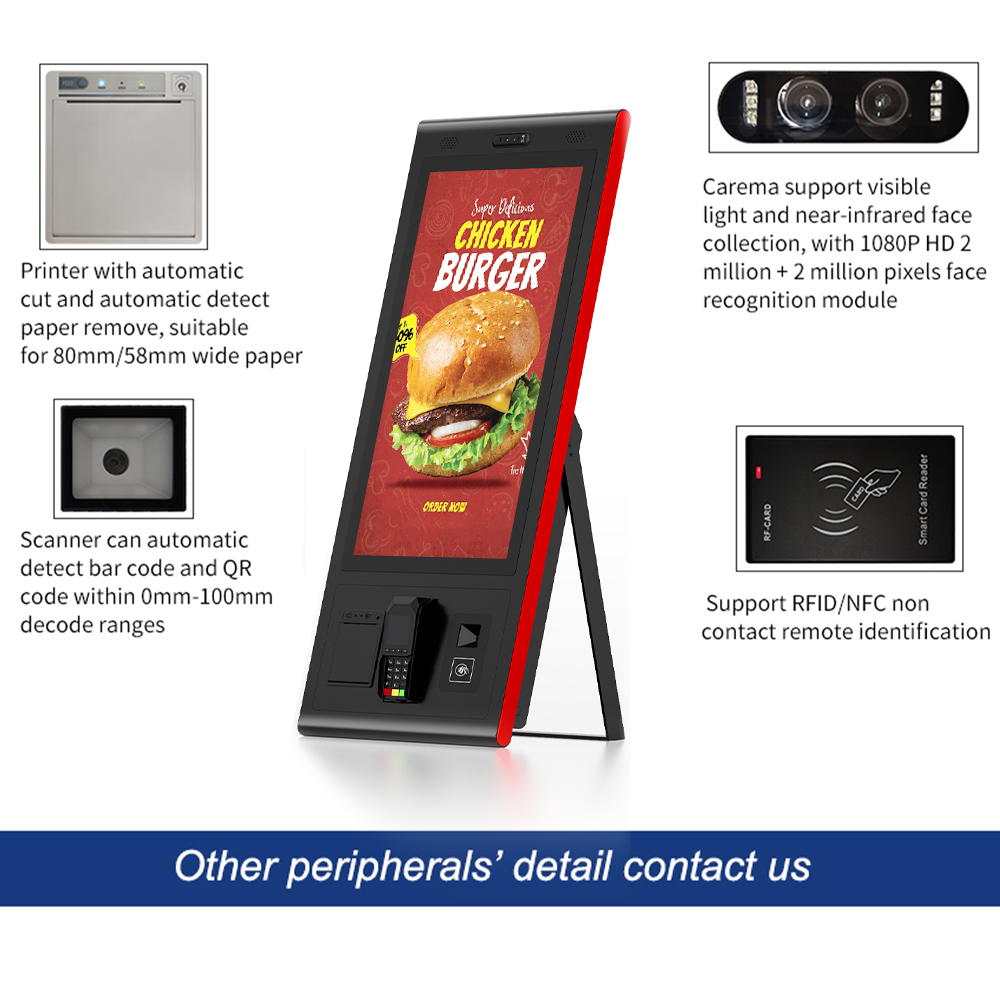
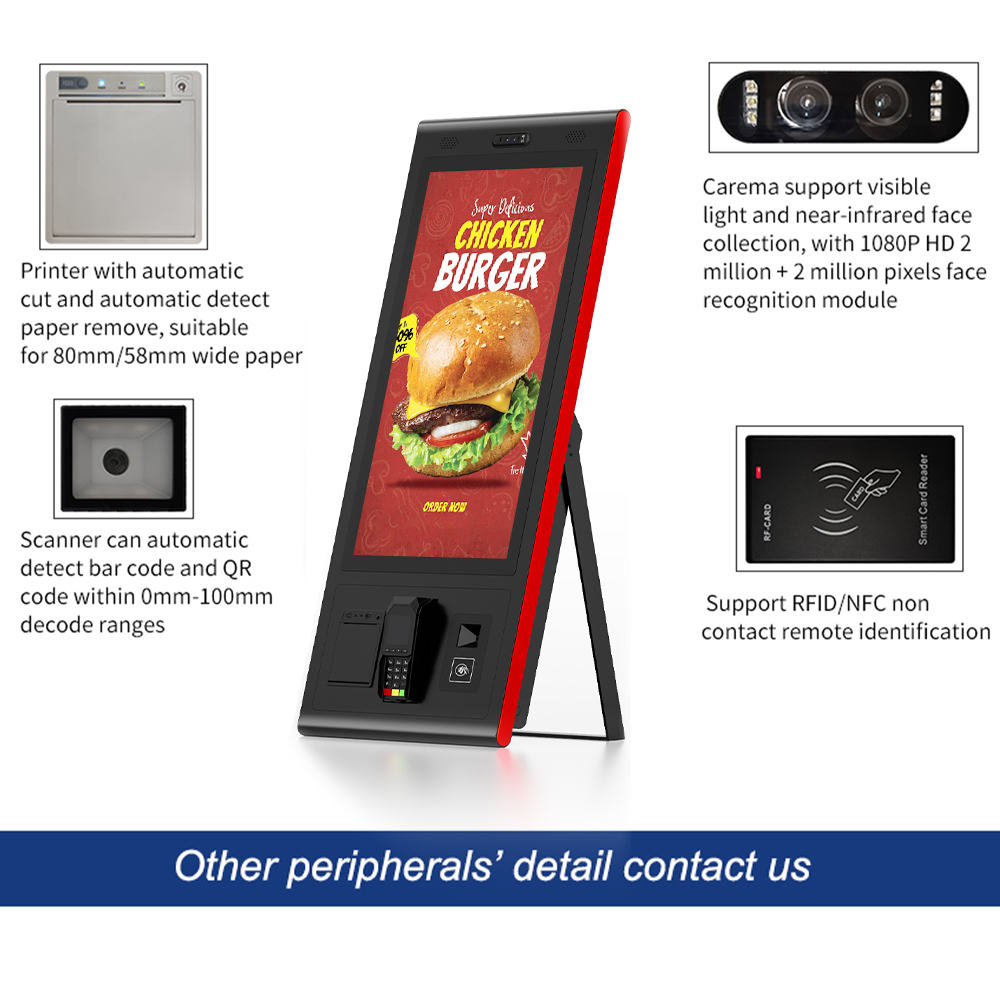
Every KosinTec food ordering kiosk is built using commercial-grade hardware to ensure a 24/7 duty cycle. A complete machine includes:
Display & Touch Module
| Computing Platform
|
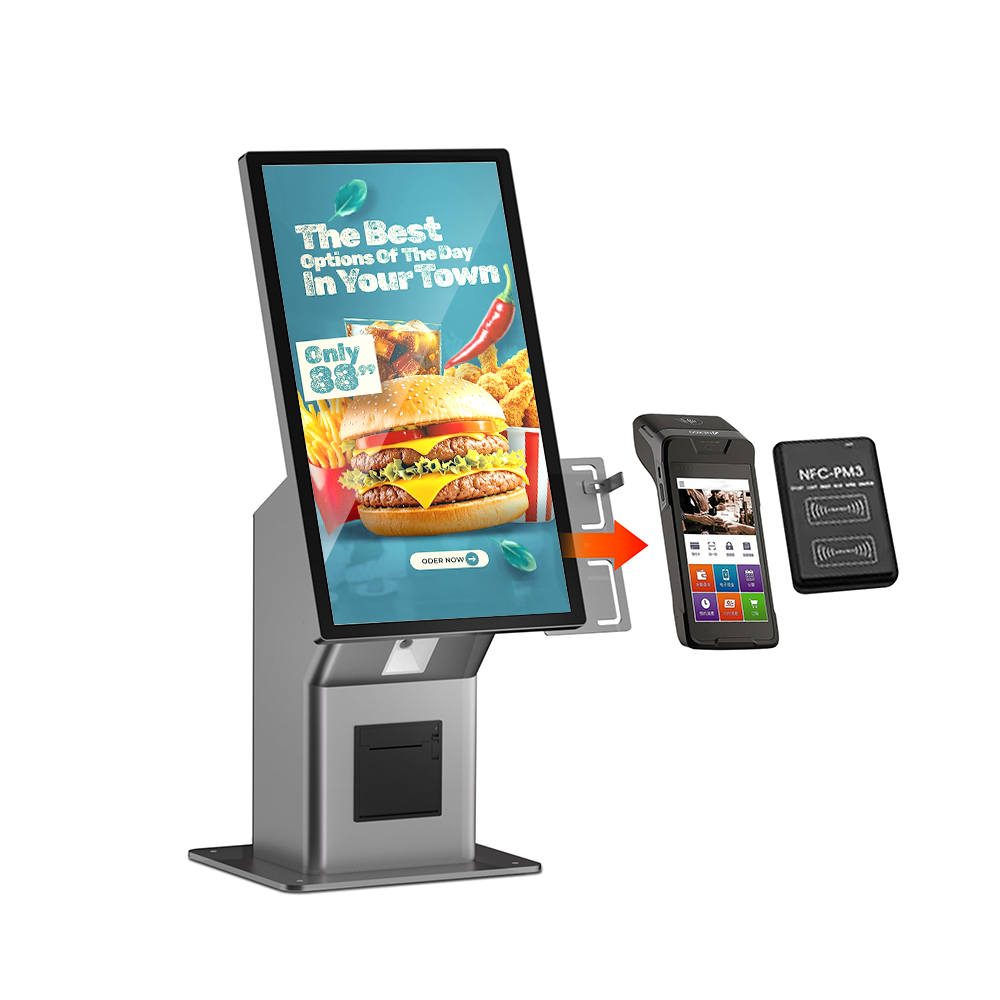
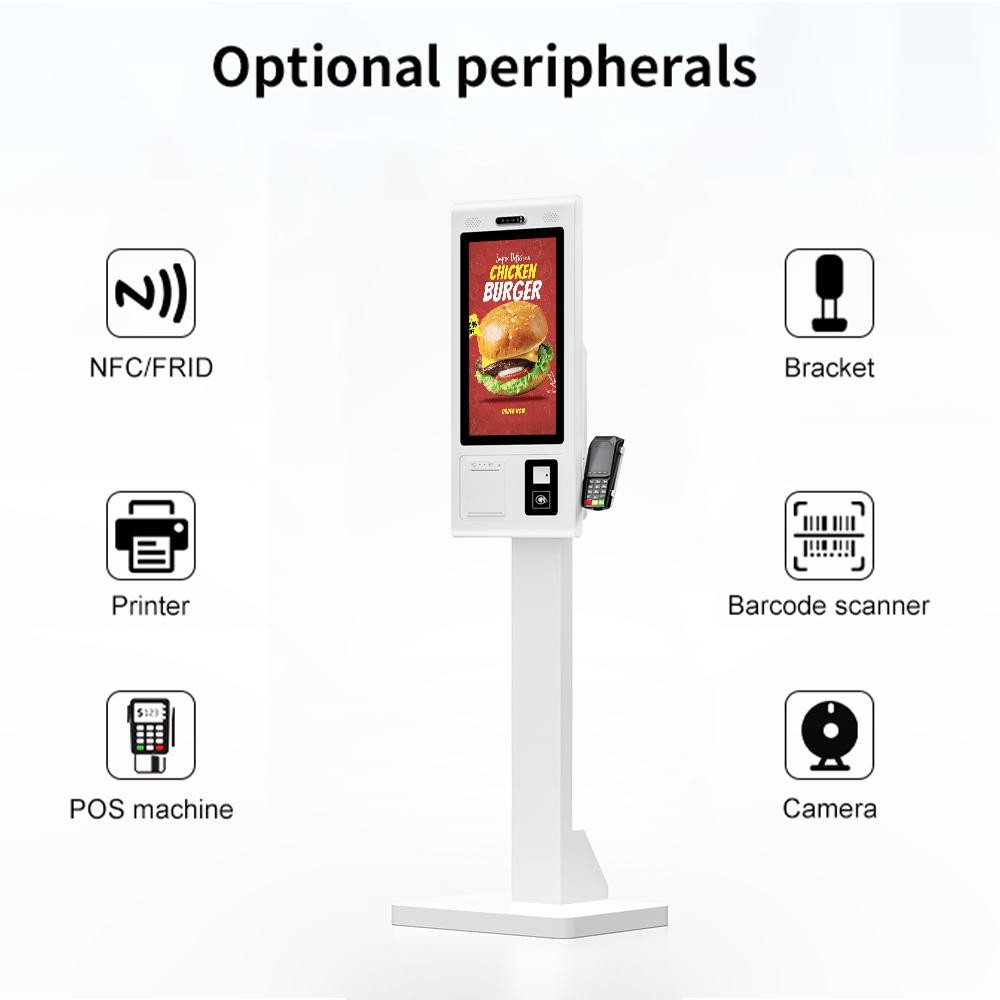
Transactional Peripherals: * PrinterIntegrated high-speed thermal printer (up to 180mm/s). Scanner
Payment Module
| Industrial Chassis
Surface Protection
Connectivity
|
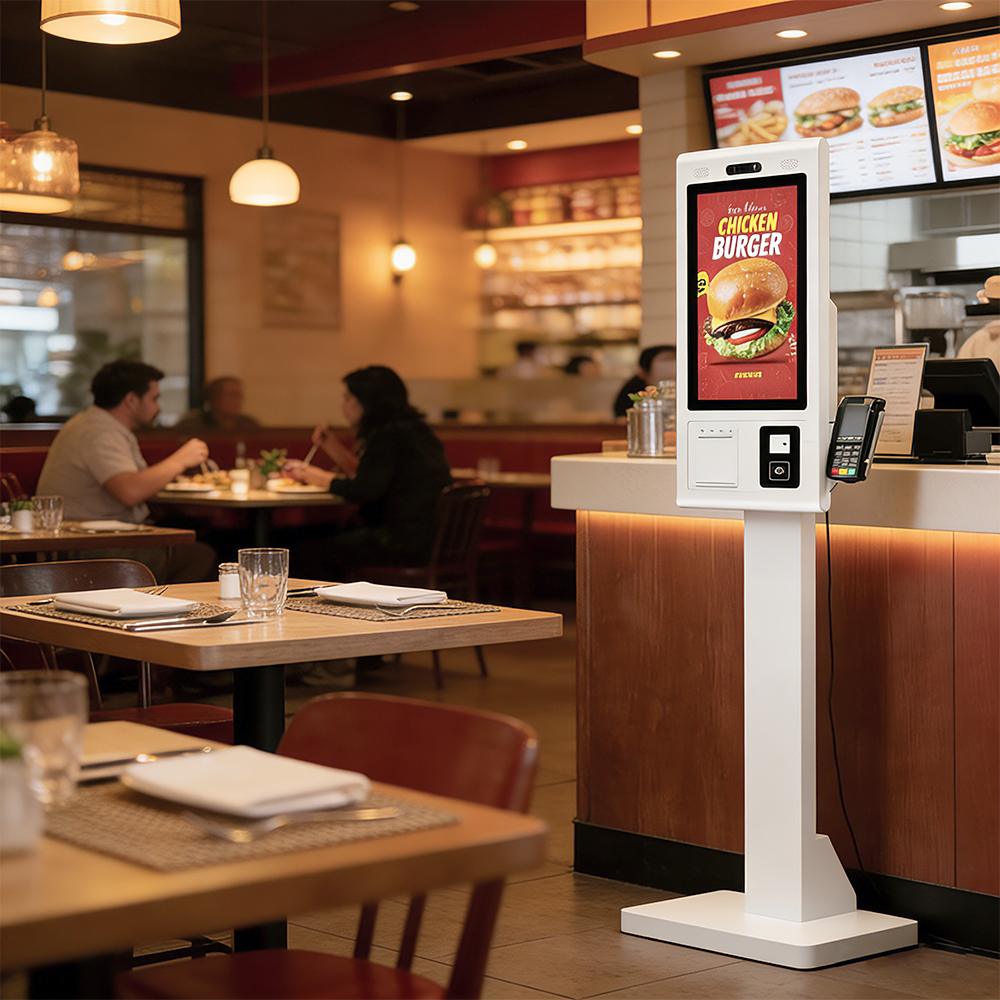 | Purpose and Functionality: What can you do with Food Ordering Kiosk Machine?The Food Ordering machine is designed to be the "Digital Brain" of a restaurant’s front-of-house operations. You can use it to:
|
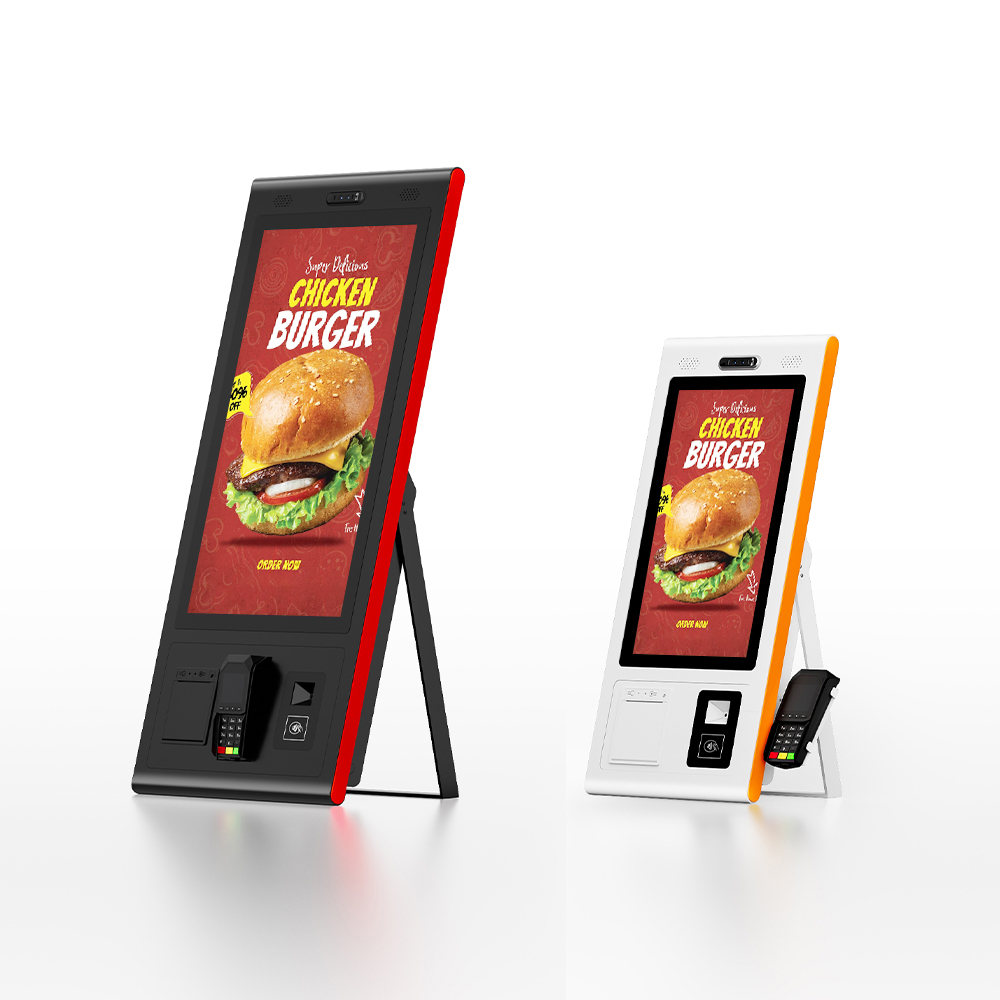
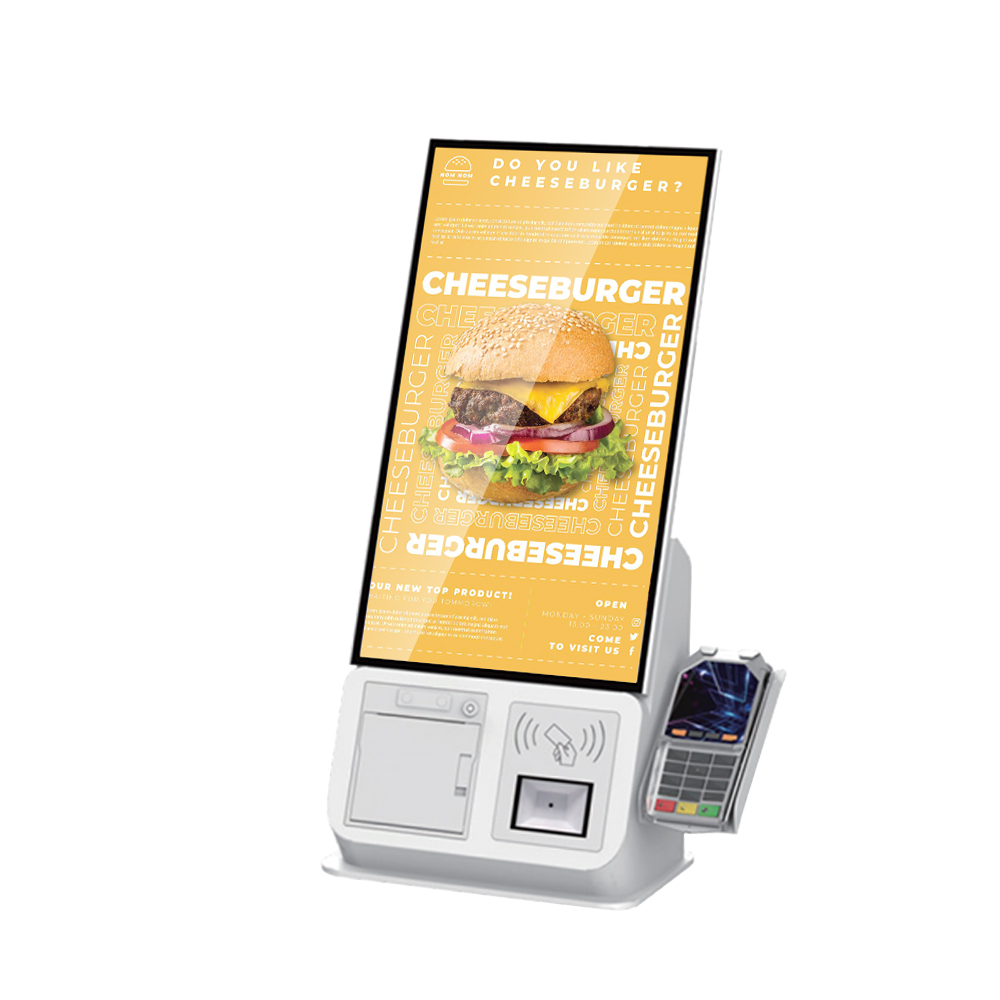
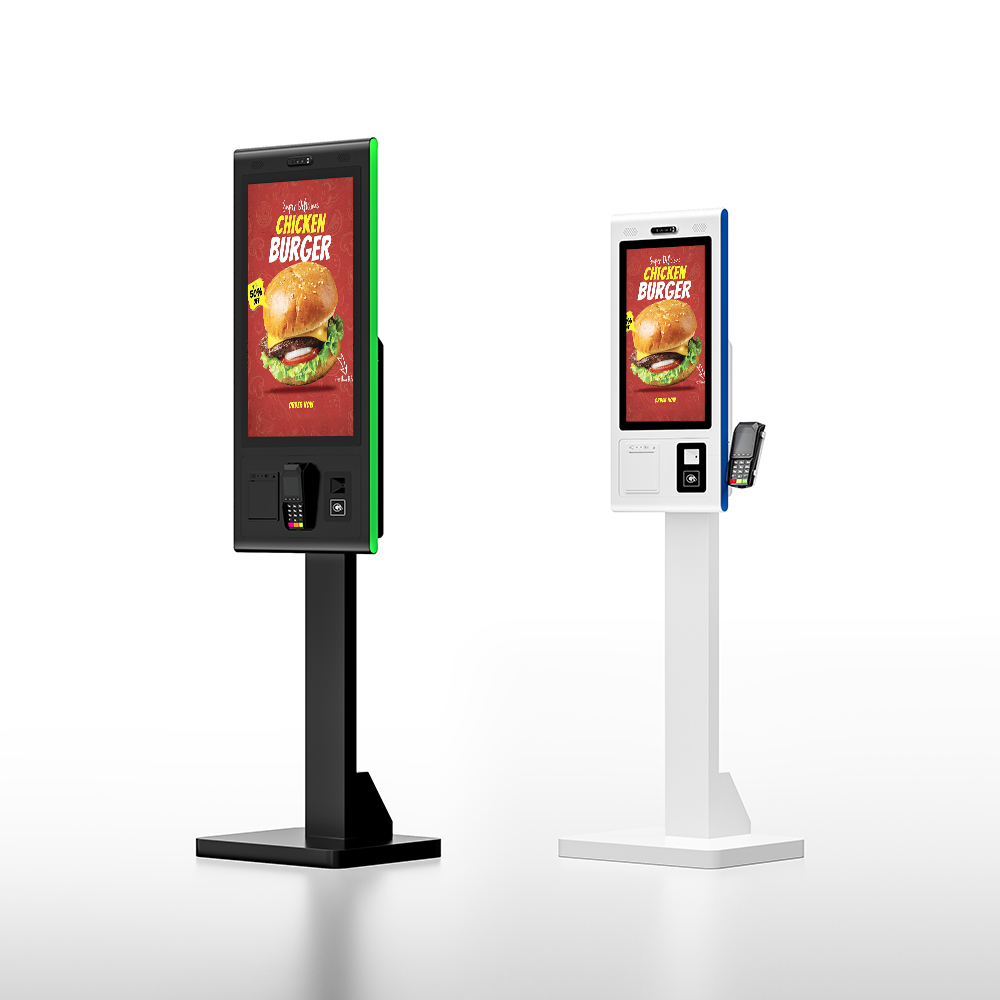
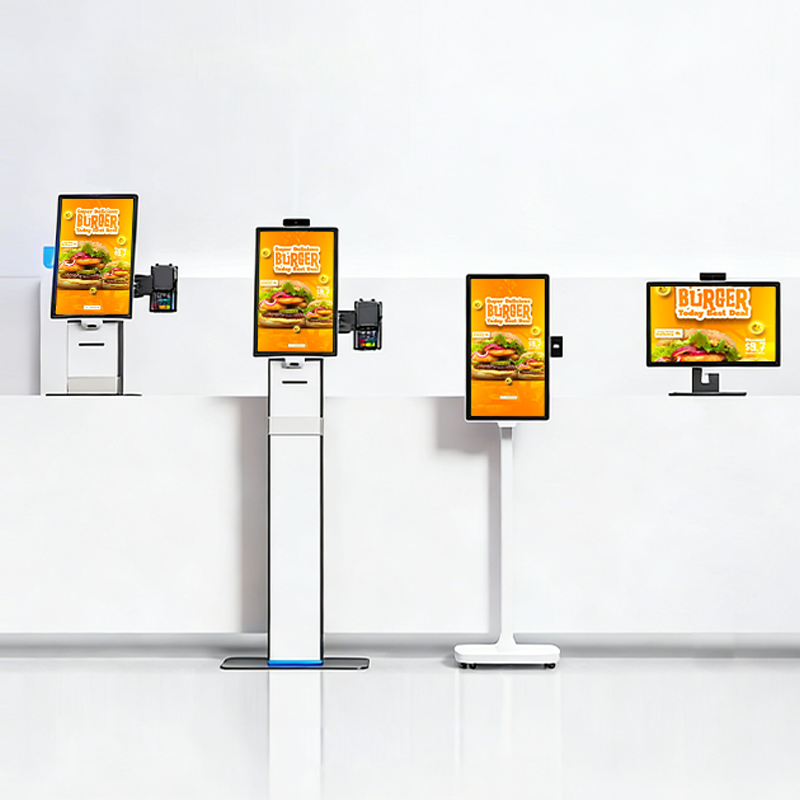
KosinTec offers various form factors to suit different floor plans and budgets:
Kiosk Style | Common Sizes | Typical Price Range (USD) | Best Use Case |
Desktop / Countertop Food Ordering Machine | 21.5", 27", 32" | $800 – $1,500 | Cafes, bakeries, or bars with limited floor space. |
Vertical (Floor-Standing) Food Ordering | 27", 32" | $1,200 – $2,500 | High-traffic QSR entrances and food courts. |
Wall-Mounted Food Ordering Machine | 15.6", 21.5", 23.8" | $700 – $1,300 | Narrow hallways or small convenience stores. |
When Should an Investor Choose a Food Ordering Machine?Investment is highly recommended when an owner faces the following business scenarios:
|
|
Professional Food Ordering Kiosk Machines are built using industrial-grade fabrication techniques. The chassis is constructed from high-strength cold-rolled sheet metal or aluminum alloy, finished with industrial powder coating to resist scratches and corrosion. The display features G+G (Glass-on-Glass) P-CAP touch technology protected by 3mm-4mm tempered glass. At Kosintec, we apply AG (Anti-Glare) and AF (Anti-Fingerprint) treatments to the glass, ensuring the screen remains legible and responsive even under heavy use and greasy conditions.
The choice depends on your existing software ecosystem. Kosintec offers two primary technical configurations:
Android-based (e.g., RK3568): Ideal for businesses seeking a cost-effective, energy-efficient solution for modern cloud-based apps.
Windows-based (e.g., Intel i5/i7): Necessary for complex, legacy POS integrations, ERP systems, or local database management. Regardless of the OS, ensure your manufacturer provides a comprehensive SDK (Software Development Kit) to guarantee that peripherals like printers and scanners integrate seamlessly with your ordering software.
Efficiency relies on both hardware speed and proactive management. A high-quality Food Ordering Kiosk Machine should feature a touch response time of ≤ 6ms to prevent "ghost touches" or lag. Operationally, staff should check the thermal printer paper levels before peak hours and ensure the QR/NFC scanner is clean. For payment stability, always prioritize a wired RJ45 Ethernet connection over Wi-Fi to prevent transaction timeouts during high-traffic periods.
Technical issues typically fall into three categories:
Black Screen/Power Issues: Usually caused by loose power cables or a tripped internal breaker. Check the grounded outlet first.
Printer Jams/Failure: Often due to incorrect paper loading or debris in the cutter. Analyze the "feed" mechanism—the thermal side of the paper must face the print head.
Unresponsive Touch: This is often caused by a buildup of grease or dirt on the screen surface. Clean the screen to resolve "phantom touches." If it persists, a system reboot usually recalibrates the P-CAP sensor.
Daily Cleaning: Use a microfiber cloth with a small amount of non-corrosive screen cleaner. Never spray liquids directly onto the kiosk seams.
Debris Removal: Use compressed air to blow out dust from the printer slot, cooling vents, and card reader tracks.
System Refresh: Perform a full power-cycle (reboot) at least once a week to clear system cache and prevent thermal throttling or software "freezes."
Safety is paramount for public-facing hardware. Every Food Ordering Kiosk Machine must be bolted to the floor (for vertical models) to prevent tipping. Technically, the device should be CE/FCC/RoHS certified. From a software perspective, ensure the system is locked in Kiosk Mode to prevent unauthorized access to the OS. Additionally, if the kiosk handles payments directly, ensure the integrated peripherals comply with PCI-DSS security standards to protect customer data.
Industrial Durability: Our kiosks use metal frames and AG glass, outlasting cheaper plastic alternatives by years.
Integration Support: We provide comprehensive SDK and API documentation, making it easy for your developers to link our hardware to your existing POS.
Factory-Direct Value: By eliminating middlemen, we offer the most competitive Total Cost of Ownership (TCO) in the industry.
Proven Reliability: Every unit undergoes a 48-hour burn-in test and is CE/FCC/RoHS certified.
Boost your restaurant efficiency today! Are you ready to reduce queues and increase your revenue? Contact the KosinTec expert team now for a personalized quote and technical consultation.