
Hot Products
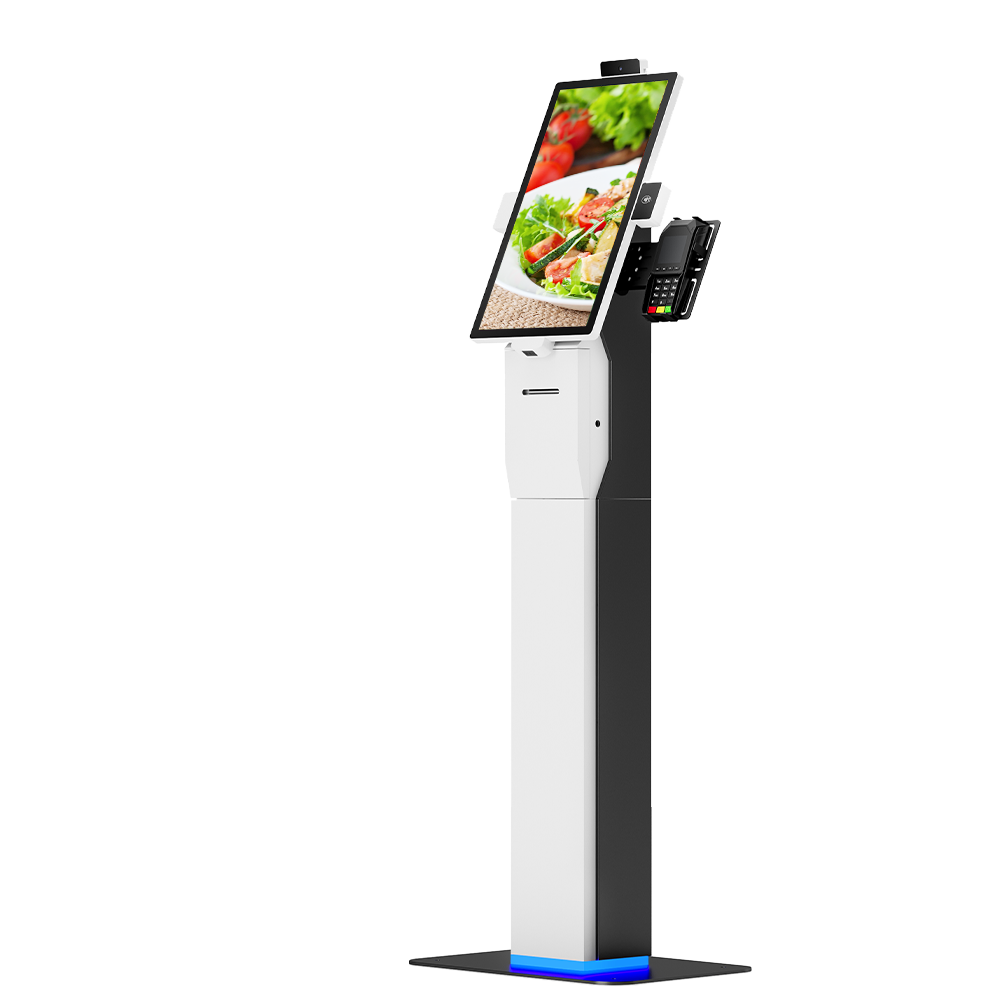
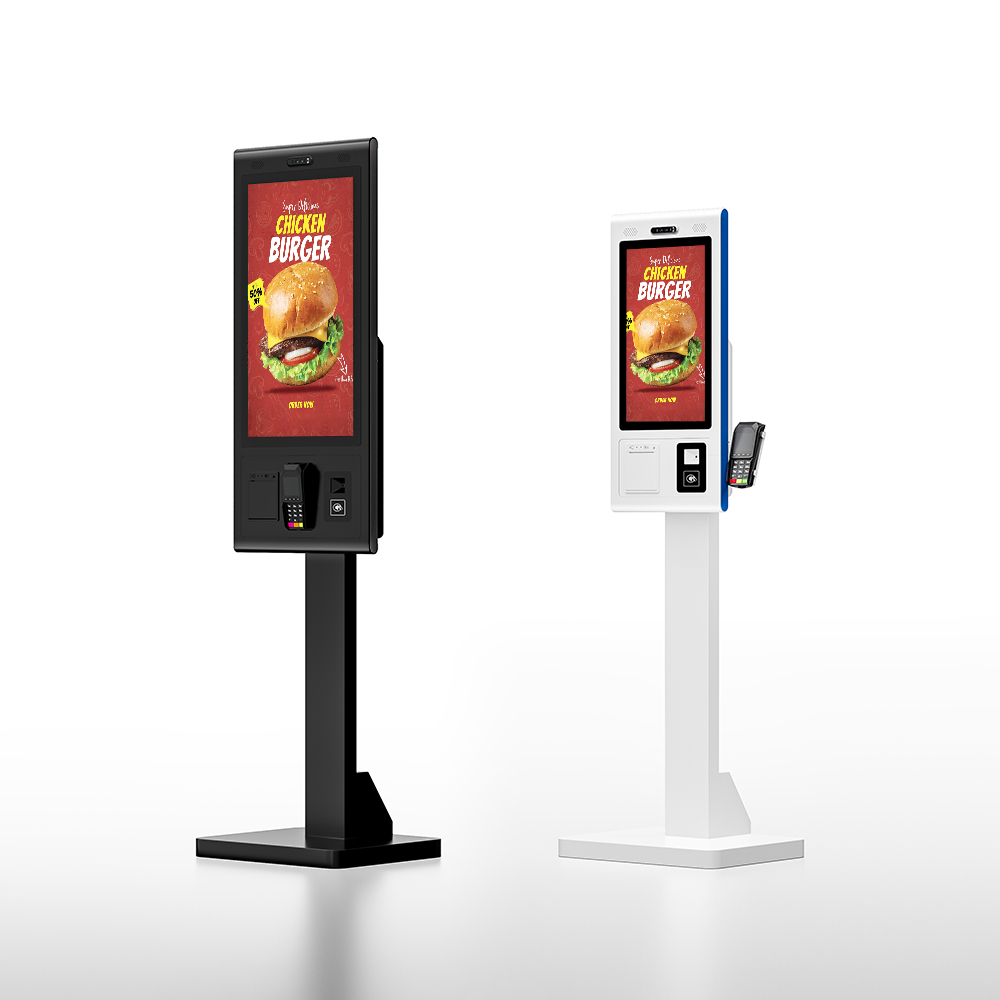
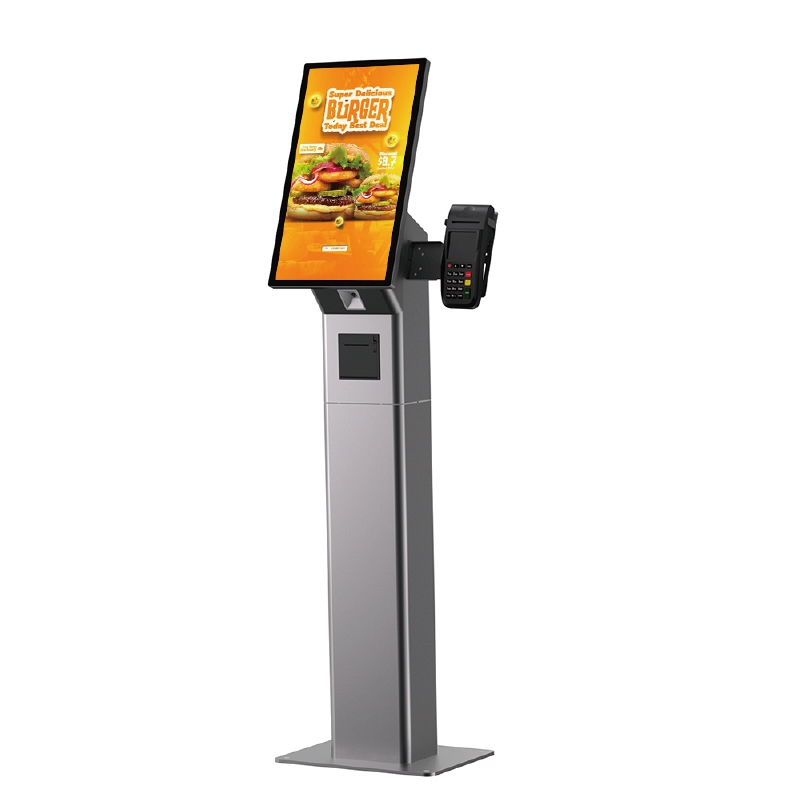
Branded Custom Self Order Kiosk With SDK & Pre-Install Service
This customizable self-service kiosk supports full brand customization including logo printing, custom colors and structural shape modification. It offers FHD or optional 4K high-definition display, configurable Intel i3/i5/i7 CPU with maximum 16GB RAM for smooth running of complex programs. Equipped with complete SDK for personalized UI development and system docking. We provide professional pre-installation, software configuration and full testing service, so the kiosk can be put into use directly after delivery.
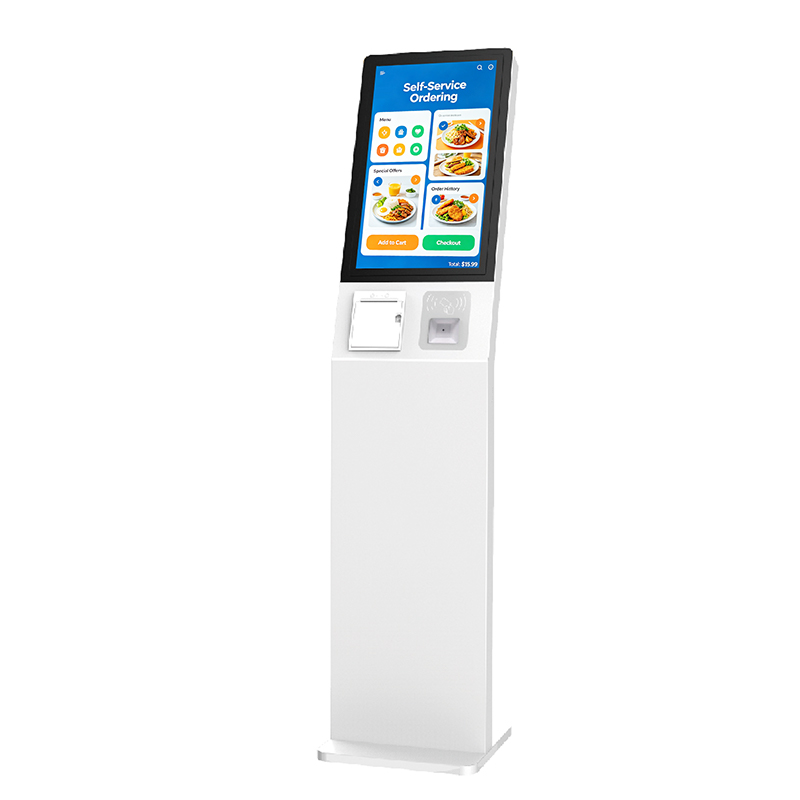
Fast Restaurant Ordering Desktop Touch Kiosk
Accelerate Service & Reduce QueuesEnables multiple customers to order simultaneously, drastically cuttingwait times during peak hours and improving overall cust
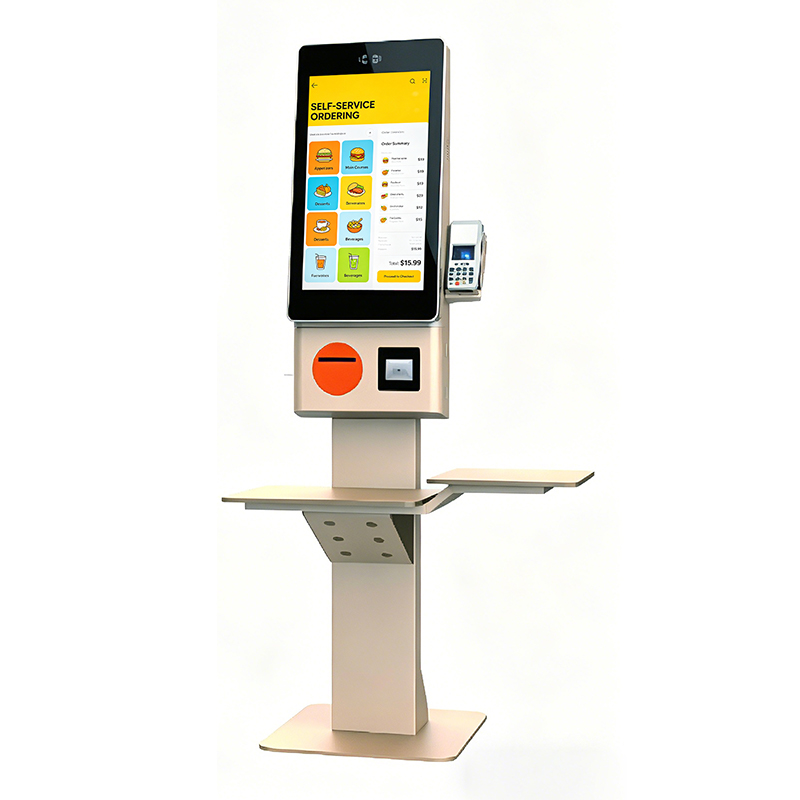
Self-Service-Ordering-Touch-All-in-One Kiosk
Secure & Versatile Payment HubIntegrates seamlessly with various payment gateways, supporting NFC,QR code, credit card readers, and mobile wallets for a complet
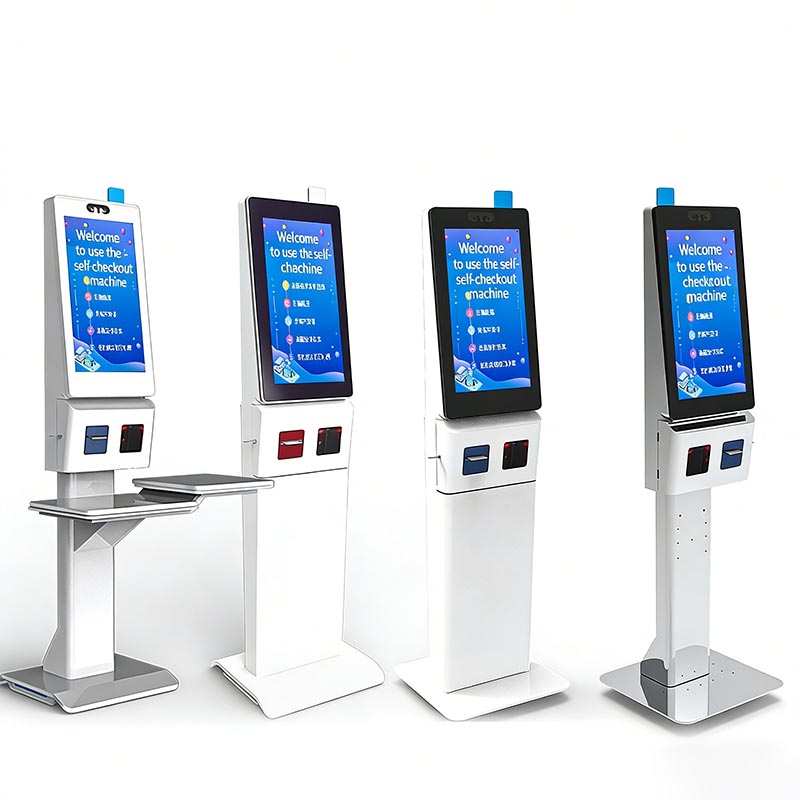
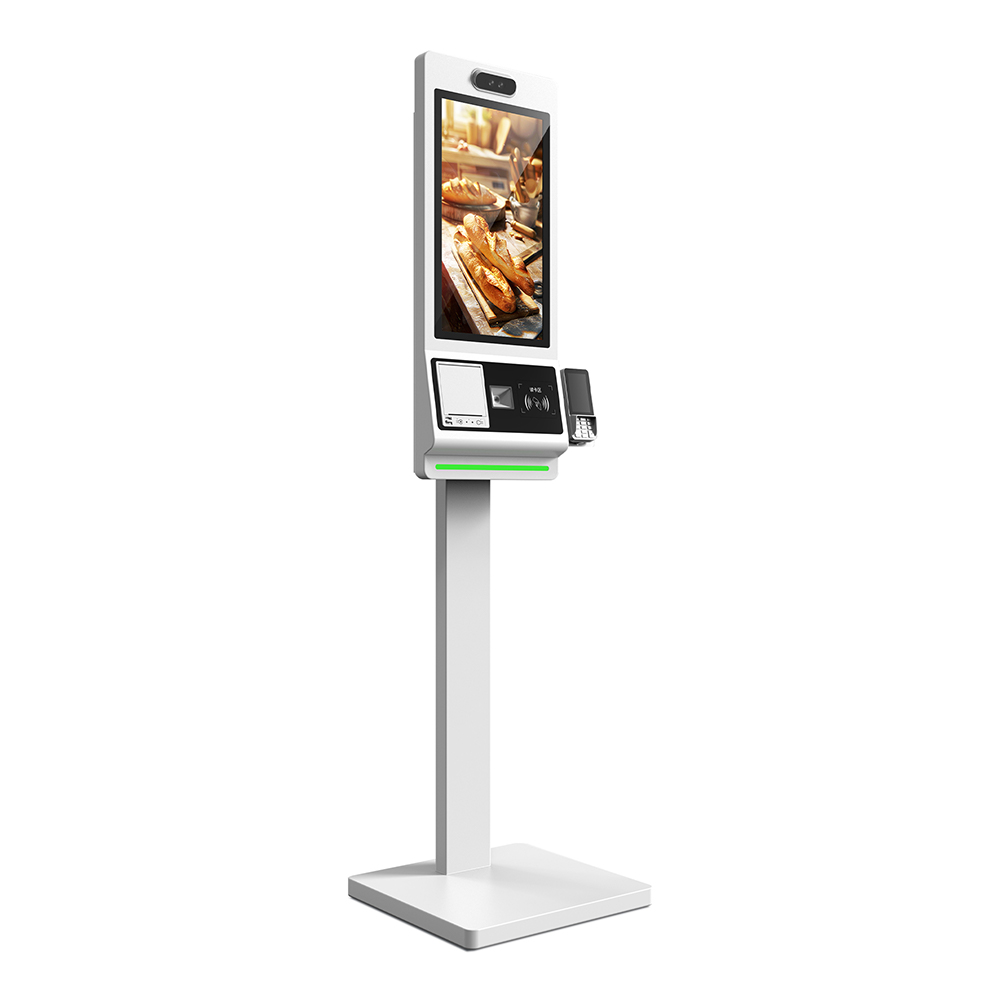
Self-Service Checkout Kiosk: HD Capacitive Screen, Multi-Payment (Face/QR) & Cloud Data Sync for Retail/F&B Operational Efficiency
Product IntroductionThis self-service checkout kiosk features an HD capacitive touch screen, integrated face/QR payment, and cloud data sharing. It supports sel
21.5" Windows Touch Screen Restaurant Payment Terminal with Optional Scanners
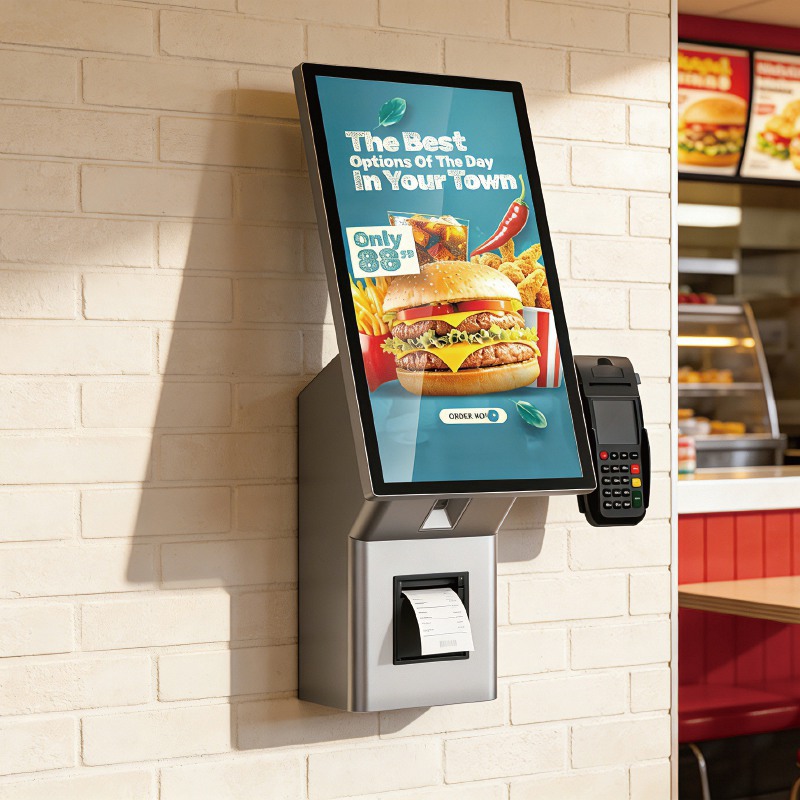
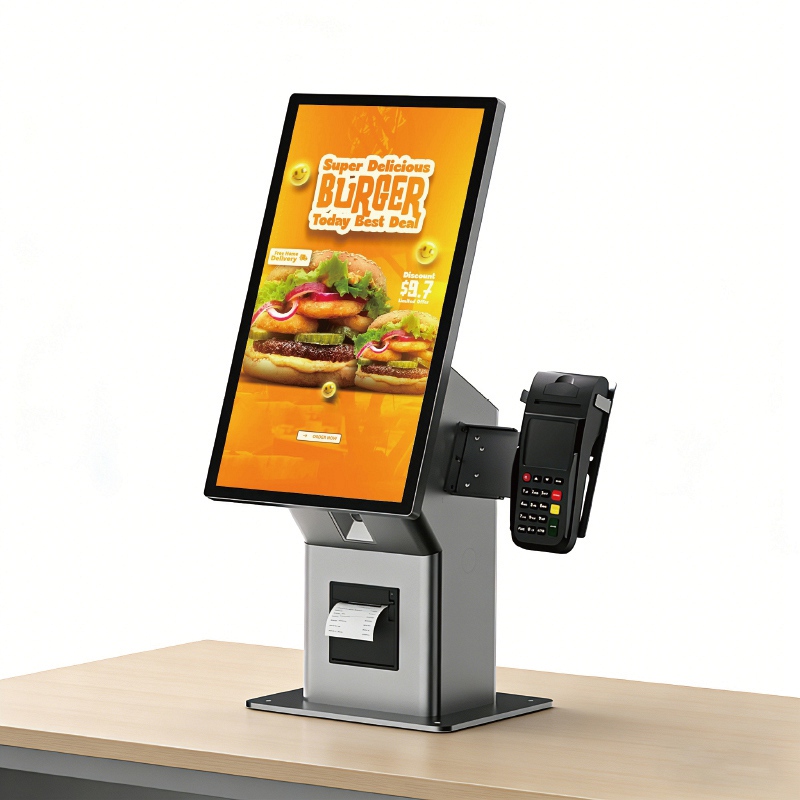
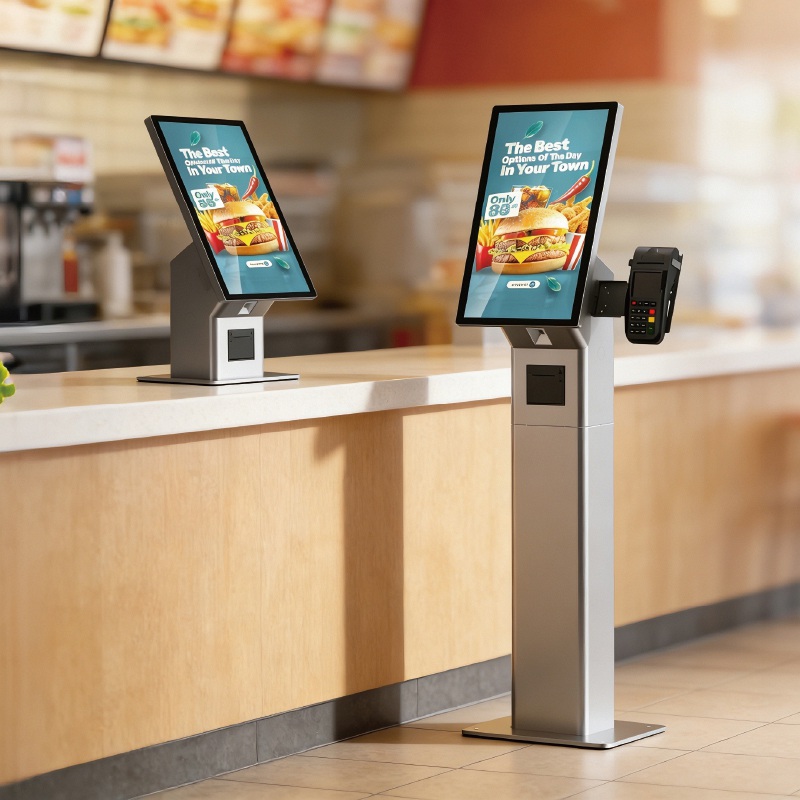
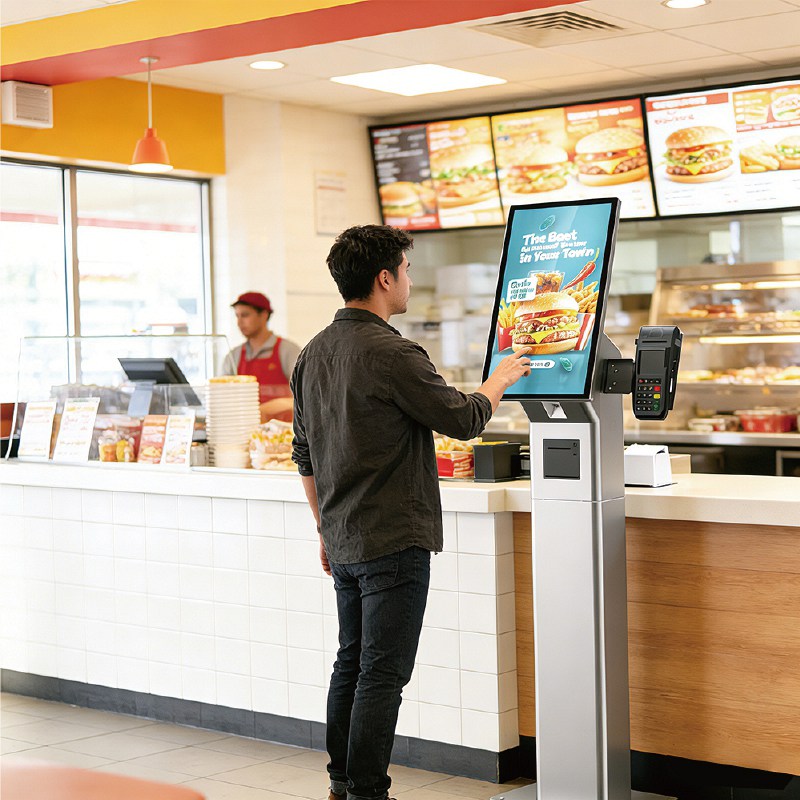
Product Details:
| Place of Origin: | Kiosk Manufacturer |
| Brand Name: | KosinTec |
| Certification: | FCC, CE, ROHS |
| Model Number: | k-8439 |
Payment & Shipping Terms:
| Minimum Order Quantity: | 1 UNIT |
|---|---|
| Price: | $ |
| Packaging Details: | Strong Case |
| Delivery Time: | 5-6 weeks |
| Payment Terms: | TT |
| Supply Ability: | 5000 units per month |
Detailed Product Description
What is A Touch Screen Interactive Kiosk
A Touch Screen Interactive Kiosk is a specialized, self-service computer terminal featuring a high-resolution, multi-touch enabled display and embedded computing hardware. It is designed to function as an independent digital station, allowing users to autonomously perform various tasks such as accessing information, navigating complex directories (wayfinding), completing transactions (payments, self-checkout), or engaging with educational and promotional content, all without the need for staff assistance. Its primary goal is to improve customer experience, reduce wait times, and streamline operations in public spaces.
|
|
Key Specifications of Touch Screen Interactive Kiosk
Component | KOSINTEC Typical Specification | Importance / Benefit |
Display Size | 43 inch, 55 inch | Optimal size for high-impact viewing and comfortable touch interaction. |
Touch Technology | 10-Point Multi-Touch (Capacitive or IR) | Enables smooth, responsive gesture control and multi-user interactions. |
Resolution | Full HD (1920 x 1080) or UHD | Ensures clear, high-definition content display. |
OS Flexibility | Android / Windows | Allows integration with diverse corporate software ecosystems. |
Durability | 4 mm Tempered Glass | Protects the screen from public use wear and tear. |
Connectivity | Wi-Fi, RJ45 Ethernet, USB | Essential for network management and peripheral connection. |
Hardware of Touch Screen Interactive Kiosk
| Software of Touch Screen Interactive Kiosk
|
Applications of Touch Screen Interactive Kiosk
Sector | Primary Use Case |
Retail & QSR | Self-ordering, product look-up, inventory checking, and loyalty program sign-ups. |
Transportation | Check-in, baggage tagging, ticket purchasing, and real-time flight/schedule updates. |
Healthcare | Patient check-in, appointment scheduling, and patient information updates. |
Corporate/Hospitality | Visitor management, employee check-in, digital concierge services, and hotel check-out. |
Public Venues | Wayfinding (maps and directions in malls/museums), virtual tours, and information access. |
|
|
What Touch Screen Interactive Kiosk Does for the Customer
Improves Customer Experience (CX): Provides immediate, 24/7 access to information and services, reducing frustration associated with waiting in lines.
Increases Efficiency and Revenue: Automates routine tasks (like ordering/check-in), freeing staff to focus on complex tasks, and utilizing dynamic cross-selling techniques to boost average transaction value.
Gathers Valuable Data: Collects interaction data (usage patterns, popular searches, demographics) which is critical for refining business strategies and optimizing floor layouts.
Enhances Brand Modernity: Position a business as technology-forward and committed to providing convenient, user-centric services.
How to Make A Touch Screen Interactive Kiosk
The manufacturing of a Touch Screen Interactive Kiosk involves:
Enclosure Fabrication: Designing and manufacturing the durable metal chassis (floor stand, wall mount, or countertop) with precise cutouts for the screen and peripherals.
Component Integration: Integrating the Commercial-Grade LCD panel, the Multi-Touch overlay (IR or PCAP), and the embedded PC board (CPU/RAM/Storage).
Peripheral Installation: Mounting and connecting necessary accessories (e.g., payment device, receipt printer, scanner).
System Setup: Installing the chosen Operating System (Windows/Android) and the protective Kiosk Shell software to ensure secure, reliable operation.
Quality Control: Rigorous testing of touch responsiveness, thermal management, software functionality, and compliance (CE, FCC) before shipping.
 |
How to Install a Touch Screen Interactive Kiosk
Site Preparation: Ensure the final placement area is level, has access to a secure power outlet, and a reliable Ethernet (RJ45) connection (or strong Wi-Fi signal).
Mounting: For floor-standing units, position the kiosk and, in high-traffic areas, secure the base to the floor using bolts through the pre-drilled holes for stability and anti-theft protection.
Cabling: Connect the power cable and network cable. Ensure all internal cables are secured to prevent dislodging during use.
Testing: Power on the unit and verify that the touch screen is calibrated, the network is active, and all peripherals (printer, scanner) are communicating correctly with the application software.
How to Use A Touch Screen Interactive Kiosk
Activate: The screen is typically "always on" or wakes up with a single tap.
Navigate: Use intuitive touch gestures (tap to select, swipe to scroll, pinch/zoom on maps) just like a large tablet or smartphone.
Perform Task: Follow the on-screen prompts to complete the desired task, such as placing a food order, checking in for an appointment, or searching a store directory.
Complete: Confirm the transaction or task. The system usually provides a receipt (digital or printed) and then automatically returns to the idle home screen for the next user.
KOSINTEC Solutions: Addressing B2B Touch Screen Interactive Kiosk Pain Points
Q1: How do you protect our investment against the high Total Cost of Ownership (TCO) and rapid obsolescence of digital hardware?
A: Solution: Dual OS Flexibility & Modular Design.Our Kiosk PCs offer Dual OS (Windows/Android) flexibility, allowing clients to switch or upgrade software systems without the costly necessity of replacing the entire hardware unit. Furthermore, the modular design readily supports future peripheral upgrades, drastically extending the unit's lifespan and effectively lowering your TCO.
Q2: Since these kiosks will be used in public spaces 24/7, how can we ensure reliability and prevent physical damage from the public?
A: Solution: 60,000 Hour Lifespan & Tempered Glass Protection.We use true commercial-grade panels with a guaranteed >60,000 hour lifespan. The screen is protected by a durable 4 mm tempered glass overlay, providing superior resistance against physical wear and tear, ensuring robust 24/7 operational reliability in demanding public settings.
Q3: We need to integrate the kiosk seamlessly with our existing payment and POS (Point-of-Sale) systems. Is your hardware flexible enough?
A: Solution: Customizable PC Specs & Rich I/O.Integration is guaranteed through customizable PC specifications, including Intel Core i3/i5 PC configurations. We provide extensive I/O ports (USB, HDMI, RJ45) to ensure secure, reliable communication and integration with the client’s existing POS, payment gateways, and inventory management systems.
Q4: We plan to deploy hundreds of units across many locations. How can we manage content updates and monitor status efficiently from a distance?
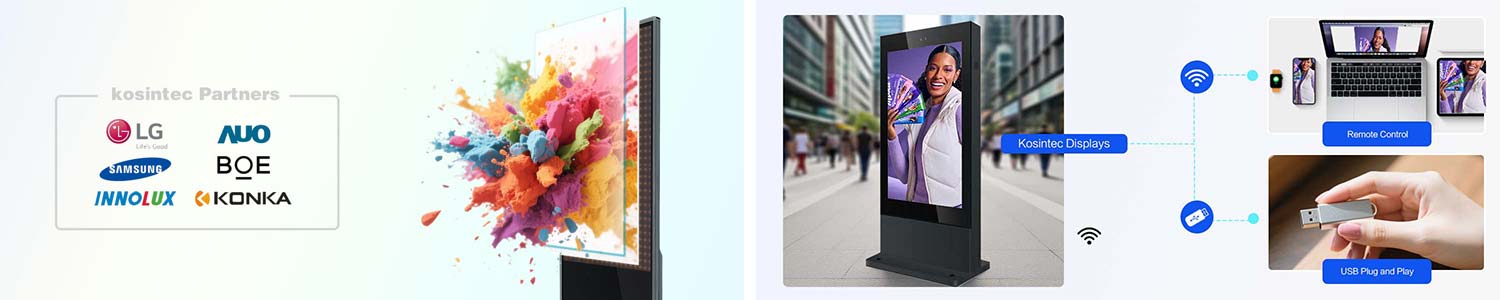
A: Solution: Centralized Remote Management (CMS).Our Android/Windows system fully supports all major Content Management Systems (CMS). This capability enables easy one-click remote publishing, real-time diagnostics, and status monitoring for hundreds of kiosks from a single, central administrative location, minimizing site visits.
Q5: Our branding requires a specific aesthetic and form factor. Can KOSINTEC meet unique design and size requirements?
A: Solution: Full OEM/ODM Customization Services.We provide comprehensive OEM/ODM services. This includes custom enclosure design, non-standard size configurations, and precise custom color powder coating, ensuring the final kiosk product perfectly aligns with the client's brand aesthetic and required installation footprint.
Address: Mingrenju Industrial Park, 10 Of Maotian Rd., Kengzi St., Shenzhen, Guangdong, China
- Tel:+86 18665965126
- Email: sales001@kosintec.com
- Worktime:8:00-02:00
- Contact Person:Ms. Cherry Lee
- Mobile Site