Find Any Kiosk Machine You Need And Contact Kosintec Now
- Request A Quote Now
Watch the video below to learn how does kiosk software work, and how it operates a kiosk machine step by step!
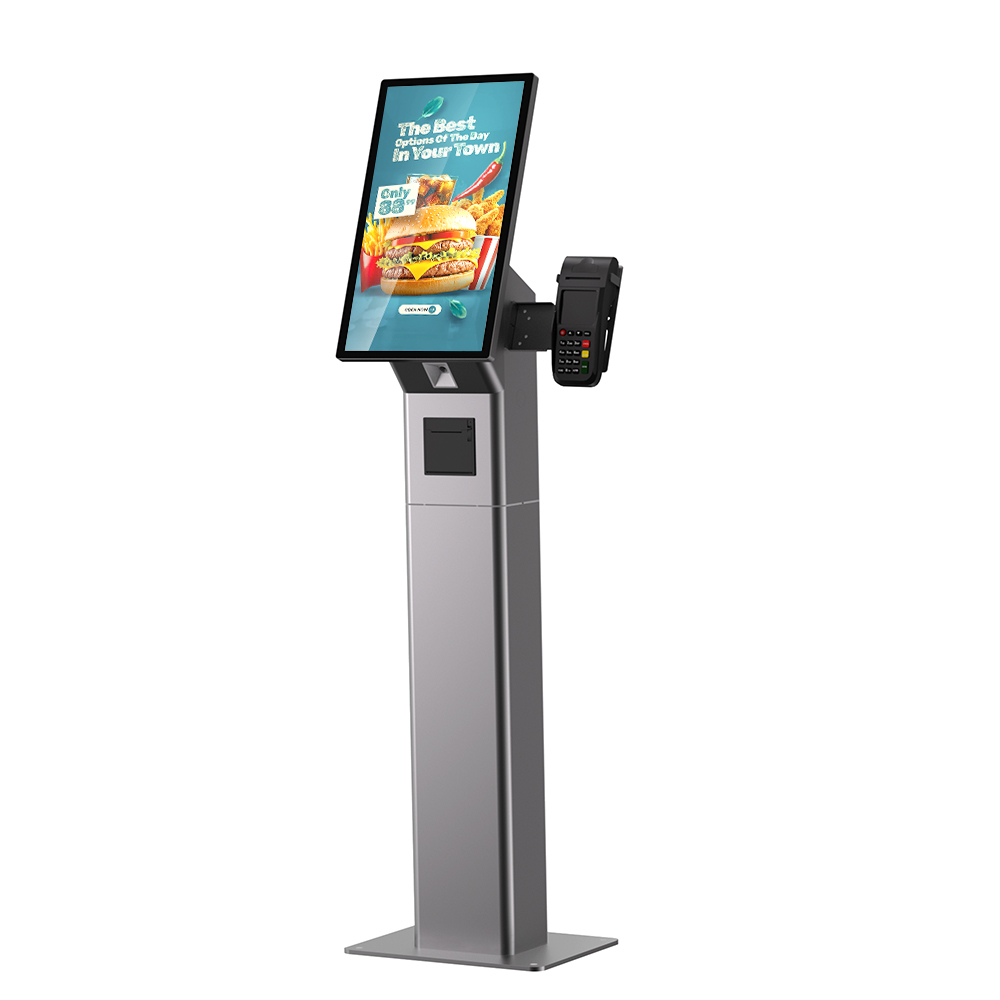
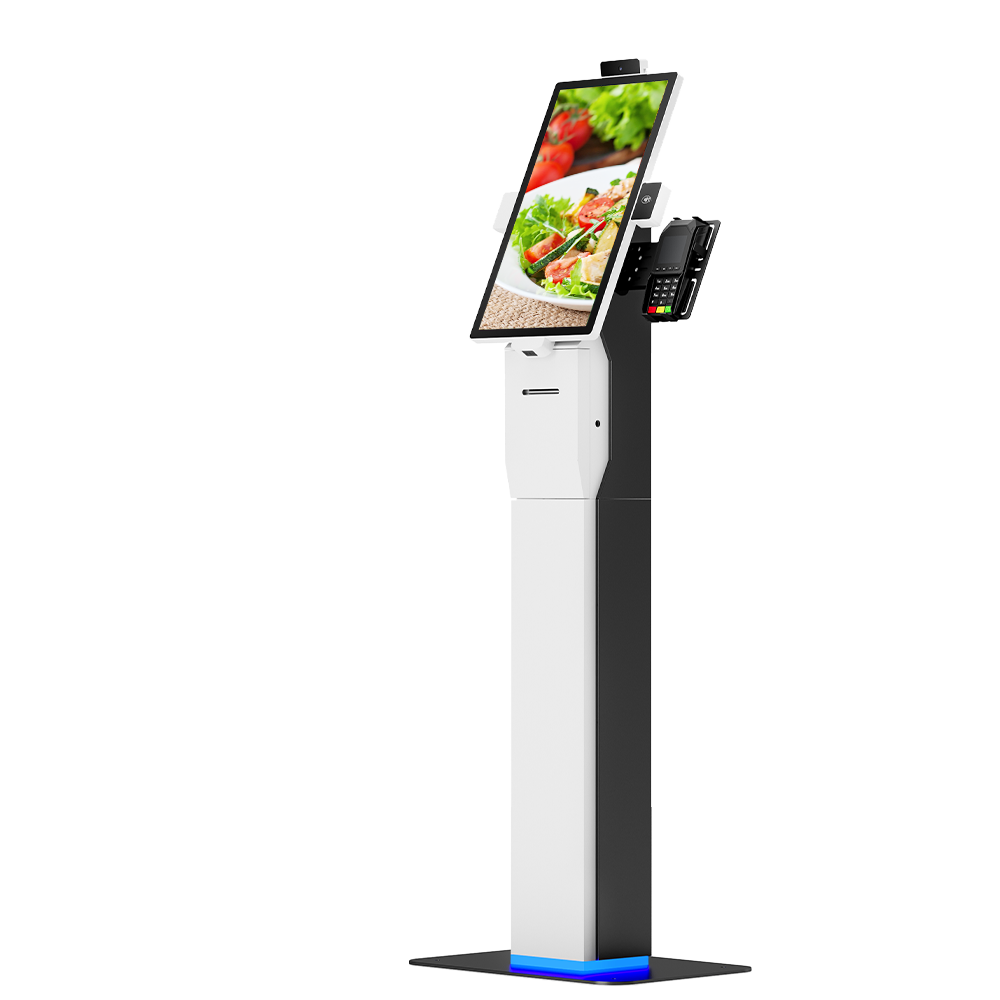
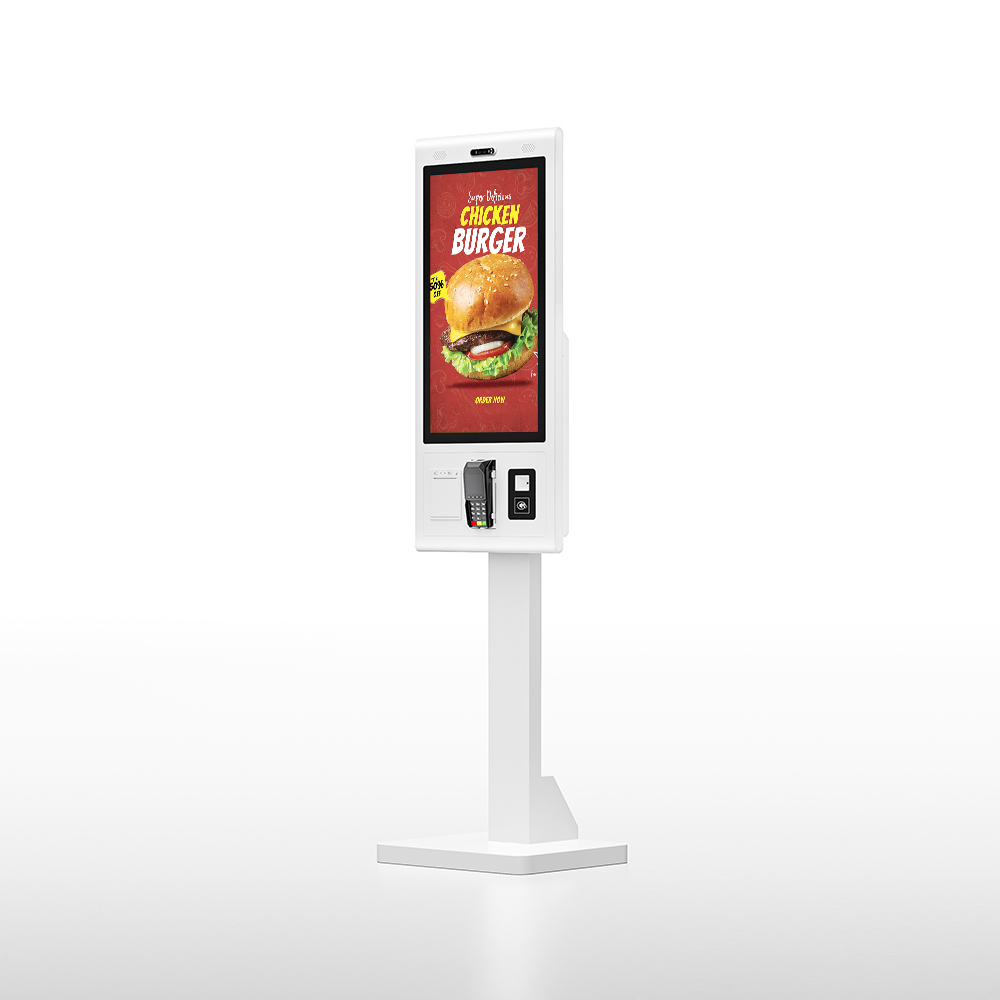
Kosintec provides robust, fully customizable Kiosk Software designed for seamless integration with our industrial-grade hardware. Our solutions feature powerful system management tools for peripheral control (printers, scanners, payment terminals) and offer flexible OS compatibility (Android, Windows, Linux). The software is optimized to provide a secure, responsive user interface (UI), supporting functions like order processing, multi-method payment, and real-time data collection on customer preferences, guaranteeing maximized efficiency and a superior self-service experience.
System Lockdown: Software secures the underlying OS (e.g., Windows/Android), restricting access to run only the dedicated application for public stability.
UI Rendering: Loads the customized User Interface (UI) to guide customers through processes like menu browsing or ticketing selection.
Peripheral Control: Manages all integrated hardware components (printers, scanners, payment terminals) via unified commands to facilitate transactions.
Transaction Engine: Processes orders/requests and securely communicates with the backend POS or server for payment authorization and fulfillment.
Data Logging: Captures essential user input, system data, and performance logs, providing critical business intelligence.
| Category | Consideration Details | Expert Focus/Why It Matters |
| 1. Integration & Compatibility | POS/Server APIs: Must offer seamless, real-time integration with your existing Point-of-Sale (POS), inventory, and CRM systems. | Ensures data consistency (pricing, stock) and prevents operational disconnects. |
| 2. Security & Compliance | System Lockdown: Essential "Kiosk Mode" to restrict users from accessing the underlying OS or unauthorized web pages. | PCI-DSS Compliance (for payments) and Data Encryption are non-negotiable for protecting customer data. |
| 3. Remote Management | Centralized Dashboard: Must allow administrators to monitor system health, push remote updates (content/software), and troubleshoot issues from a single location. | Crucial for minimizing downtime and managing multi-unit, multi-location deployments efficiently. |
| 4. User Experience (UX) | Responsive UI/UX: Interface must be intuitive, fast, and specifically optimized for P-Cap touch screens. Accessibility: Needs ADA/WCAG compliance features (voice prompts, adjustable font size, etc.). | A frictionless UX is key to adoption and faster transaction times. |
| 5. Customization & Branding | Branding Flexibility: Ability to easily customize the application's look (colors, logos, layout) without coding. Bespoke Features: Support for unique needs (e.g., complex loyalty programs). | Ensures the kiosk acts as a true extension of your brand experience. |
| 6. Scalability & Future-Proofing | OS Support: Must be cross-platform (Android, Windows, Linux) to maximize hardware choices. Updates: The provider must demonstrate a history of regular security and feature updates. | Protects your long-term investment by adapting to future technology and growth. |