Hot Products
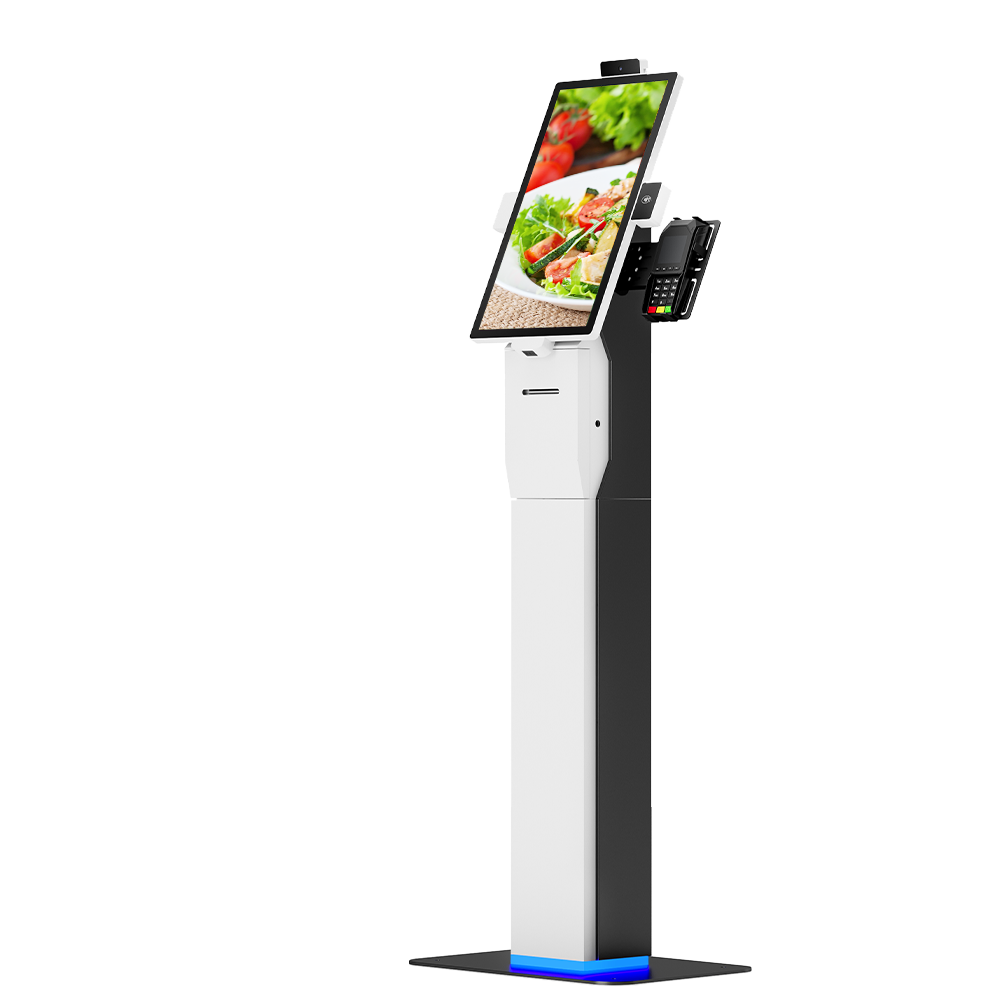
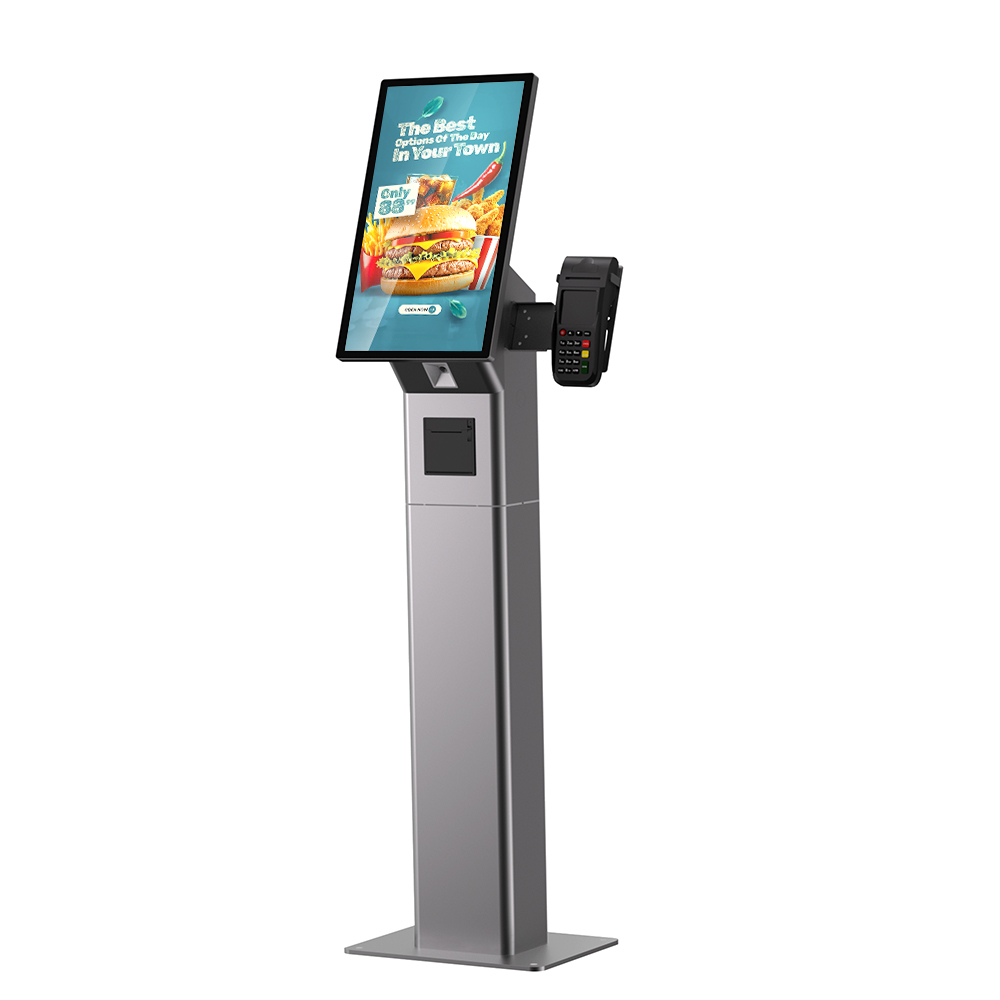
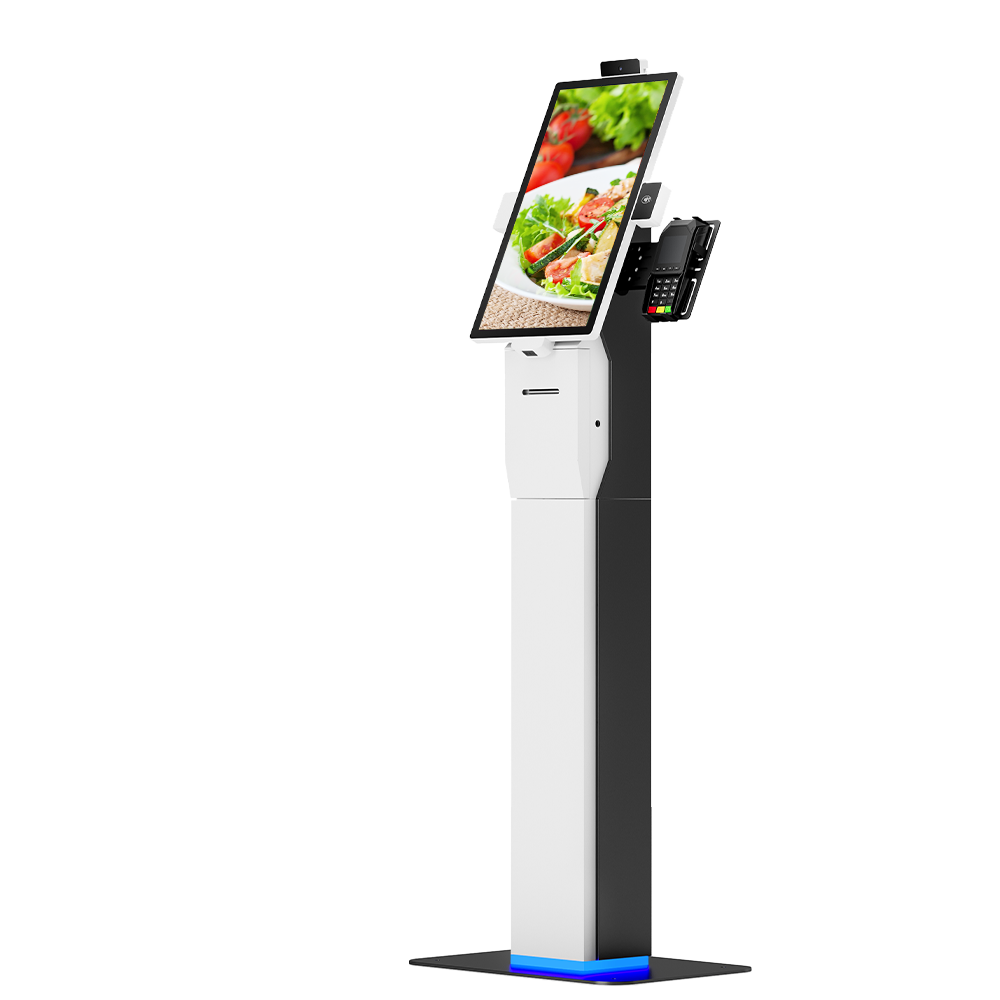
Branded Custom Self Order Kiosk With SDK & Pre-Install Service
This customizable self-service kiosk supports full brand customization including logo printing, custom colors and structural shape modification. It offers FHD or optional 4K high-definition display, configurable Intel i3/i5/i7 CPU with maximum 16GB RAM for smooth running of complex programs. Equipped with complete SDK for personalized UI development and system docking. We provide professional pre-installation, software configuration and full testing service, so the kiosk can be put into use directly after delivery.
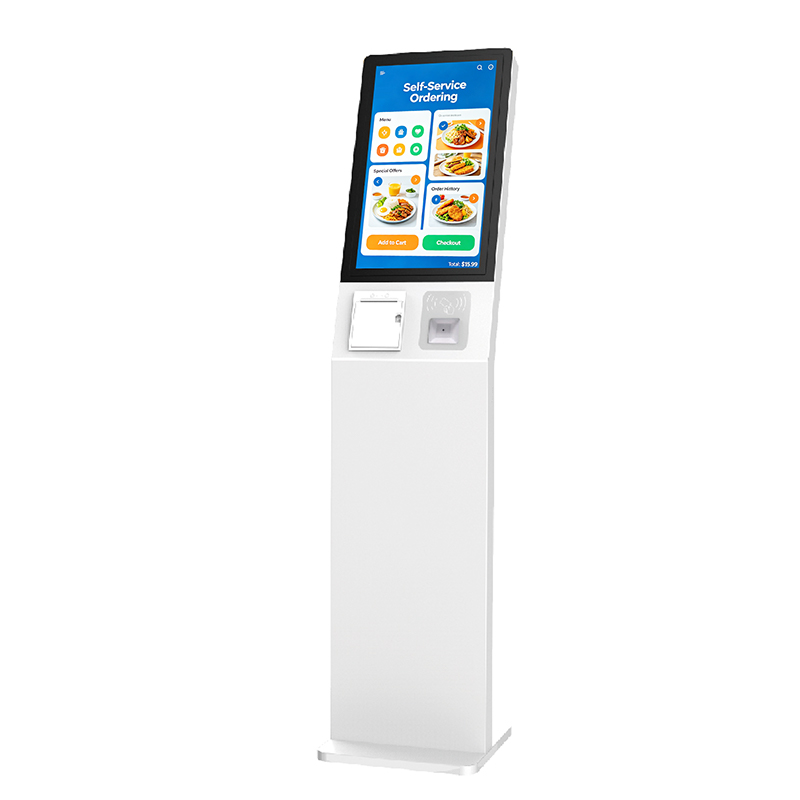
Fast Restaurant Ordering Desktop Touch Kiosk
Accelerate Service & Reduce QueuesEnables multiple customers to order simultaneously, drastically cuttingwait times during peak hours and improving overall cust
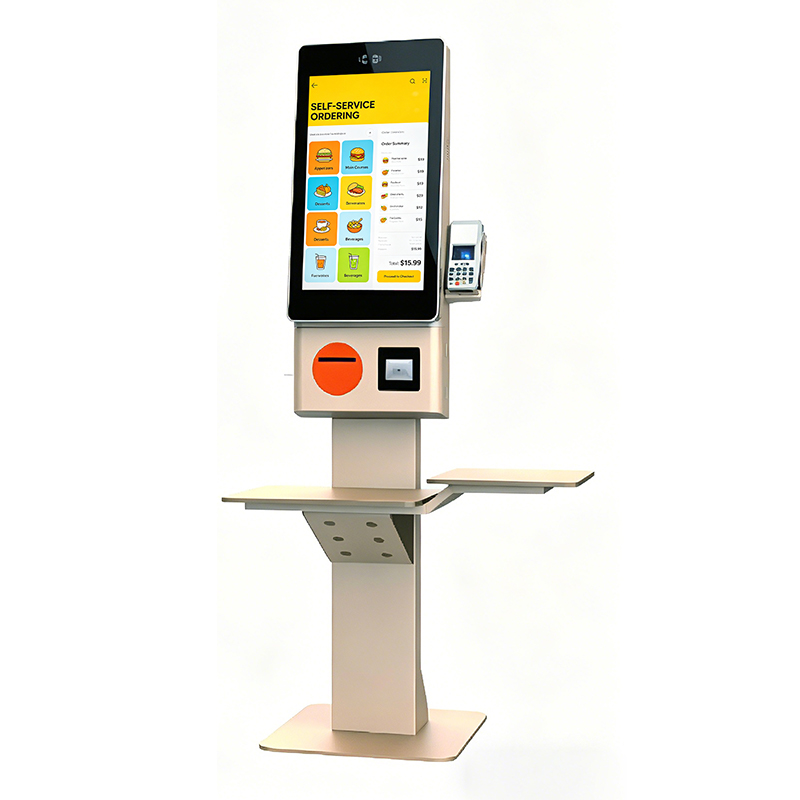
Self-Service-Ordering-Touch-All-in-One Kiosk
Secure & Versatile Payment HubIntegrates seamlessly with various payment gateways, supporting NFC,QR code, credit card readers, and mobile wallets for a complet
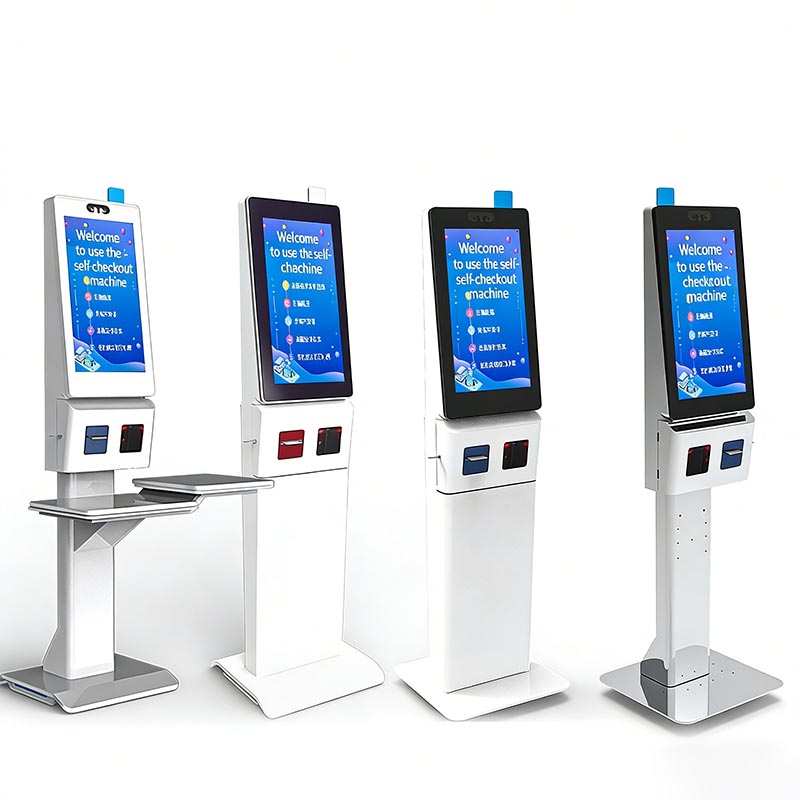
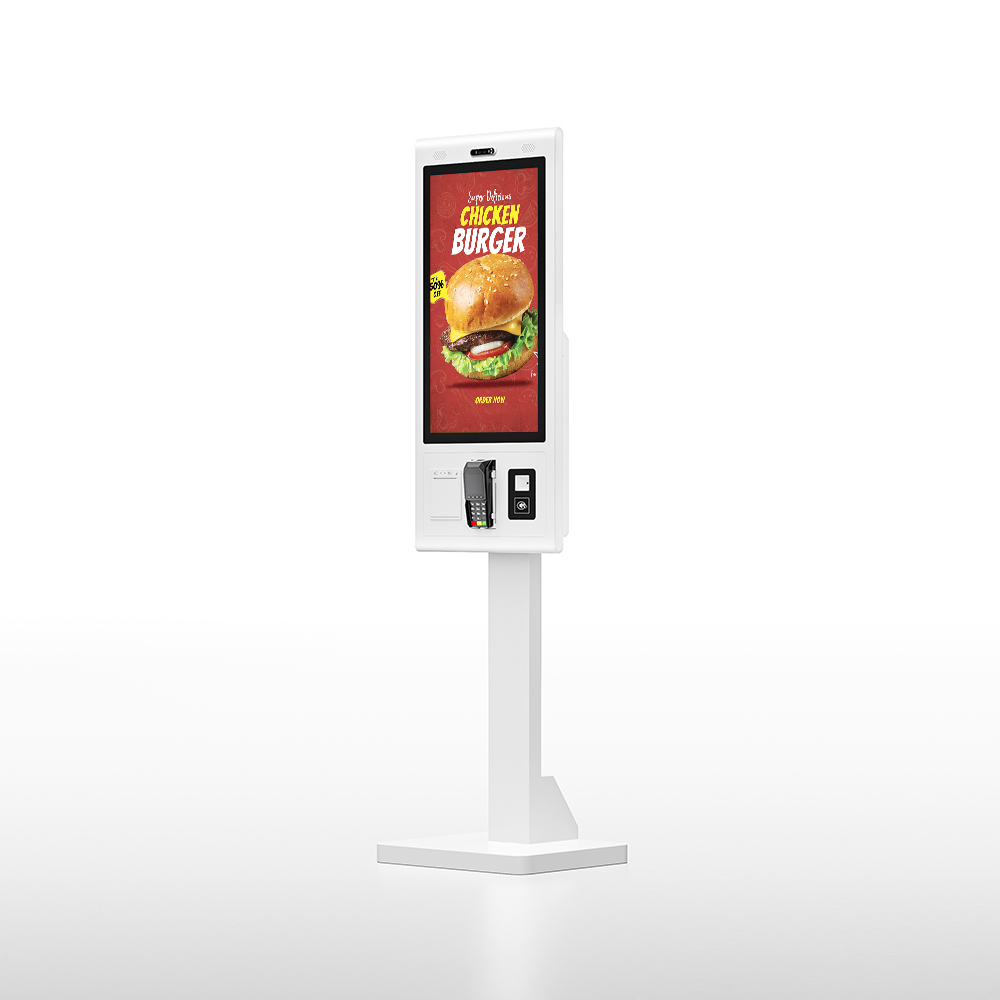
Self-Service Checkout Kiosk: HD Capacitive Screen, Multi-Payment (Face/QR) & Cloud Data Sync for Retail/F&B Operational Efficiency
Product IntroductionThis self-service checkout kiosk features an HD capacitive touch screen, integrated face/QR payment, and cloud data sharing. It supports sel
- Request A Quote
Touch Screen Kiosk Software
Publish time:2025-11-28 23:21:31
Detailed Product Description
Touch Screen Kiosk Software Deep Dive: Function and Mechanism
The software is the intelligence behind the Touch Screen Kiosk, determining its functionality, user experience, and manageability. As experts, Kosintec emphasizes robust software architecture to drive reliable self-service operations.
I. Operating System (OS) and Kernel
The OS is the foundation that manages the hardware resources and provides a platform for applications.
| Component | Function and Working Principle | Value & Mechanism |
| Android or Windows OS | Function: Manages the CPU (RK3368/RK3288), RAM, storage, and I/O devices (touch, ports). Principle: Provides a user-friendly interface layer (GUI) and executes the instructions of installed applications. | Value: Determines application compatibility (Android for specialized apps, Windows for complex legacy integration) and provides the necessary drivers to make the touch screen function as an input device. |
| Root Access (Android) | Function: Grants elevated permissions to the user or application kernel. Principle: Allows deep system modifications, disabling unwanted features (e.g., system bars), and enabling the device to auto-launch specific kiosk applications. | Value: Essential for Kiosk Mode and commercial deployment, ensuring the device is locked down to specific self-service functions and preventing user tampering. |
II. Content Management System (CMS) Client
The CMS client is the bridge connecting the local Touch Screen Kiosk to the cloud management platform.
| Component | Function and Working Principle | Value & Mechanism |
| CMS Agent/Client Application | Function: Communicates with the central CMS server for content retrieval and scheduling. Principle: Periodically polls the server for new media files, playlists, and playback schedules (XML/JSON files). It caches content locally to ensure continuous playback even if the network is temporarily lost. | Value: Facilitates remote content updates and management across a large fleet of Touch Screen Kiosks. It allows dynamic content changes (like pricing or specials) without requiring physical access to the device. |
| Playback Engine | Function: Interprets the schedule data and manages the display of media layers. Principle: Divides the screen into zones (multi-split screen) and uses the CPU and GPU to decode and render video (H.264/MPEG) and image layers according to the pre-set schedule. | Value: Ensures scheduled playback accuracy and maximizes advertising revenue potential by displaying multiple pieces of content simultaneously. |
III. Kiosk Application (The User Interface)
This is the application the end-user directly interacts with, defining the kiosk's primary function.
| Component | Function and Working Principle | Value & Mechanism |
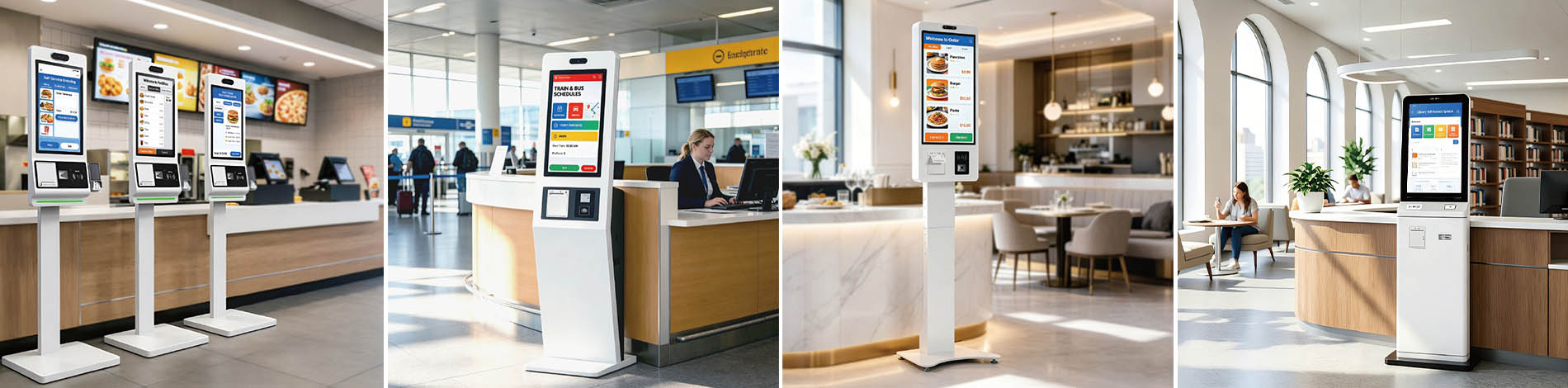
| Self-Service Application | Function: Handles user navigation, data input, and transactional logic (e.g., ordering, ticketing, wayfinding). Principle: Listens for input events from the touch layer, processes the user's choices, communicates with the internal system components (like the printer driver), and connects to external APIs (e.g., payment gateways). | Value: Delivers the primary function (e.g., QSR Self-Ordering) and manages the entire customer journey, capturing crucial data and processing payments/transactions efficiently. |
| Peripheral Drivers | Function: Software interfaces that allow the OS and application to communicate with integrated hardware (printer, scanner, POS, NFC). Principle: Translates high-level software commands into low-level hardware instructions (e.g., "Print receipt" -> signals thermal printer head to heat and feed paper). | Value: Ensures the integrated peripherals function reliably. Kosintec provides necessary drivers and SDKs to simplify this crucial integration step. |
IV. Software Development Kit (SDK)
| Component | Function and Working Principle | Value & Mechanism |
| SDK (Software Development Kit) | Function: A set of tools, libraries, and APIs provided by the manufacturer. Principle: Allows client developers to write custom code that directly interacts with the kiosk's hardware features (e.g., controlling a built-in LED light or accessing system diagnostics). | Value: Crucial for deep customization and integration flexibility. It speeds up the client's development cycle when adapting their unique software to Kosintec's specific Touch Screen Kiosk hardware configuration. |
 |
Expert Guide: Selecting the Optimal Touch Screen Kiosk Software System
Choosing the correct software ecosystem is vital. A mismatch between the application, usage volume, and the OS will lead to poor performance, high maintenance costs, and rapid obsolescence.
I. Evaluation Framework: Selecting the OS Based on Application and Volume (OS Selection Framework)
We advise buyers to decide between Android and Windows based on two core dimensions: Complexity and Control Requirements.
| Feature | Scenario I: High Traffic / Simple Transaction (QSR, Ticketing, Simple Info) | Scenario II: Low Traffic / Complex Application (Banking, Custom Development) |
| Recommended OS | Android (Kosintec RK3368/RK3288) | Windows (Windows IoT) |
| Usage Volume | High: Hundreds to thousands of transactions daily. | Medium to Low: High demands on deep interaction or background processing. |
| Primary Function | Fast, consistent Self-Service and media playback. | Running proprietary, legacy software requiring high security or complex peripheral drivers. |
| Performance Edge | Low resource overhead, fast boot time, stable Kiosk Mode, simple maintenance. | Strong multitasking capability, high compatibility with existing enterprise security and network protocols. |
| TCO Impact | Low: Low licensing fees and minimal ongoing system maintenance. | High: Requires continuous investment in OS licensing and security patches. |
II. High-Performance Software Selection Criteria
Once the OS is selected, high performance hinges on the following three areas:
1. Kiosk Mode & Security:
Goal: Ensure users cannot exit the application or access system settings, preventing misuse.
Value: Kosintec's Android Kiosk offers a Rooted version, enabling true Kiosk Lockdown by disabling system navigation, guaranteeing the application remains foreground, and enhancing security.
2. CMS Agent Efficiency:
Goal: Remote content updates must be lightweight, stable, and not interrupt the active application.
Value: Our CMS client is designed as a background service. It utilizes an offline caching mechanism to ensure media playback continues uninterrupted even during network failure, guaranteeing 24/7 content continuity.
3. Peripheral Driver Integration:
Goal: Drivers must be stable and communicate quickly with the application layer (e.g., instant thermal printer response).
Value: Kosintec provides stable, verified drivers and SDKs for all integrated peripherals (printer, scanner). This eliminates driver conflicts, ensuring low-latency and high-success rates for transactional operations (like receipt printing).
4. Processing Overhead:
Goal: Ensure the OS itself uses minimal resources, leaving sufficient CPU/RAM for critical applications.
Value: Android systems have lower hardware requirements and, paired with our Quad Core RK3368 chip, provide high performance while maintaining low system resource utilization, preventing overheating and lag.
III. Expert Summary: System Scalability
When selecting a system, future scalability must be a key consideration:
Remote Management Capability (RMM): Ensure the chosen CMS supports remote reboots, diagnostics, and batch software updates. Manual maintenance is unsustainable for a Touch Screen Kiosk fleet exceeding 10 units.
API/SDK Openness: Prioritize manufacturers that offer an open SDK. This ensures your Touch Screen Kiosk platform can integrate new payment methods, biometric sensors, or other IoT features in the future.
Software Ecosystem: Choose the system that best aligns with your IT strategy. Windows suits clients needing complex desktop applications, while Android is ideal for clients seeking rich multimedia, light applications, low TCO, and high stability.
Address: Mingrenju Industrial Park, 10 Of Maotian Rd., Kengzi St., Shenzhen, Guangdong, China
- Tel:+86 18665965126
- Email: sales001@kosintec.com
- Worktime:8:00-02:00
- Contact Person:Ms. Cherry Lee
- Mobile Site