
Find Any Kiosk Machine You Need And Contact Kosintec Now
- Request A Quote Now
Find which are the kiosk hardwares for a kisk machine from the video below.
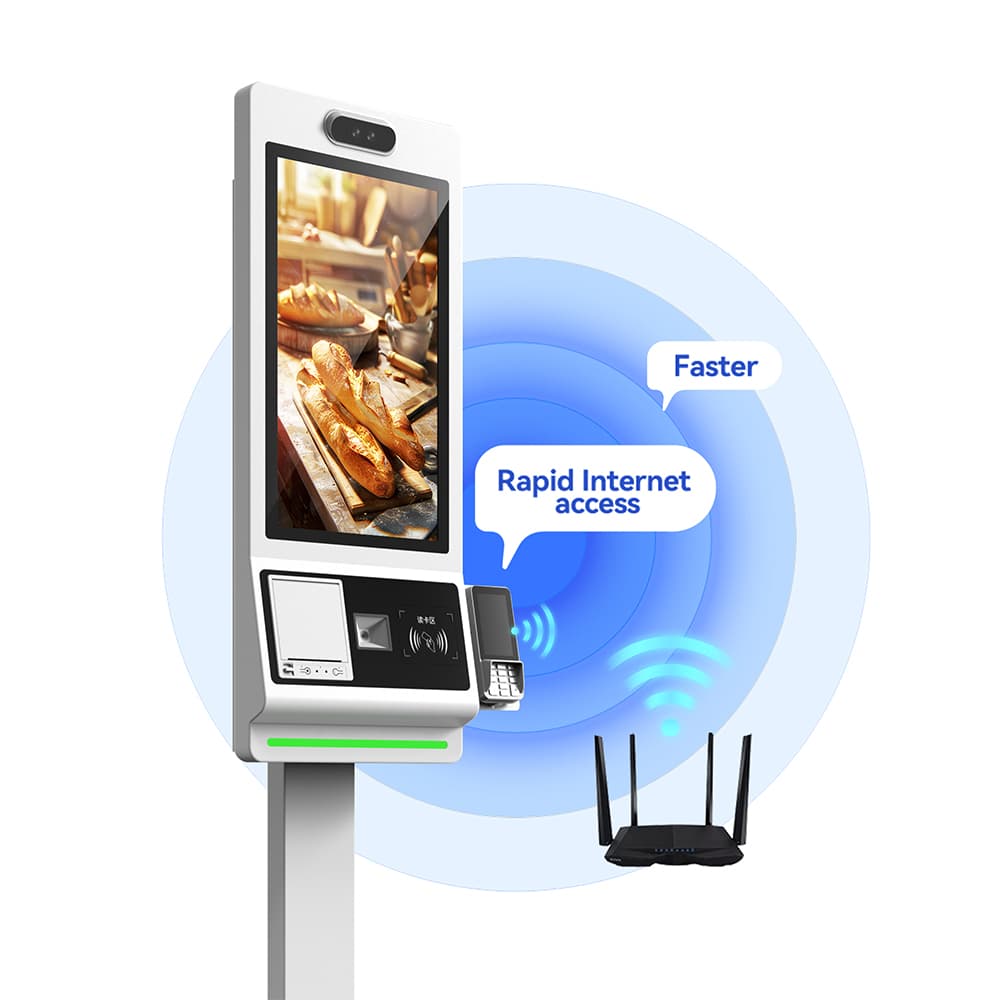
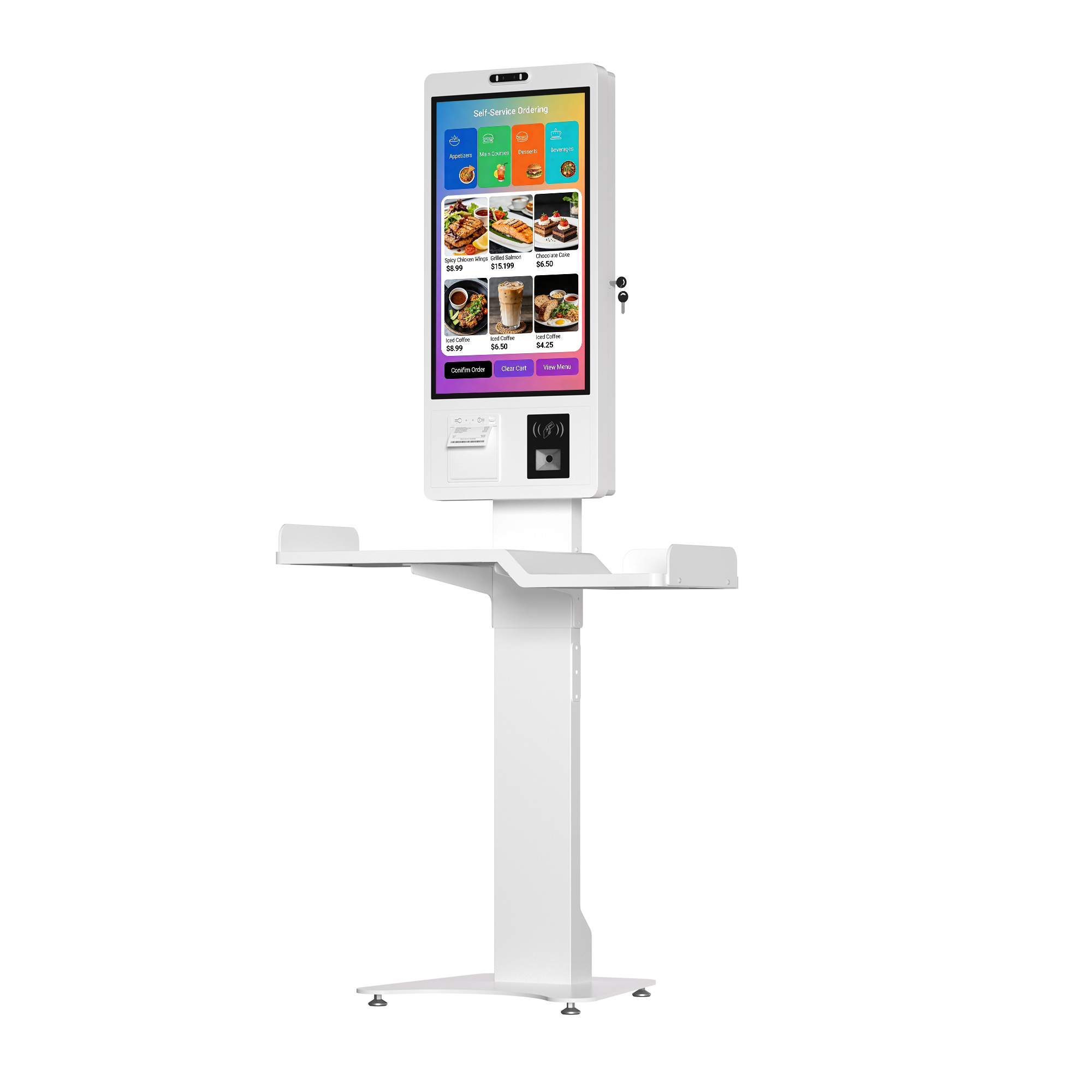
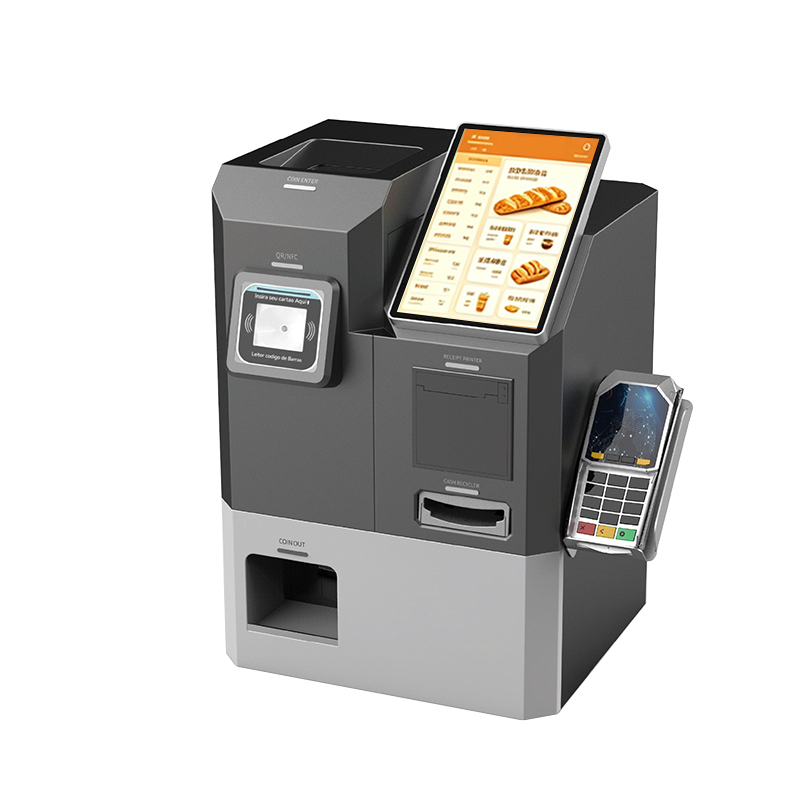
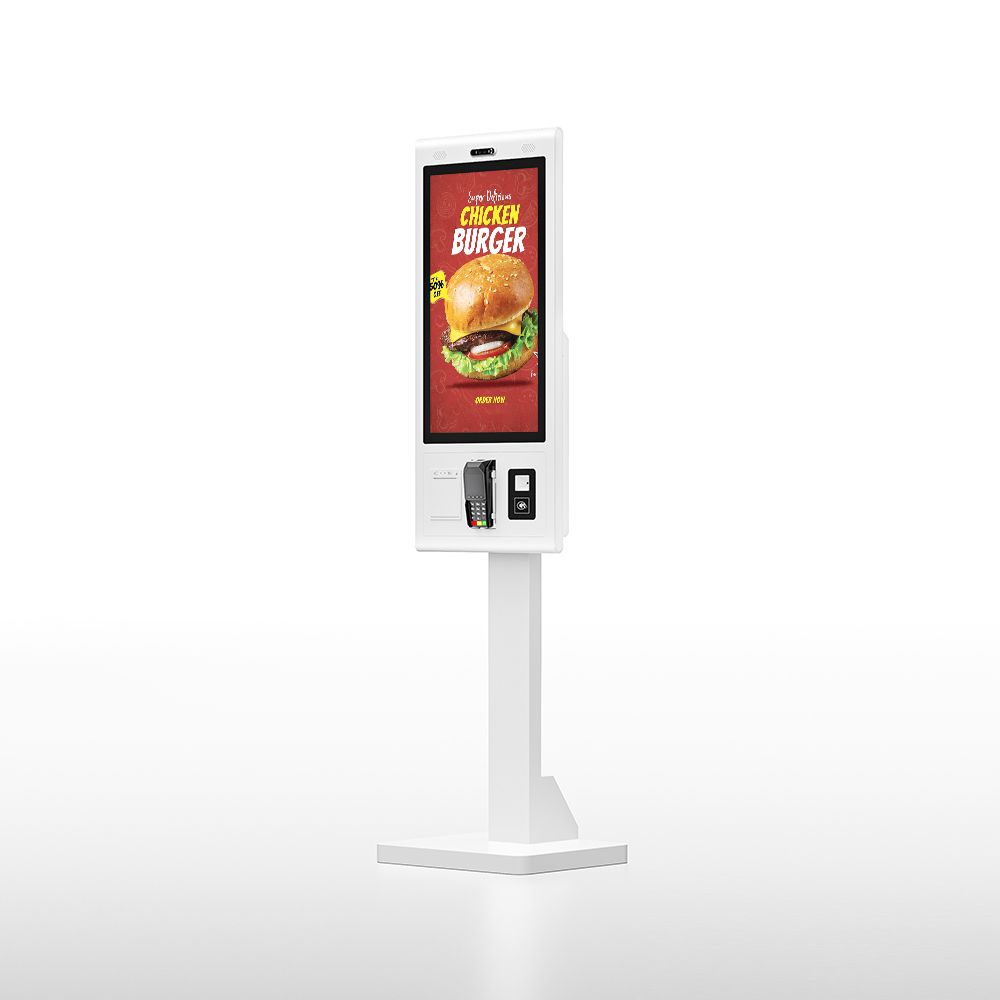
The common hardware components of a Kiosk Machine can be categorized into four main groups: Core Components, User Interface, Transaction Peripherals, and Enclosure/Physical.
Here is a comprehensive list based on standard self-service kiosk design:
1. Core Components
| 3. Transaction Peripherals
|
2. User Interface (Input/Output)
| 4. Enclosure and Connectivity
|
Kiosk hardware is the foundation of the self-service experience, directly determining reliability, security, and customer satisfaction. The industrial-grade enclosure is paramount, providing robust physical protection against vandalism, internal theft, and ensuring system uptime in high-traffic public areas. For demanding environments like restaurants, hardware must prioritize durability and ingress protection (IP ratings) to withstand spills, grease, and routine cleaning.
High-quality, responsive P-Cap touch displays and fast transaction peripherals (scanners, EMV payment terminals) are vital for elevating the user experience, ensuring transactions are completed quickly and accurately. If the hardware fails (e.g., slow response, printer jam), the entire self-service function collapses. Therefore, reliable hardware is not just a housing; it’s an investment in continuous operation, security, and positive customer interaction.
| Category | Consideration Details | Why It Matters |
| 1. Environment & Durability | Usage Location: Indoor vs. Outdoor (requires weatherproofing, higher brightness). Operating Hours: Needs industrial-grade components for 24/7 reliability. | Ensures hardware longevity and reduces total cost of ownership (TCO). |
| 2. Screen & Interface | Size: Must match use case (e.g., small desktop for ticketing, large floor-standing for menu browsing). Touch Technology: P-Cap (Capacitive) is standard for responsiveness. | Impacts user experience (UX) and transaction speed. |
| 3. Processing Power (CPU/RAM) | Application Demand: Complex software (3D menus, video ads) requires higher performance CPUs/more RAM; simple ordering needs less. OS Compatibility: Must support Android, Windows, or Linux needs. | Prevents lagging and ensures software runs smoothly. |
| 4. Essential Peripherals | Required Functions: Must include payment terminals (EMV/NFC), high-speed thermal printers, and reliable QR/barcode scanners. | Determines the kiosk's core functionality (ordering, payment, ticketing). |
| 5. Connectivity & Mounting | Network: Needs reliable WiFi/RJ45, with 4G as a backup. Mounting: Should be flexible (wall, floor, countertop) to optimize physical space. | Ensures operational uptime and optimal floorplan integration. |