
Hot Products
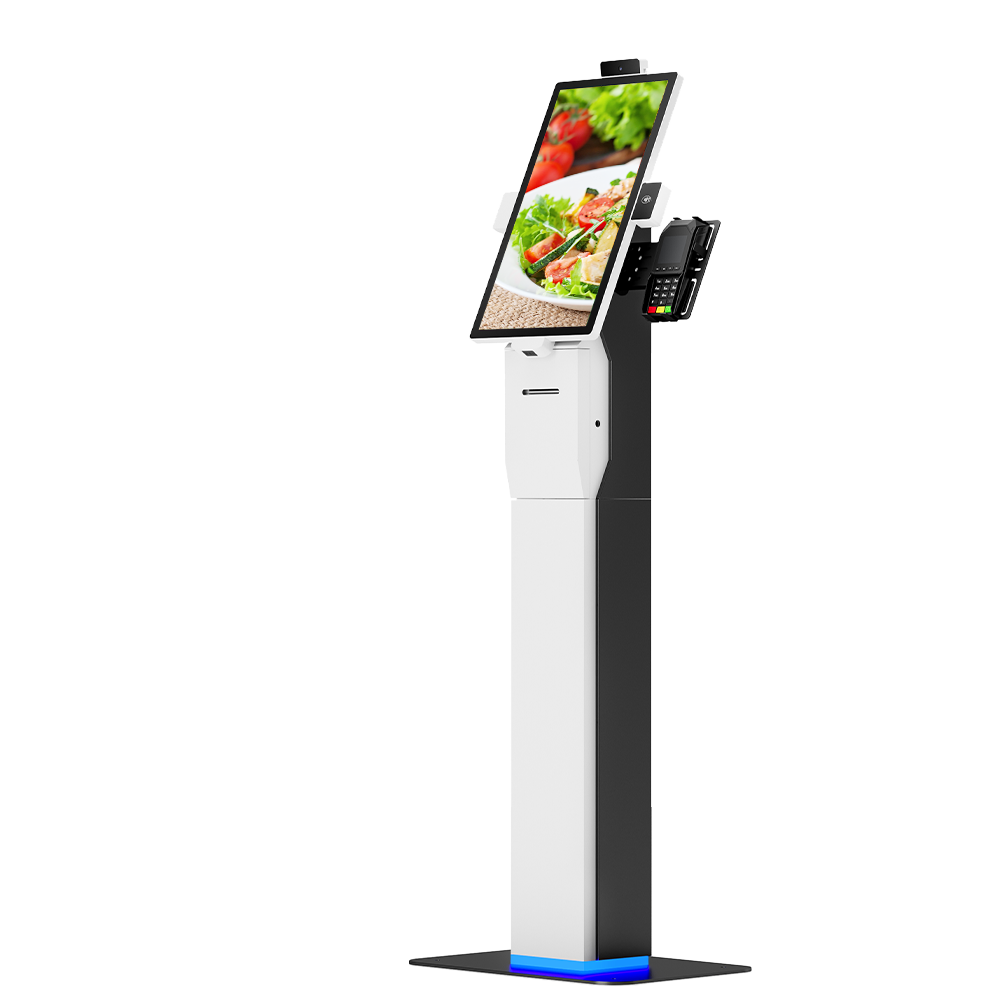
Branded Custom Self Order Kiosk With SDK & Pre-Install Service
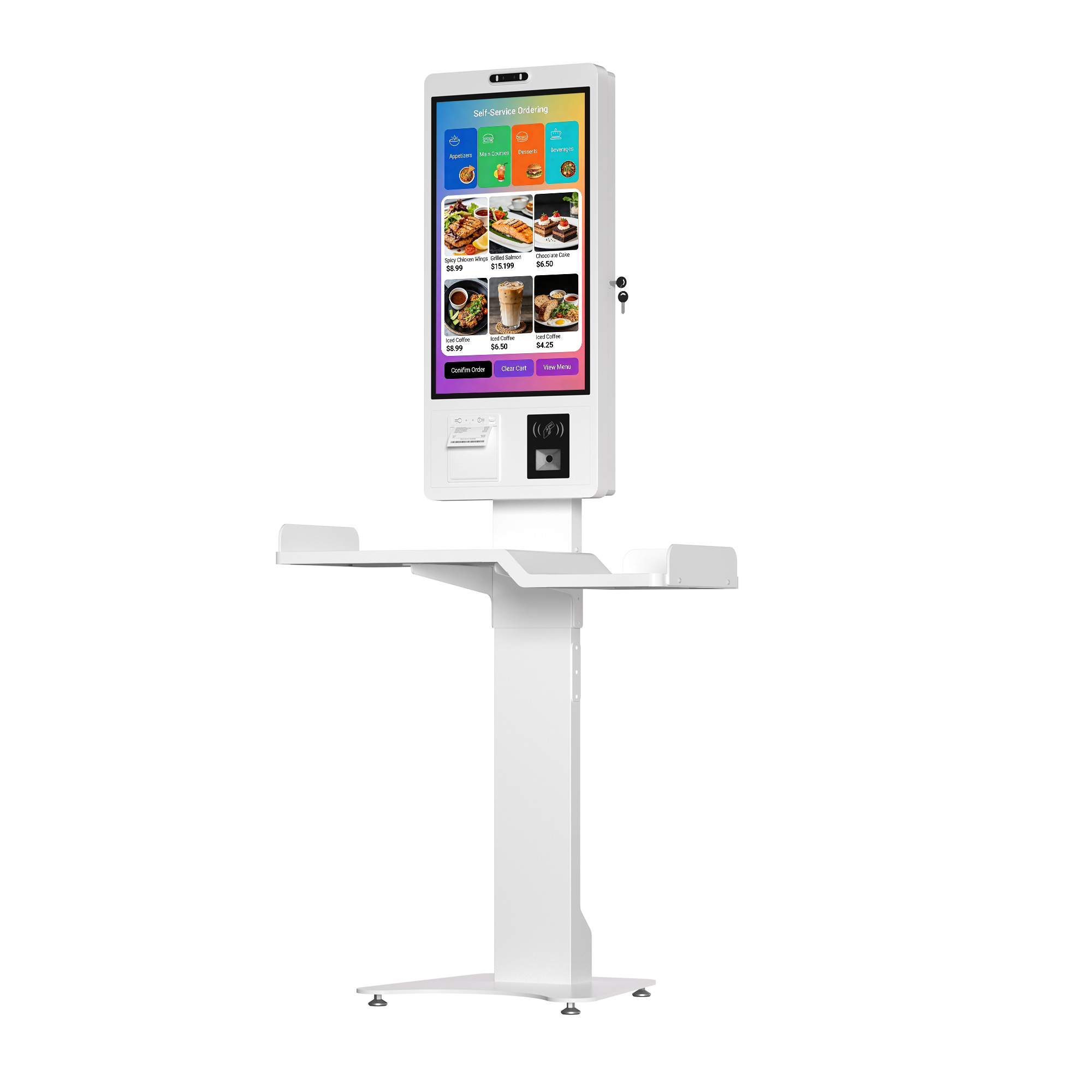
This customizable self-service kiosk supports full brand customization including logo printing, custom colors and structural shape modification. It offers FHD or optional 4K high-definition display, configurable Intel i3/i5/i7 CPU with maximum 16GB RAM for smooth running of complex programs. Equipped with complete SDK for personalized UI development and system docking. We provide professional pre-installation, software configuration and full testing service, so the kiosk can be put into use directly after delivery.
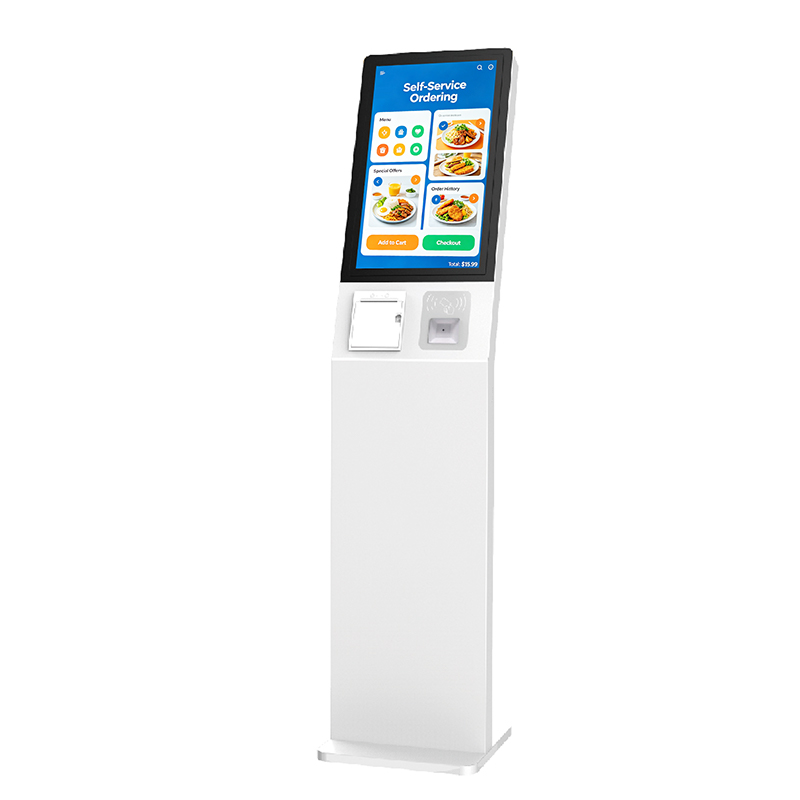
Fast Restaurant Ordering Desktop Touch Kiosk
Accelerate Service & Reduce QueuesEnables multiple customers to order simultaneously, drastically cuttingwait times during peak hours and improving overall cust
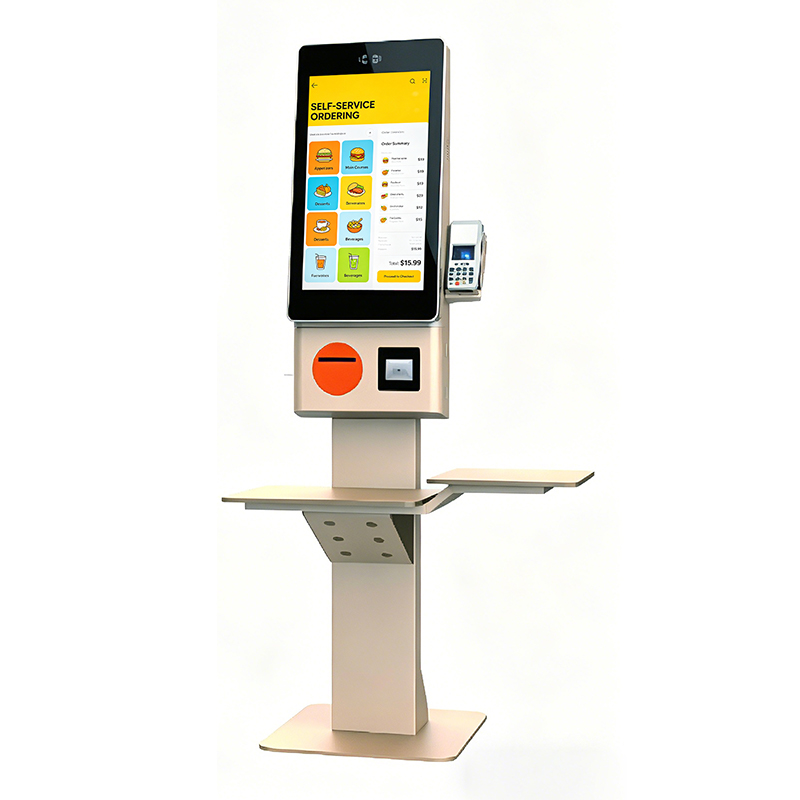
Self-Service-Ordering-Touch-All-in-One Kiosk
Secure & Versatile Payment HubIntegrates seamlessly with various payment gateways, supporting NFC,QR code, credit card readers, and mobile wallets for a complet
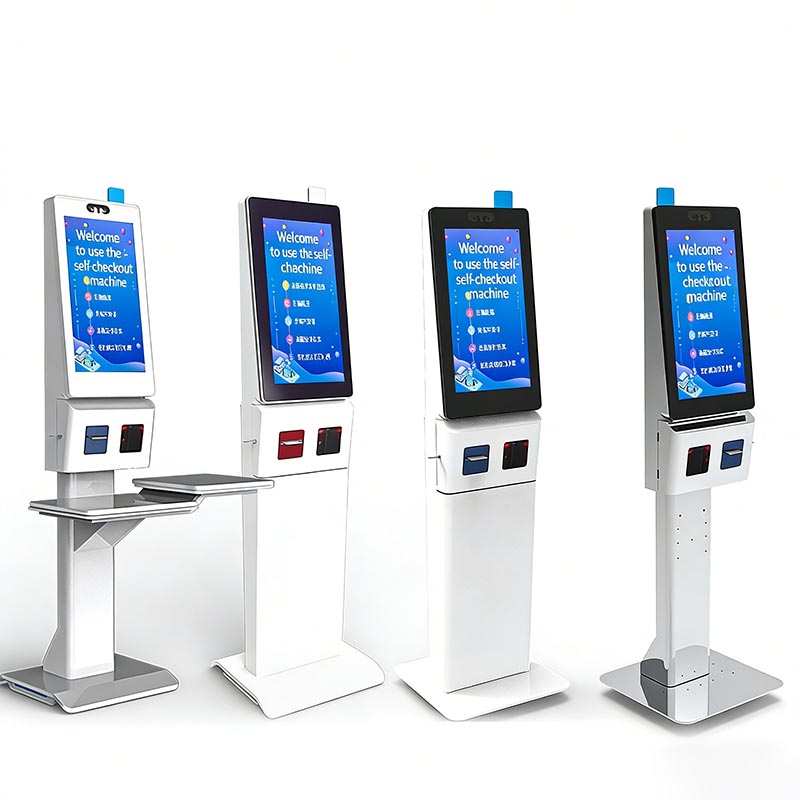
Self-Service Checkout Kiosk: HD Capacitive Screen, Multi-Payment (Face/QR) & Cloud Data Sync for Retail/F&B Operational Efficiency
Product IntroductionThis self-service checkout kiosk features an HD capacitive touch screen, integrated face/QR payment, and cloud data sharing. It supports sel
- Request A Quote
Touch Screen Kiosk Hardware
Publish time:2025-11-28 23:17:04
Detailed Product Description
Touch Screen Kiosk Hardware Deconstructed: A Comprehensive Guide for B2B Buyers
For B2B procurement focused on longevity and performance, understanding the hardware of a Touch Screen Kiosk is crucial. As a top Touch Screen Kiosk Manufacturer, Kosintec details every component's function and value, ensuring you make an informed investment.
Touch Screen Kiosk Component Breakdown: Function and Value
Every component contributes directly to the kiosk's reliability, user experience, and long-term TCO.
1. The Display Panel (The Visual Communicator)
| Component | Function | Value & Business Impact |
| LCD/LED Panel | Provides visual output of content (ads, menus, directories). | Directly defines image quality (Full HD/4K) and readability (Brightness: 250 - 450 cd/m²). Crucial for attracting customer attention and ensuring clarity. |
| Panel Longevity | The panel’s ability to operate continuously without degradation. | Guarantees 24/7 operational capability and ensures a long product lifespan, minimizing replacement costs. Kosintec uses A+ Grade Commercial Panels ($\mathbf{50,000+}$ hours). |
2. Touch Technology (The Interaction Engine)
| Component | Function | Value & Business Impact |
| PCAP or IR Touch Layer | Registers user input (taps, swipes, gestures). | Defines accuracy and speed of interaction, which is paramount for seamless self-service transactions (e.g., fast food ordering). |
| Multi-Point Support | Enables 10-point or more simultaneous touches. | Allows for complex, modern interactive applications (zooming, multi-user access) and ensures robust performance. |
3. System Core (The Brain of the Kiosk)
| Component | Function | Value & Business Impact |
| CPU (e.g., Quad Core RK3368) | Processes data, runs the OS (Android/Windows), and executes applications. | Determines the kiosk's responsiveness, ability to run high-definition video, and capacity to handle complex software and third-party integrations. |
| RAM & Storage | Temporary and permanent memory for the system. | Sufficient RAM (e.g., 2GB+) prevents lag and crashing during concurrent use. Adequate Flash Memory (8GB/16GB) handles large media files and OS updates. |
4. Enclosure, Structure, and I/O
| Component | Function | Value & Business Impact |
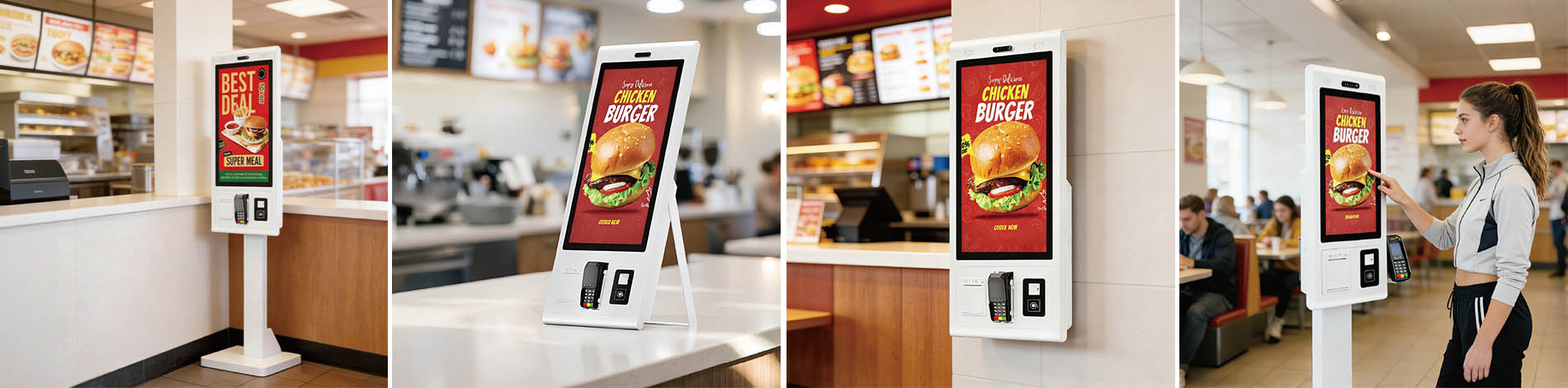
| Enclosure (Cold Rolled Steel) | Physical protection, security, and aesthetics. | Provides vandal resistance and physical security for internal components. The design (Ultra-Slim or Floor Stand) dictates physical integration into the environment. |
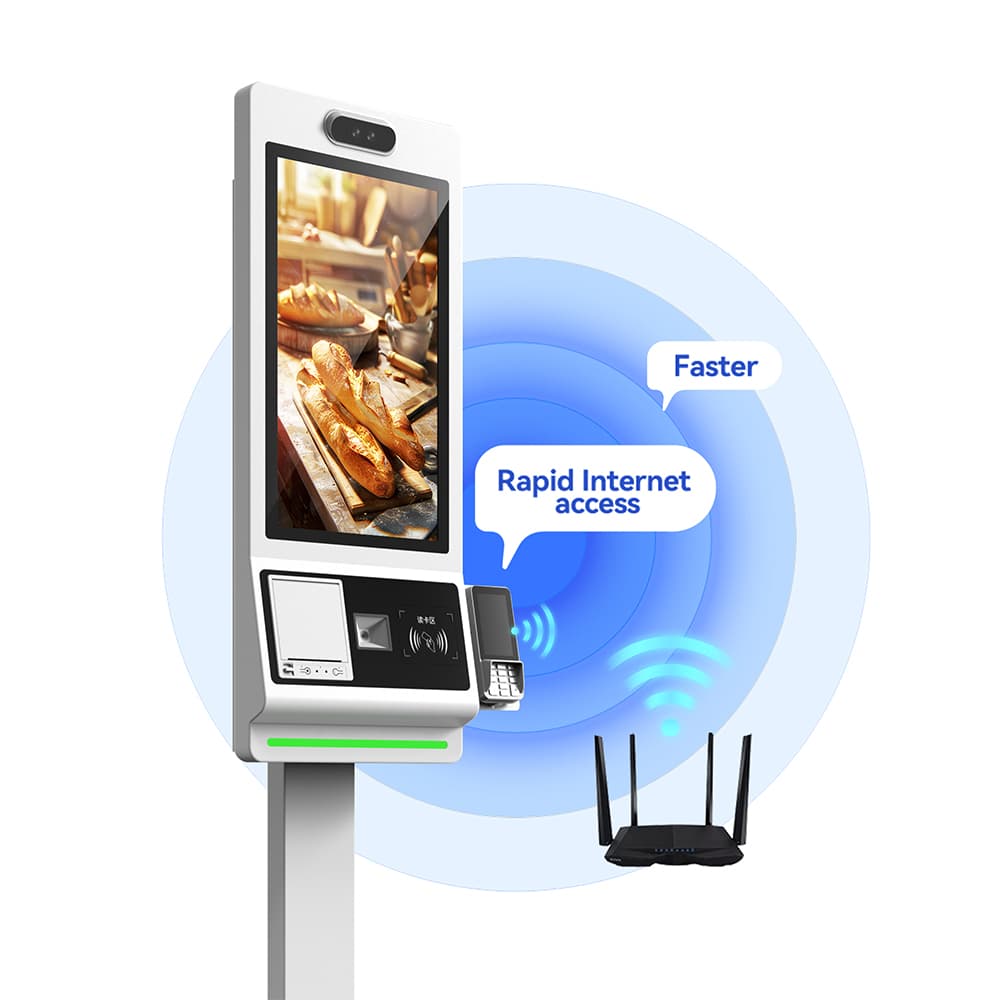
| I/O Ports (RJ45, USB, HDMI) | Physical connection points for data and power. | Ensures network stability (RJ45 LAN preferred over WiFi) and provides necessary ports for maintenance and connecting external peripherals. |
5. Integrated Peripherals (The Transaction Facilitator)
| Component | Function | Value & Business Impact |
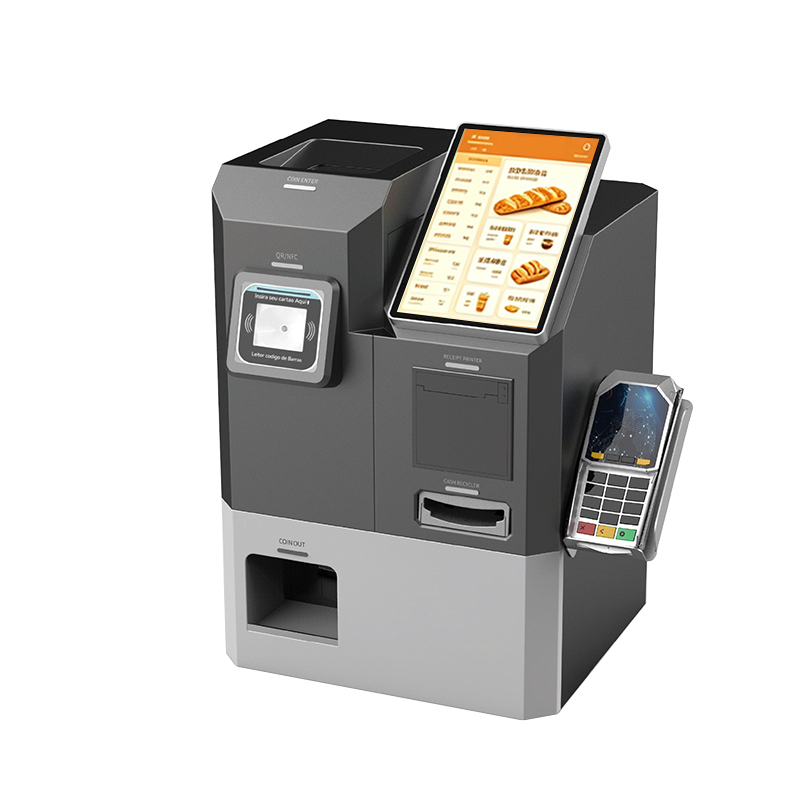
| Thermal Printer, Scanner, NFC/POS | Executes transactional duties (ticketing, payment, ID reading). | Enables self-service functionality and closes the transaction loop (ordering, queue management). High-quality integration simplifies deployment and reduces failure points. |
 |
Expert Guide: Assessing Touch Screen Kiosk Hardware Quality and Value
To ensure your investment in a Touch Screen Kiosk is sound, evaluate the manufacturer based on these expert criteria, moving beyond simple cost comparison.
A. Vetting Display and Touch Quality
Longevity Check: Demand written confirmation that the panels are Commercial Grade (50,000+ hours). Reject any manufacturer using short-life consumer-grade screens.
Touch Performance Test: Verify the technology (PCAP is superior for responsiveness) and ensure the protection is high-strength tempered glass (7H hardness or higher) for durability.
Visual Metrics: Insist on detailed specifications for Contrast Ratio (4000:1 or better) and Viewing Angle (178℃ H/V).
B. Evaluating System Integration and Build
Processing Power: Confirm the CPU is a recent Quad Core model (like Kosintec’s RK3368/RK3288), ensuring the kiosk can handle future software updates and demanding applications.
Structural Integrity: Audit the casing material. Cold Rolled Steel offers superior physical security and better heat dissipation than plastic.
Connectivity Audit: Prioritize manufacturers who offer LAN (RJ45) as standard, as wired connection is essential for stable, high-volume transactions in any Touch Screen Kiosk.
C. Manufacturer Certification and Support
Compliance: Verify all necessary global certifications (CE, FCC, RoHS, ISO9001). This validates manufacturing standards and component safety.
Warranty Alignment: The warranty period (1-2 years) should match the manufacturer's confidence in their 24/7 hardware components.
Integration Support: The best manufacturers, like Kosintec, offer a functional SDK and dedicated Lifetime Technical Support—proving their commitment goes beyond the initial hardware sale.
By focusing on these core hardware components and expert quality checks, B2B buyers can confidently select a high-value Touch Screen Kiosk solution built for longevity and performance.
Address: Mingrenju Industrial Park, 10 Of Maotian Rd., Kengzi St., Shenzhen, Guangdong, China
- Tel:+86 18665965126
- Email: sales001@kosintec.com
- Worktime:8:00-02:00
- Contact Person:Ms. Cherry Lee
- Mobile Site