
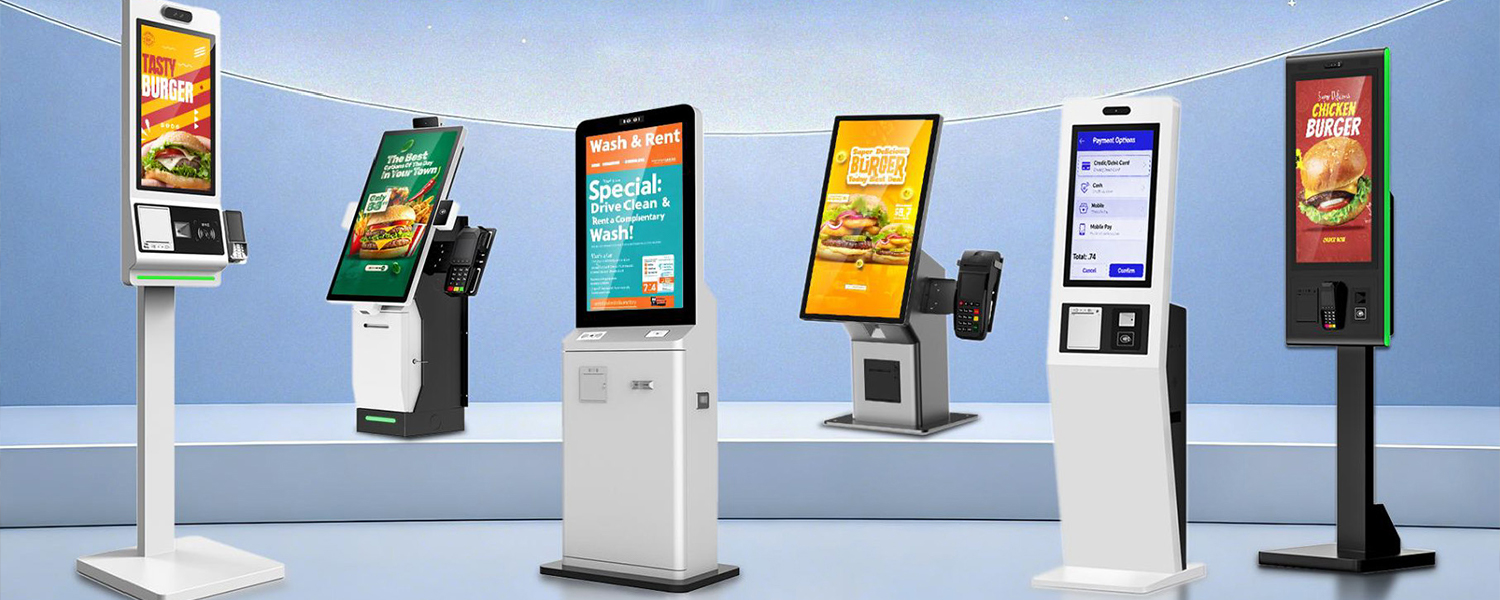
Hot Products
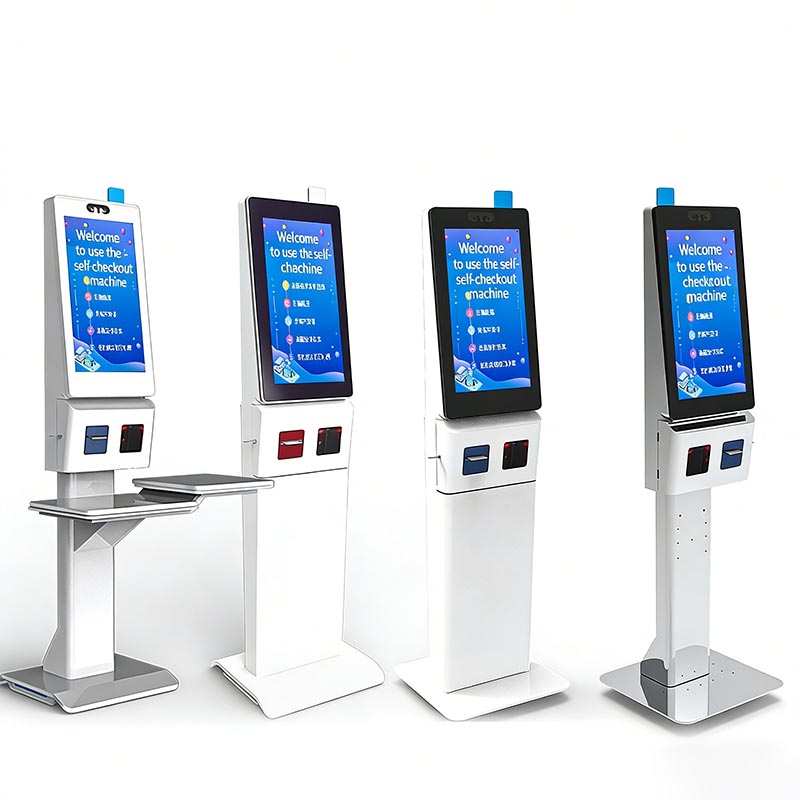
Self-Service Checkout Kiosk: HD Capacitive Screen, Multi-Payment (Face/QR) & Cloud Data Sync for Retail/F&B Operational Efficiency
Product IntroductionThis self-service checkout kiosk features an HD capacitive touch screen, integrated face/QR payment, and cloud data sharing. It supports sel
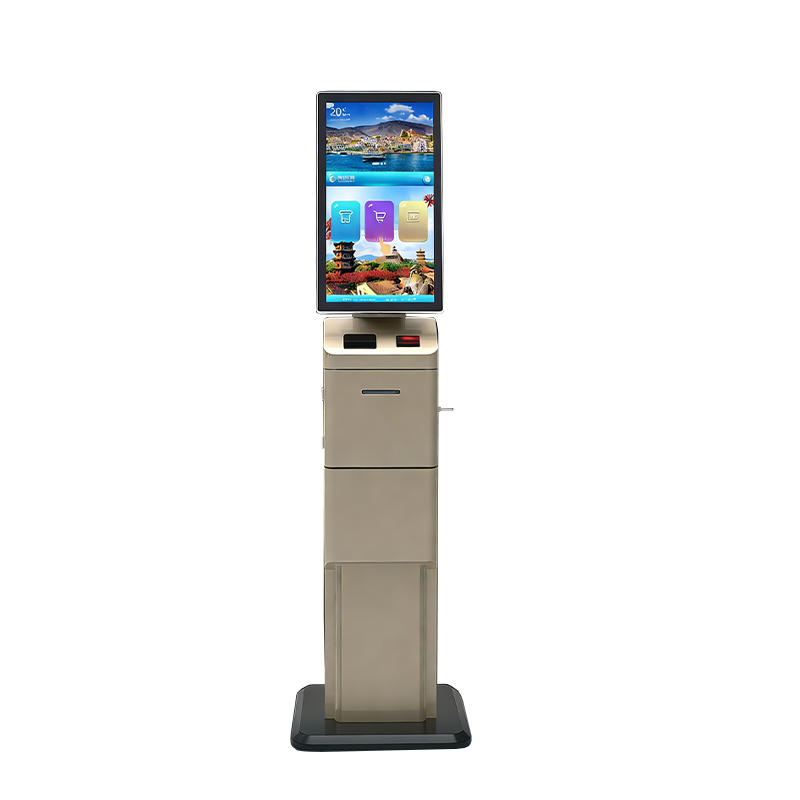
Unmanned Self-Service Ticketing & Checkout Terminal: HD Capacitive Screen, Multi-Payment Support & Cloud Data Sync for Efficient Venue Operations
Product IntroductionThis unmanned self-service terminal combines high-definition capacitive touch screen, multi-payment options (QR/face), and cloud data sync.
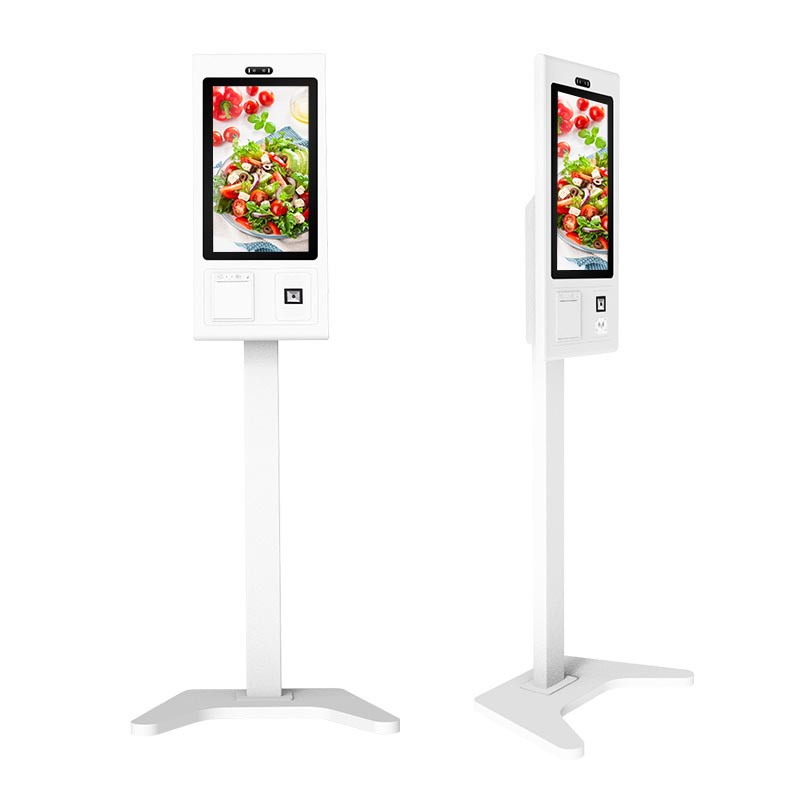
32-inch Modular Self-Service Ordering Kiosk: Customizable Design, Built-in Printer & Multi-Payment Support for F&B/Retail Efficiency
Product IntroductionThis 32-inch self-service ordering kiosk features a modular, customizable design (frame colors, peripherals) paired with a responsive touch
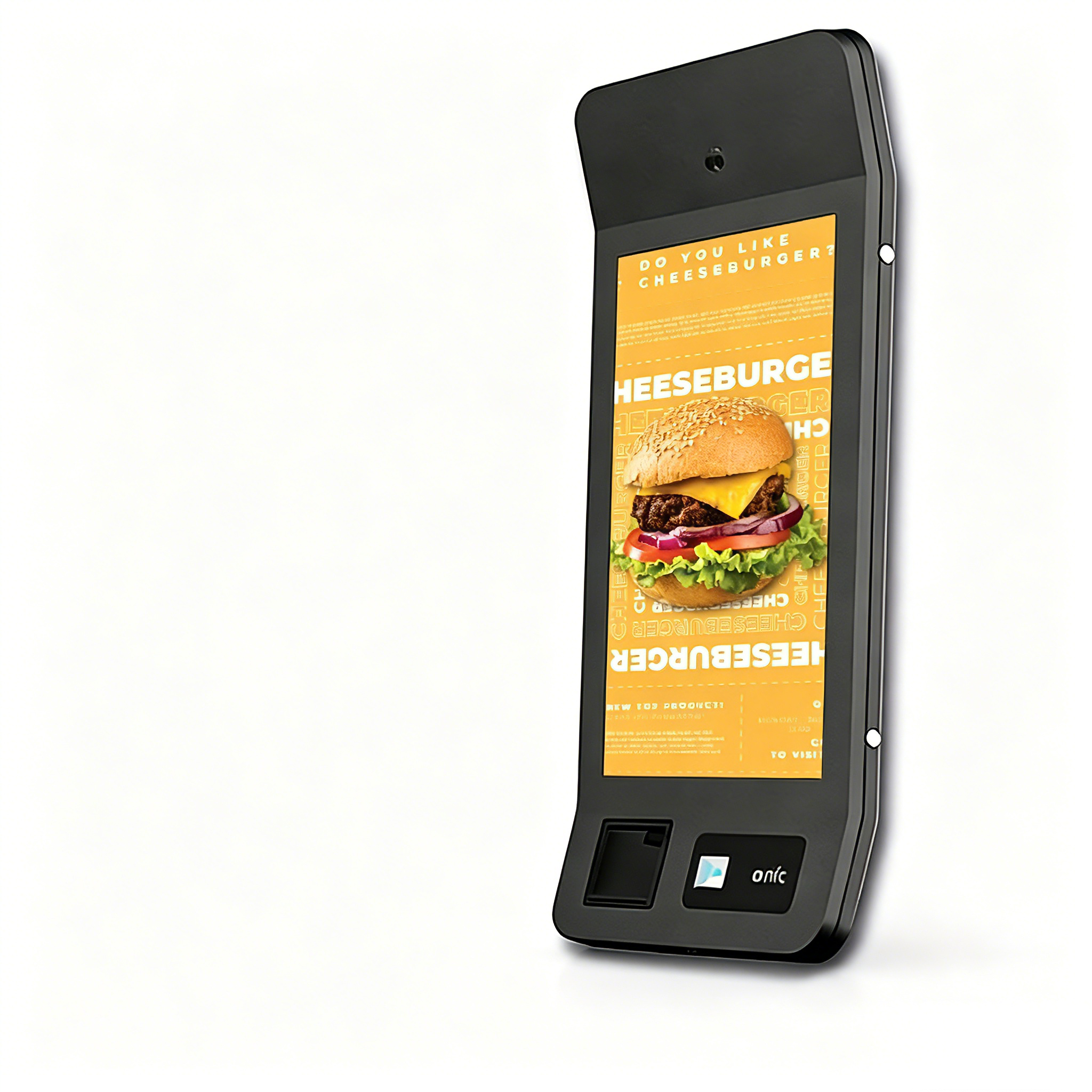
32-inch Self-Service Cash Register Kiosk: Labor Cost Savings, Versatile Payment & Customizable Design for Efficient Retail/F&B Operations
Display & Interaction (Technical Spec): 32-inch 10-point capacitive touch screen (3mm scratch-resistant glass) for intuitive, high-accuracy user operation
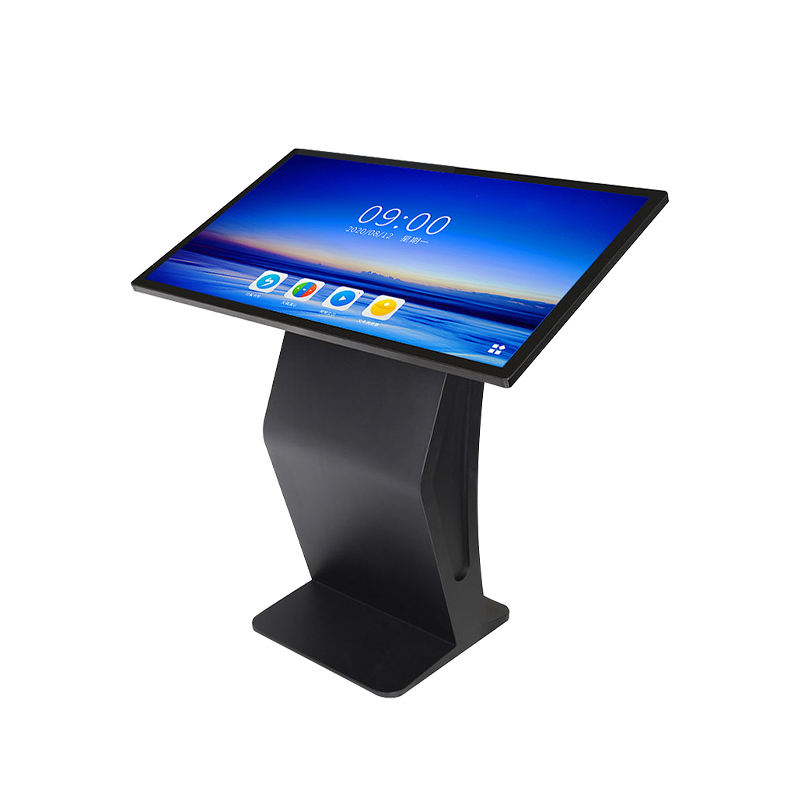
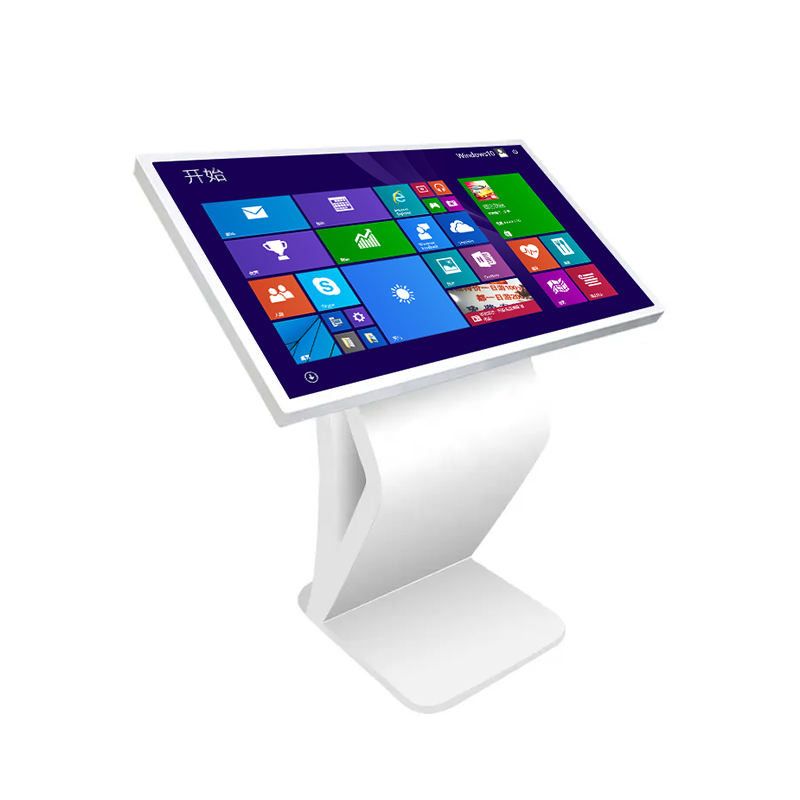
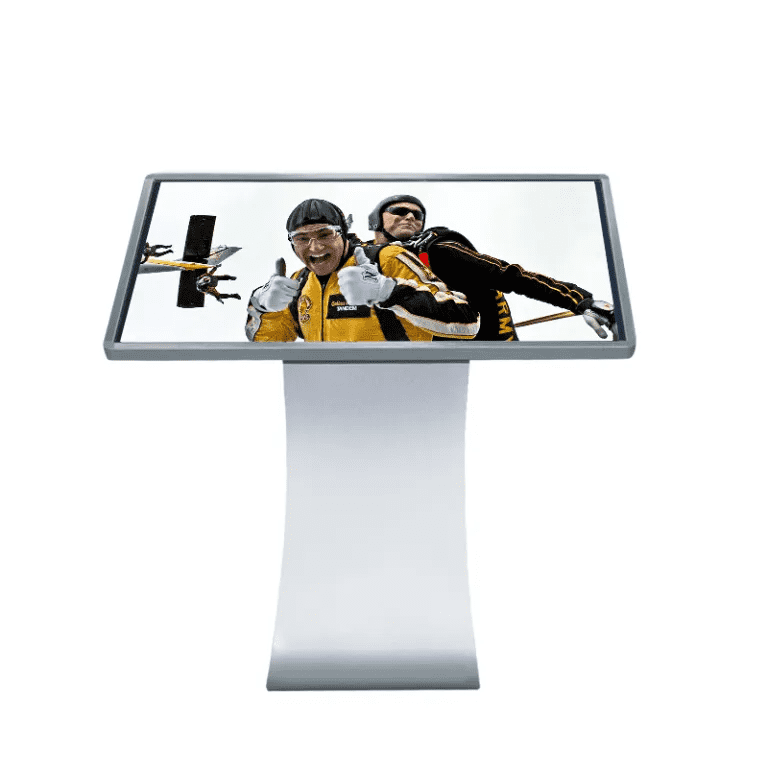
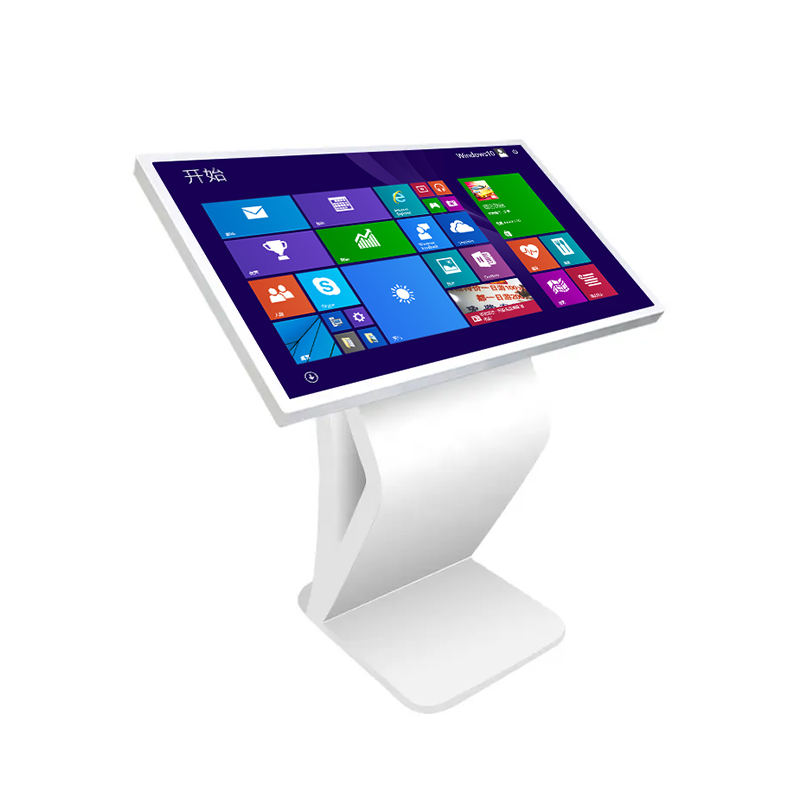
Touch Panel PC Kiosk
Product Details:
| Place of Origin: | Kiosk Manufacturer |
| Brand Name: | Kosintec |
| Certification: | FCC, CE, ROHS |
| Model Number: | LKS-8569 |
Payment & Shipping Terms:
| Minimum Order Quantity: | 10 UNITS |
|---|---|
| Price: | $ |
| Packaging Details: | Strong Case |
| Delivery Time: | 5-6 weeks |
| Payment Terms: | TT |
| Supply Ability: | 5000 units per month |
Detailed Product Description
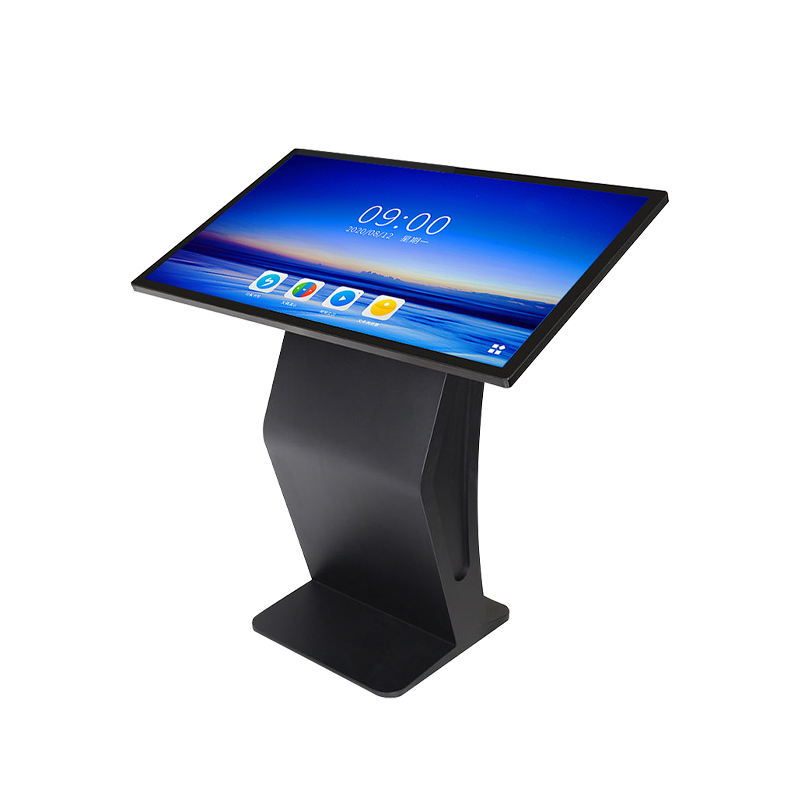
What is A Touch Panel PC KioskTouch Panel PC Kiosk is a self-service, interactive computing terminal integrated into a robust, floor-standing enclosure. It combines a commercial-grade Multi-Touch Screen with a powerful internal PC (or System-on-Chip) and industrial components. The kiosk functions as an intuitive, public-facing interface for self-ordering, registration, wayfinding, or information retrieval. Its primary value is delivering a seamless, secure, and user-friendly digital experience in high-traffic commercial and public environments. |
|
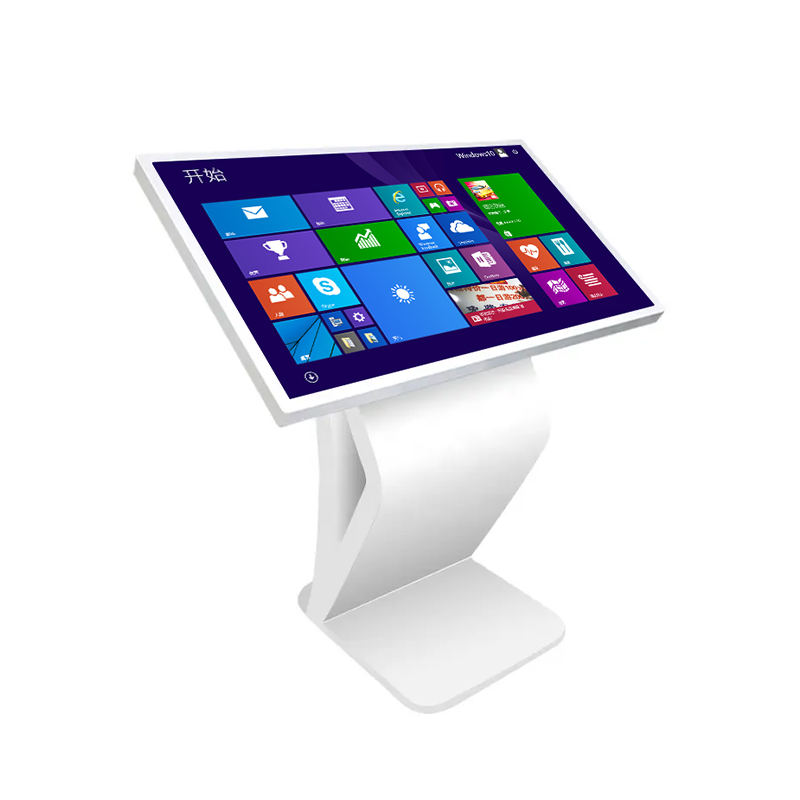
Hardware and Software Specifications of Touch Panel PC Kiosk
| Category | Specification Details |
| Display Panel | Screen: Commercial-Grade LCD, typically 1080P |
| Functionality: Projected Capacitive (PCAP) Multi-Touch Screen | |
| Core System (PC) | OS: Windows (High performance) or Android (Cost-effective) |
| CPU/RAM: Intel Core series/High-end SoC; 4GB to 8GB RAM minimum for interactive apps | |
| Enclosure | Structure: Vandal-resistant metal chassis, often with secure locking access |
| Peripherals (Optional) | |
| Connectivity | I/O: USB Ports, Serial Ports (for peripherals), RJ45 Ethernet, Wi-Fi |
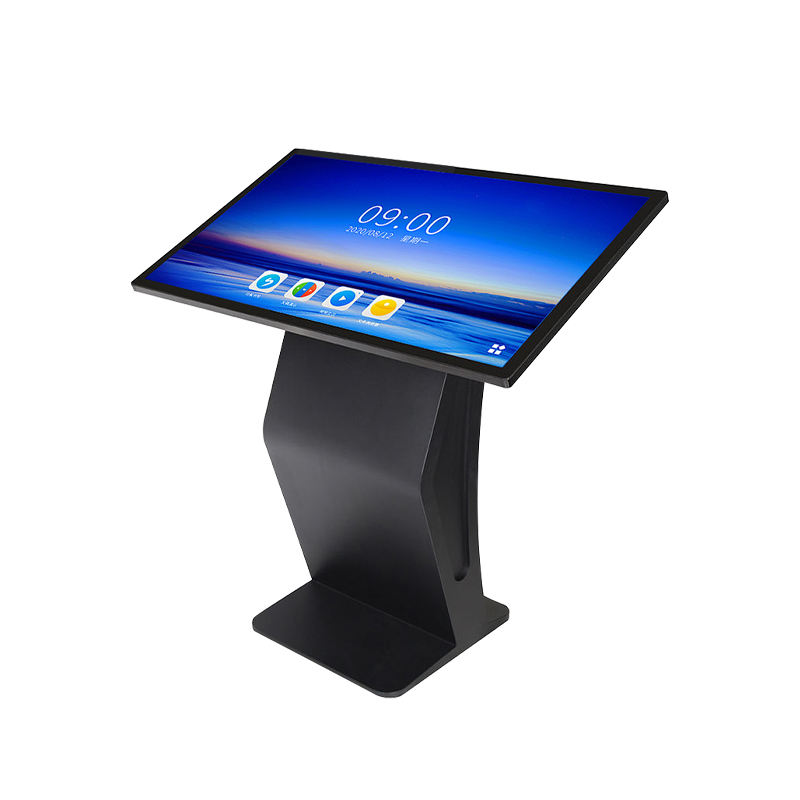 | Functions of Touch Panel PC Kiosk
|
Applications of Touch Panel PC Kiosk
| Application Setting | Use Case |
| Retail Stores & Malls | Endless aisle ordering, loyalty program sign-ups, and interactive product catalogs. |
| Quick Service Restaurants (QSR) | Self-ordering kiosks for food and beverage, reducing queue times and increasing order accuracy. |
| Healthcare & Hospitals | Patient check-in/registration, appointment scheduling, and facility maps. |
| Transportation Hubs | Ticket purchasing, baggage self-tagging, and real-time public transit information access. |
| Corporate/Educational | Visitor check-in management, employee time clock functionality, and access to internal resources. |
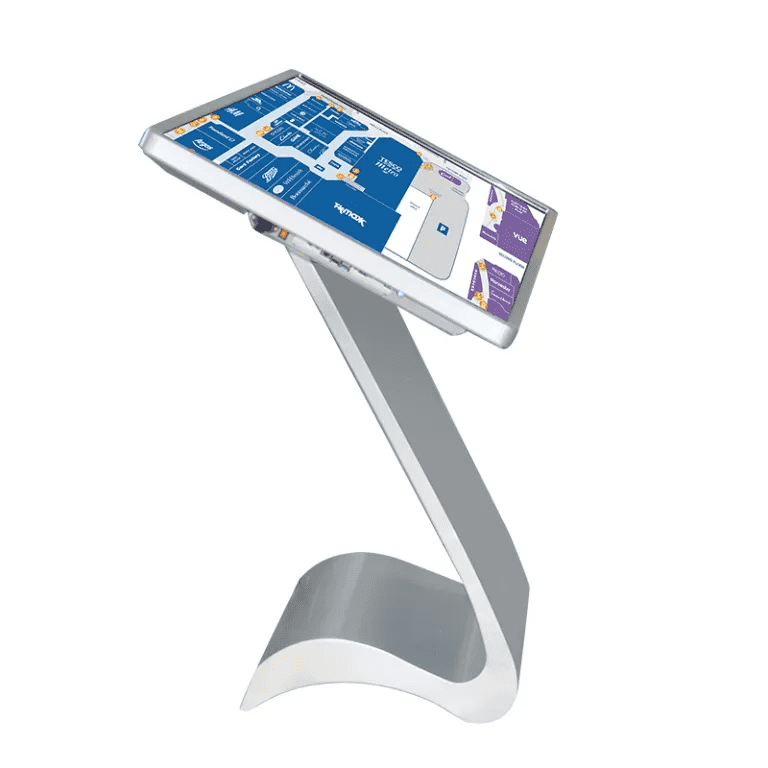
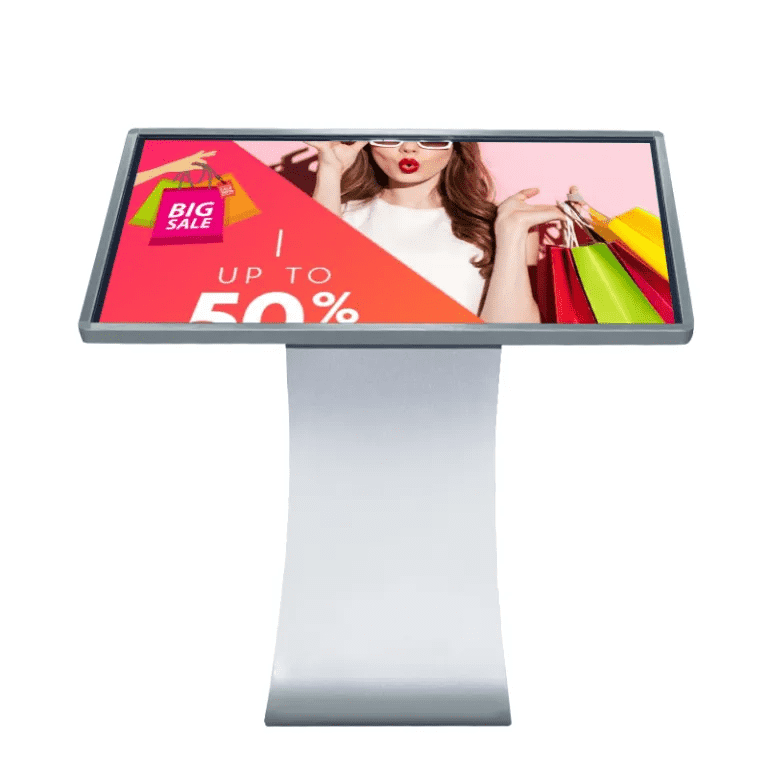
Kiosk Types and Sizes of Touch Panel PC KioskTouch panel pc kiosks are usually designed by follow style:
Sizes of touch panel pc kiosk19", 22", 32", 43", 49", 55", 65", 75" and above |  |
Buyer Pain Points and KOSINTEC Solutions for Touch Panel PC Kiosk
These FAQs address the most critical investment concerns for purchasing a Touch Panel PC Kiosk, with solutions based on manufacturing expertise.
Q1: How do you ensure the touch screen remains responsive and accurate after heavy, continuous public use? (Touch Durability)
A: We use industrial-grade Projected Capacitive (PCAP) Multi-Touch technology, known for its superior sensitivity and durability compared to resistive touch. This glass-based technology resists scratches and wear from high-volume public interaction, ensuring precise and reliable input over the unit's lifespan.
Q2: We need to integrate specific peripherals (like a receipt printer and scanner). How flexible is the kiosk's hardware for integration?(Peripherals & Customization)
A: Our Touch Panel PC Kiosks are highly flexible. We offer OEM/ODM customization to integrate various components (e.g., thermal printers, 1D/2D scanners, NFC/RFID readers) directly into the chassis during manufacturing. We ensure the internal PC has the necessary I/O ports (USB/Serial) and software drivers pre-configured for seamless functionality.
Q3: Is the internal PC robust enough to handle demanding interactive applications like 3D maps or video feeds without crashing? (Performance & Stability)
A: Yes. We configure the kiosk with industrial-grade computing solutions (e.g., higher-tier Intel Core processors or powerful SoCs) paired with ample RAM (e.g., 8GB). This ensures sufficient processing power to run demanding applications, providing stability and preventing crashes, which is critical for a public-facing terminal.
Q4: How can we remotely monitor the kiosk's health, troubleshoot issues, and manage content across a large network of units? (Remote Management)
A: The kiosk's integrated industrial OS (Windows/Android) supports remote access protocols. Using your preferred CMS (Content Management System), operators can remotely check the kiosk's operational status, manage content updates, and perform diagnostics via the stable RJ45 Ethernet or Wi-Fi connection, minimizing physical maintenance trips.
Q5: What measures are in place to prevent the public from tampering with the internal components or accessing the operating system desktop? (Security)
A: Security is ensured through two layers: Physical Security (a durable, locked metal enclosure) and Software Security. The OS is typically configured in a "kiosk mode" or utilizes a custom shell application, restricting user access to only the designated application, preventing tampering and unauthorized system modifications.
Q6: What is the typical lifespan of the display and the commercial-grade internal components? (Longevity & Warranty)
A: Our kiosks use commercial-grade LCD panels rated for a minimum lifespan of 50,000 hours (designed for 24/7 use). The entire unit is backed by a one-year warranty, confirming the durability of the high-quality internal components, which are designed for continuous public operation far exceeding consumer standards.
Address: Mingrenju Industrial Park, 10 Of Maotian Rd., Kengzi St., Shenzhen, Guangdong, China
- Tel:+86 18665965126
- Email: sales001@kosintec.com
- Worktime:8:00-02:00
- Contact Person:Ms. Cherry Lee
- Mobile Site